







A file goes missing five minutes before payroll is due. A staff member clicks on the wrong attachment and suddenly shared folders are unreadable. A server fails on a Monday morning. When people ask how does cloud backup work, what they usually mean is simpler – if something goes wrong, how do we get our data back without the business grinding to a halt?
That is the real job of cloud backup. It is not just extra storage somewhere on the internet. It is a managed process that copies your data, sends it securely to an off-site platform, keeps versions over time, and makes recovery possible when devices fail, files are deleted, or cyber attacks hit. For busy businesses, the value is not in the backup itself. It is in having a reliable way back to normal.
How does cloud backup work behind the scenes?
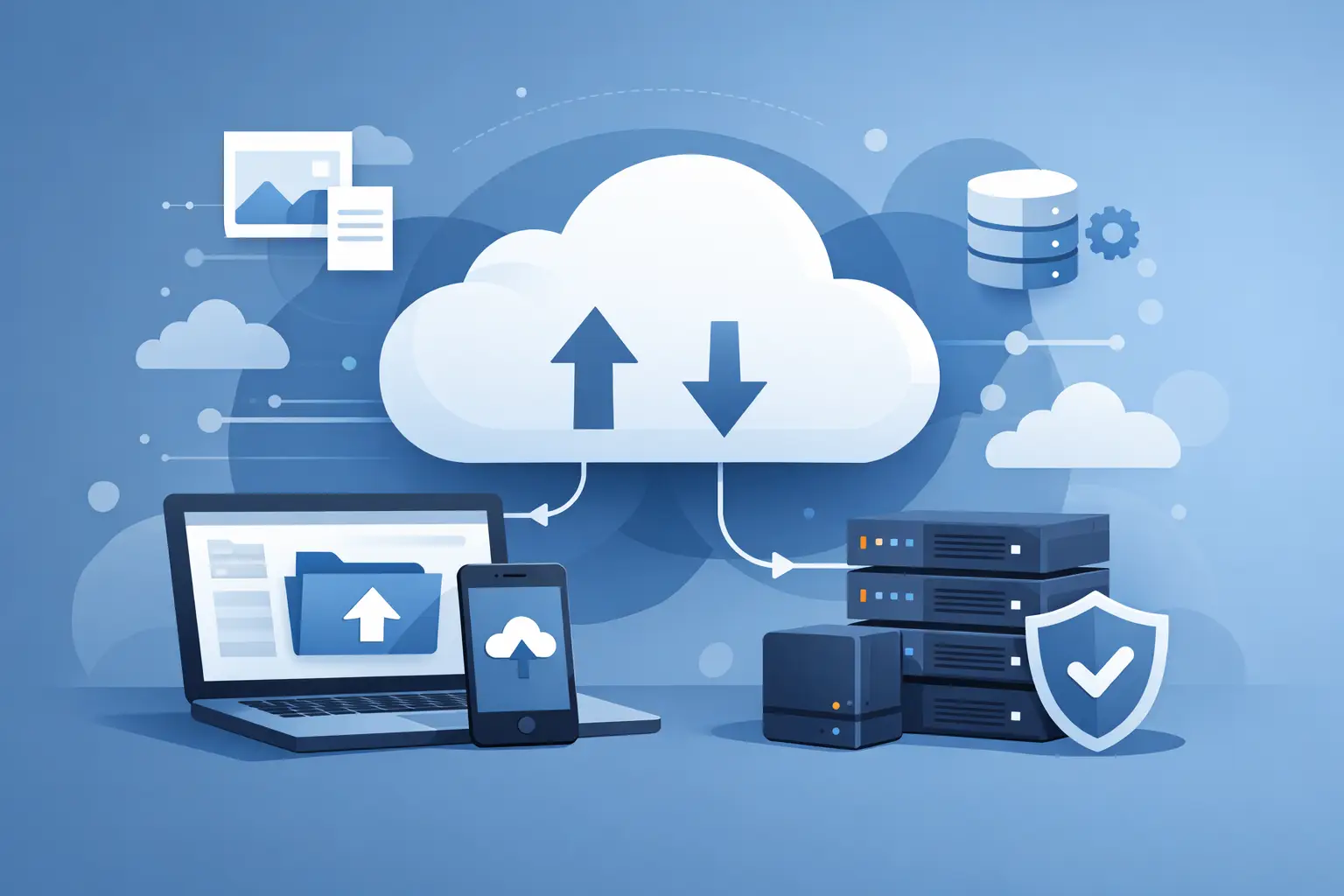
At a basic level, cloud backup software identifies the data you want protected, creates a copy, encrypts it, and transfers it to secure remote storage across an internet connection. That storage sits away from your office or site, which matters because local incidents often affect everything in the same building at once.
The first backup is usually the heaviest. It copies the full selected dataset – files, folders, applications, virtual machines, server images, or device data depending on the service. After that, most systems switch to incremental backups. Instead of copying everything again, they only send what has changed since the last successful backup. That reduces bandwidth use and shortens backup windows.
Good platforms also use deduplication and compression. In plain terms, they avoid storing the same data repeatedly and reduce file size before transfer. That helps control storage costs and improves efficiency, especially for businesses with shared documents, repeated file types, or multiple users working from common templates.
What actually gets backed up?
That depends on how the service is designed and what the business needs to recover.
For some organisations, backup is focused on user files – documents, spreadsheets, PDFs, photos, and project folders. For others, it includes full servers, databases, Microsoft 365 data, accounting systems, line-of-business applications, or point-of-sale environments. A proper backup plan starts with a more practical question than “what can we copy?” It asks “what would hurt if it disappeared today?”
This is where many businesses get caught out. They assume data is already protected because it lives in a cloud app, on a shared drive, or inside a hosted service. Sometimes there is platform-level resilience, but that is not the same as a business-ready backup with versioning, retention, and tested recovery. High availability keeps systems running. Backup helps you recover when data is changed, deleted, corrupted, or encrypted.
Cloud backup is more than copying files
A useful backup system has a few moving parts working together.
There is the backup agent or connector, which sits on a server, desktop, laptop, NAS, or cloud platform and handles the collection of data. There is the policy layer, which defines what is included, how often backups run, how long versions are kept, and when old data is removed. Then there is the storage platform itself, where encrypted copies are held in a secure environment with monitoring, redundancy, and access controls.
The difference between a basic backup and a dependable one is management. If jobs fail silently, if no one checks alerts, or if restores are never tested, the backup may look fine right up until the moment it is needed. That is why monitoring matters as much as storage.
How security fits into cloud backup
If backup data contains customer records, financial information, contracts, email archives, or staff files, it needs to be treated like any other sensitive system.
We've got your back
Most cloud backup services encrypt data before it leaves your device or server and keep it encrypted while in transit and at rest. Access should be restricted with strong authentication, role-based permissions, and audit logs. In stronger setups, backup environments are also isolated from day-to-day admin accounts so a compromised password cannot automatically lead to backup deletion.
This matters more than ever in ransomware events. Attackers increasingly target backup systems because they know recovery is the fastest path back to operations. A well-designed cloud backup service reduces that risk with immutable storage, separation of privileges, and monitored backup activity. It is not a silver bullet – nothing is – but it raises the effort required to compromise both production systems and the safety net behind them.
Backup frequency, retention and restore points
When people ask how does cloud backup work, they often imagine a single copy sitting in a remote data centre. In reality, the better question is how many recovery points you have and how far back you can go.
Backup frequency determines how current your recoverable data is. Some systems run nightly. Others back up every few hours, or continuously for selected workloads. Retention determines how long those versions are kept. You might keep daily copies for a month, monthly copies for a year, and annual archives for longer if compliance requires it.
There is always a trade-off. More frequent backups and longer retention improve recovery options, but they use more storage and may cost more. The right balance depends on the business impact of data loss. A retail site processing transactions all day has different tolerances from a small office archive that changes once a week.
What happens during a restore?
Restore is where backup either proves its value or exposes its weaknesses.
At the simplest end, a user restores a single deleted file from yesterday’s version history. At the other end, an engineer may recover an entire server image to new hardware or a virtual environment after a major outage. Some platforms support instant recovery, where a system can be brought online quickly from the backup set while fuller restoration continues in the background.
Restore speed depends on several factors – how much data needs to be recovered, how fast the connection is, whether local cache or appliance-based recovery is available, and whether the backup was built for file recovery only or full disaster recovery. This is why businesses should ask not just “is it backed up?” but “how long would recovery actually take?”
Two terms are useful here. Recovery Point Objective, or RPO, is how much data you can afford to lose between backups. Recovery Time Objective, or RTO, is how quickly you need systems back. Those targets should shape the backup design from the start.
Where cloud backup fits in a wider resilience plan
Cloud backup is essential, but it is only one part of resilience. If connectivity is poor, restores may take too long. If staff do not know who to call during an incident, delays add up. If endpoint security is weak, malware may spread faster than backups can help.
That is why many businesses prefer backup to sit within a joined-up service rather than as a standalone tool purchased and forgotten. Backup works best when it is connected to monitoring, cybersecurity controls, device management, internet reliability, and support that can coordinate a response under pressure. A single accountable partner can see the whole picture and remove the usual handoff between internet provider, IT support, software vendor, and security consultant.
For organisations with multiple sites, this joined-up approach matters even more. One office may need local recovery for speed, while another may rely fully on off-site restore. A uniform policy with site-specific recovery planning usually works better than letting each branch improvise its own setup.
Common assumptions that cause problems
The biggest mistake is assuming backup exists because someone mentioned it once during setup. The second is assuming all backups are equal.
A copy to an external drive is still useful in some scenarios, but it is vulnerable to theft, hardware failure, and local disasters. Sync tools are helpful for collaboration, but syncing a deleted or encrypted file can spread the problem rather than preserve a clean recovery point. And vendor-provided recycle bins are not a substitute for a monitored backup service with defined retention and restore support.
The safer approach is to be specific. Know what is protected, how often it is backed up, where it is stored, who can restore it, and when recovery was last tested. If those answers are vague, the risk is higher than it looks.
What good cloud backup looks like for a busy business
For most SMEs, good cloud backup is quiet, regular, secure, and tested. It protects the data that matters, runs without relying on staff memory, alerts someone when jobs fail, and gives the business realistic recovery options rather than false comfort.
It should also fit the way the business operates. A small professional office may need dependable Microsoft 365 and endpoint backup. A retailer may need stronger protection around shared drives, POS-related systems, and multi-site recovery planning. A growing business with limited in-house IT may need a provider that can own backup, monitoring, security, and escalation together. That is where an integrated partner such as Vetta Group can make the technology easier to manage because accountability sits in one place.
Cloud backup works best when it is treated as an operational safeguard, not a box-ticking exercise. If your business depends on data to trade, serve customers, and get paid, recovery should never be left to chance. The helpful question is not whether backup exists. It is whether you would trust it on your worst day.





