







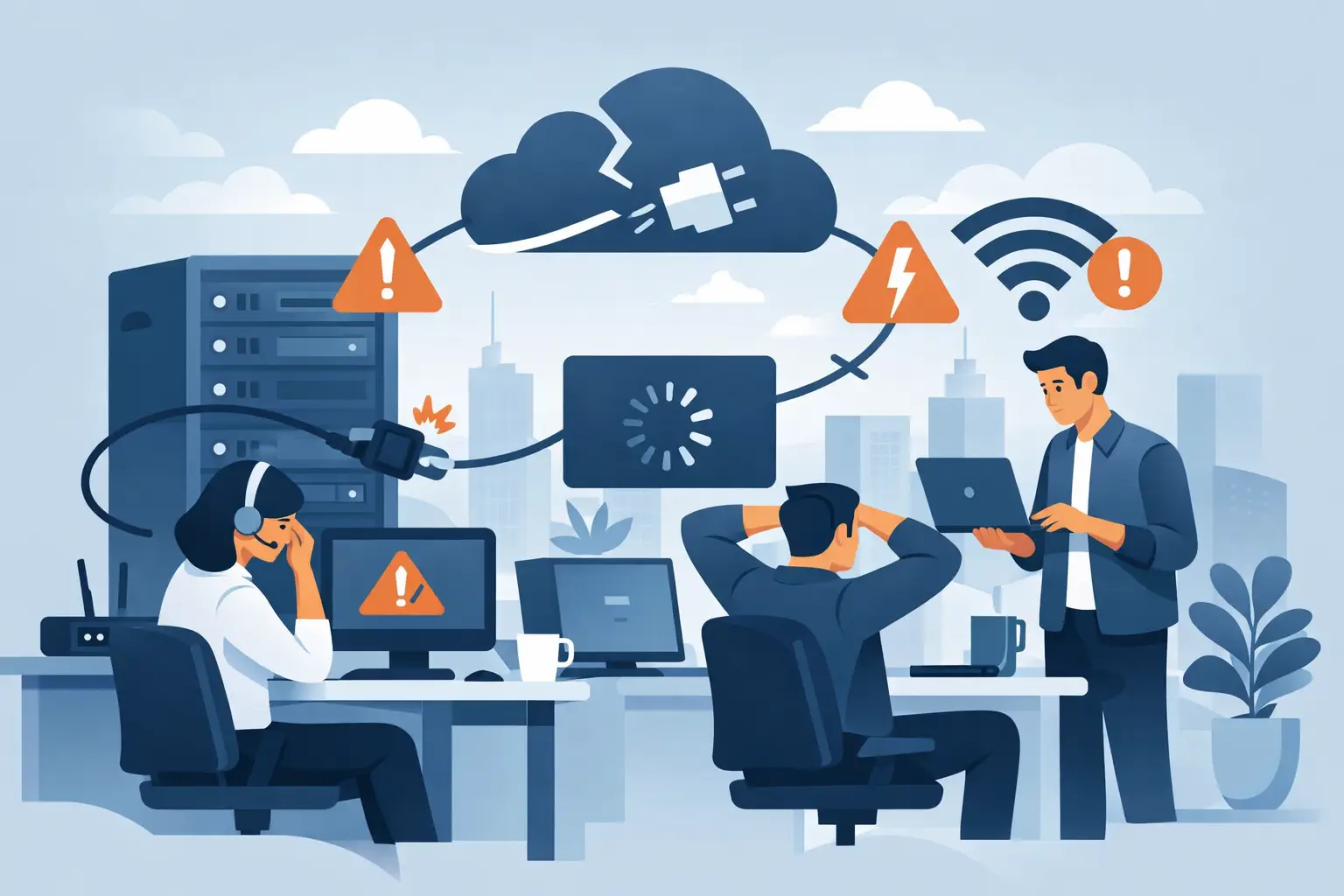
The internet rarely fails at a convenient moment. It drops during card payments, cloud logins, Teams calls, stock updates, or the last hour of a busy trading day. When people ask what causes internet downtime, they usually want a fast fix. But the better question is where the failure actually starts, because that determines how quickly service can be restored and how much disruption can be avoided next time.
For small and mid-sized businesses, downtime is rarely just an inconvenience. It interrupts sales, slows staff, affects customers, and can create a chain reaction across phones, WiFi, security tools and payment systems. That is why it helps to understand internet outages as a stack of dependencies rather than a single line into the building.
What causes internet downtime most often?
Most outages come from one of five places: a physical fault, a power issue, network congestion, equipment failure, or a configuration problem. Cyber incidents also belong on that list, especially for organisations that rely on cloud platforms, remote access, and connected payment environments.
The cause is not always dramatic. A damaged fibre lead, a failing router, an expired IP setting, or a local power fluctuation can all produce the same user experience: no internet, or internet that works badly enough to be unusable. From the outside, every outage can look the same. From an operational perspective, they are very different problems.
Physical faults in the access network
A large share of downtime starts with the physical connection. Fibre can be damaged during roadworks. Fixed wireless links can be affected by line-of-sight issues or equipment faults. Copper services, where still in use, are vulnerable to water ingress and deterioration over time. Even inside the premises, a patch lead, wall socket, or incorrectly connected switch can bring services down.
This is one reason business connectivity should not be treated as a commodity. If your provider owns or tightly manages more of the network path, fault isolation tends to be faster. If several vendors are involved, support often turns into handoffs between the internet provider, structured cabling company, hardware vendor and managed IT provider. That delay is where small faults become long outages.
There is also a difference between a total outage and a degraded service. A damaged link might not cut service completely. It might simply increase packet loss or latency, which is enough to break voice, video, remote desktop and EFTPOS traffic while basic browsing still appears to work.
Power problems are internet problems
Businesses often think of broadband and power as separate issues. In practice, they are tightly linked. If the modem, router, switch, wireless access point, firewall or NBN-equivalent termination device loses power, the internet is down regardless of whether the external line is healthy.
Short interruptions are particularly frustrating because they can leave equipment in an unstable state. One device may reboot cleanly while another hangs or comes back with the wrong settings. That is why a site can still appear offline after power has returned.
For operationally busy sites, basic resilience matters. Uninterruptible power supplies for key networking equipment can prevent brief power events from turning into larger outages. The right setup depends on the business. A small office has different needs from a retail site processing payments all day, or a multi-site operation relying on cloud systems and centrally managed phones.
Equipment failure inside the business
Not all downtime is carrier-side. Routers fail. Firewalls overheat. Switches lock up. Access points become overloaded. Consumer-grade hardware, especially when used in business environments, often struggles under sustained demand.
This is where symptoms can be misleading. Staff may say, “the internet is down”, when the actual issue is local WiFi congestion, a failing access point, or a LAN bottleneck. If some users are online and others are not, the problem may be internal rather than with the incoming service.
We've got your back
Age also matters. Networking equipment tends to fail gradually before it fails completely. You might see intermittent dropouts, slower performance at peak times, or devices needing regular reboots. Those are warning signs, not normal operating conditions.
Configuration mistakes and change-related outages
Many outages happen after something has been changed. A firewall rule is updated. A new switch is installed. DHCP settings are altered. A DNS record is changed. A failover service is tested but not returned to normal. In multi-vendor environments, one supplier may make a change without understanding the knock-on effect on another system.
That is why documented change control is not just for large enterprises. Smaller organisations benefit from it as well, particularly when connectivity, security, cloud services and payments all depend on one another. Even a simple rule helps: if a change is made, it should be recorded, reversible, and visible to the people supporting the environment.
Remote work has added another layer. Home users may experience downtime caused by VPN conflicts, router settings, mesh WiFi issues, or oversubscribed broadband. The application appears broken, but the root cause sits between the device and the home connection.
Congestion, capacity and shared infrastructure
Sometimes the internet is technically up but functionally unusable. This often comes down to congestion. That can happen on the provider side, on a local wireless network, across a saturated WAN link, or inside the business if too many users and systems are competing for limited bandwidth.
Retail and hospitality sites often feel this acutely. Guest WiFi, cloud POS, payment terminals, music streaming, CCTV backups and staff devices can all share the same connection if the network is not properly segmented. One heavy upload or software update can affect everything else.
Capacity planning matters, but so does traffic management. More bandwidth helps, but it does not solve every problem. If business-critical services are not prioritised, a larger pipe can still behave badly under load. The right answer depends on usage patterns, site count, and whether voice, payments and cloud applications are time-sensitive.
Cybersecurity incidents can cause downtime too
When people think about what causes internet downtime, they do not always think about security. They should. Distributed denial-of-service attacks can overwhelm services. Malware can saturate traffic or disable key systems. Ransomware can force businesses offline even if the broadband circuit itself remains active.
Security tooling can also interrupt service if it is badly configured. A firewall policy that is too aggressive, a DNS filtering error, or a certificate problem can block legitimate traffic. Good security is not just about stopping threats. It is about protecting uptime without creating unnecessary friction.
This is where joined-up support makes a difference. If connectivity, firewalling, endpoint protection and user support sit in different silos, diagnosis slows down. Was it a line fault, a blocked domain, a compromised device, or an authentication issue? The longer that question sits unanswered, the longer the business is disrupted.
Why outages take longer than they should
The direct cause of downtime is only part of the story. The duration often comes down to visibility and ownership. If no one is monitoring the service, you learn about problems only after users complain. If support is split across multiple suppliers, every incident starts with finger-pointing.
The fastest recoveries usually happen when one accountable partner can see the network, the edge equipment, the security layer and the site conditions together. That does not eliminate faults, but it removes delay. It also improves prevention, because recurring patterns are easier to spot when the whole environment is managed as one service rather than a set of disconnected contracts.
For businesses with multiple locations, central oversight becomes even more important. A one-off outage at one site may point to a local issue. Repeated instability across several sites may indicate a design problem, ageing hardware, inadequate resilience or inconsistent configuration standards.
Reducing the risk of internet downtime
No provider can promise that faults will never happen. Cables get cut, power fails, devices age, and unexpected issues occur. The practical goal is to reduce both the frequency of outages and the time it takes to recover.
That starts with the basics: business-grade connectivity, appropriately sized networking equipment, monitored infrastructure, documented changes, and support that can actually be reached. For higher-dependency environments, resilience may also include a backup connection, automatic failover, protected power, and network segmentation that keeps payments and operational systems insulated from less critical traffic.
There is no single blueprint. A home office handling video calls needs something different from a retailer that cannot afford card payment disruption, and different again from a multi-site business relying on cloud systems across the country. The right setup is the one that matches operational risk, not the one with the longest feature list.
At Vetta, we see the best outcomes when connectivity, IT and security are treated as one responsibility instead of three separate ones. That gives businesses a clearer path to prevention, faster fault isolation, and fewer handoffs when something does go wrong.
If your connection feels fragile, it is worth looking beyond the last outage and asking what the pattern is telling you. Internet downtime is rarely random for long, and the businesses that stay productive are usually the ones that fix the underlying dependency before it fails again.





