







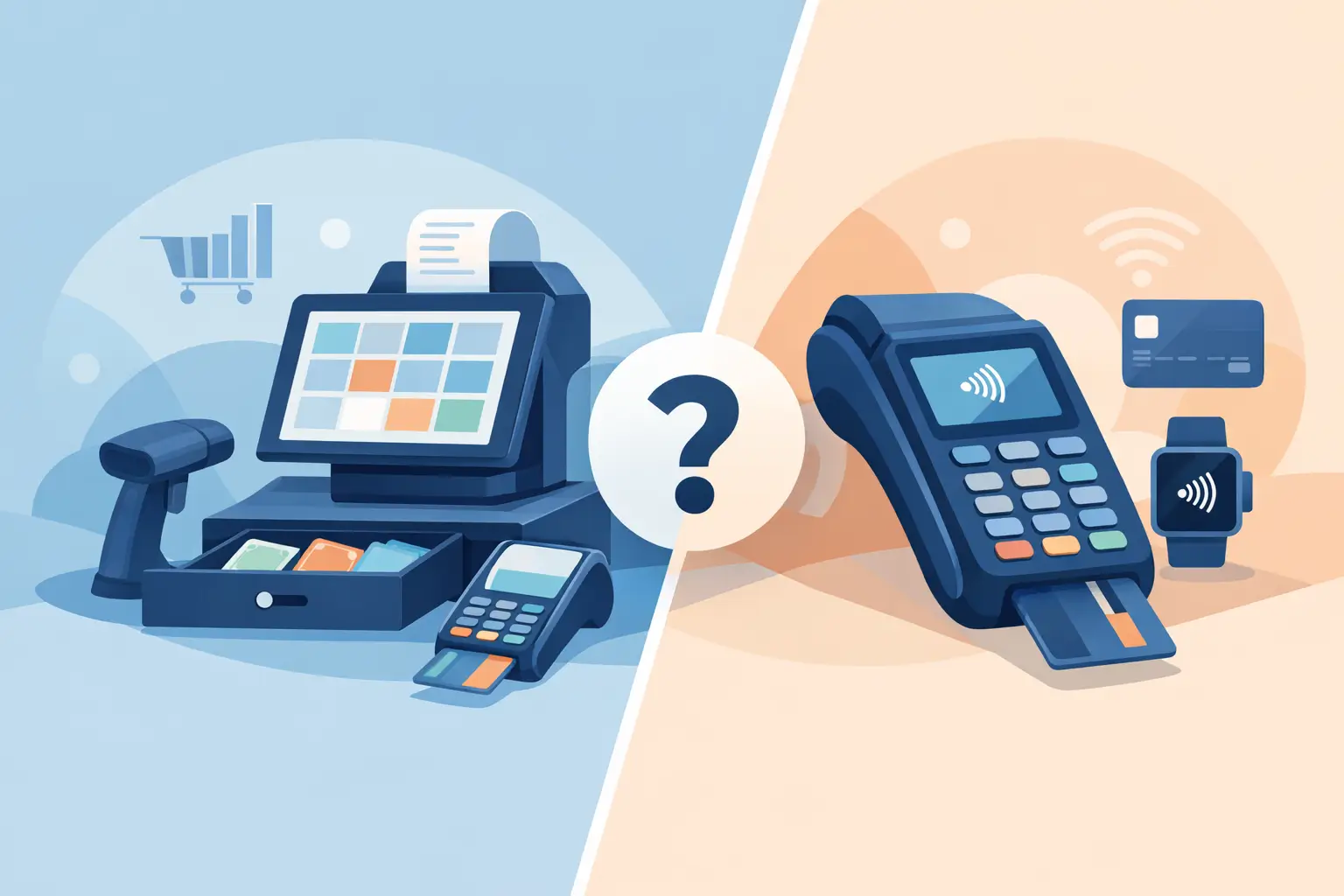
The queue is building, a team member cannot find the right product price, and the card terminal has lost its connection. At that point, the choice between a POS system or EFTPOS machine is no longer a technical detail. It directly affects sales, staff confidence and the customer’s impression of your business.
For many New Zealand businesses, the right answer is not strictly one or the other. An EFTPOS machine handles the payment. A POS system runs the transaction around it: products, pricing, stock, receipts, reporting and often customer data. The sensible decision comes down to how your business operates today, what it needs to improve, and who will take responsibility when something stops working.
What an EFTPOS machine does well
An EFTPOS machine, also called a payment terminal or card terminal, is designed to accept card and contactless payments. It is often the quickest route for a business that needs to take payments reliably without changing the way it manages sales.
For a sole trader, service business, market stall, tradesperson or small office, that can be enough. Enter the payment amount, present the terminal to the customer and process the transaction. Portable terminals also make sense where the payment happens away from a fixed counter, such as at a table, in a vehicle or on site.
The main advantages are simplicity and lower upfront complexity. Staff need minimal training, there are fewer moving parts, and a standalone terminal can be deployed quickly. If your product range is small and stock is managed elsewhere, adding a full retail system may create more administration than value.
That simplicity has limits. A terminal knows how much money to take, but it does not necessarily know what has been sold. It will not automatically update inventory, apply detailed product rules, track staff sales or provide the operational reporting a growing business needs. Amount-entry errors can also happen when prices are manually keyed into the device.
When a POS system earns its place
A point-of-sale system is the operational hub at the counter. It normally combines a screen, software, receipt printer, barcode scanner and payment integration. The exact hardware varies, but the purpose is consistent: process the sale accurately and create useful business information at the same time.
For retailers, hospitality venues and multi-site operators, this can make a material difference. A cashier can scan an item, apply the correct price or promotion, take payment and issue a receipt in one workflow. Stock levels can update as products are sold. Managers can see which lines move, when the busiest periods occur and whether a site is performing as expected.
A POS system is particularly useful when you have a broad catalogue, frequent price changes, stock held across locations, several staff members, or a need for better reporting. It can also reduce reliance on individual staff knowledge. New employees follow the same guided process rather than memorising prices, modifiers or discount rules.
The trade-off is that POS needs proper planning. You must choose software that suits the way you sell, load products correctly, set user permissions and train the team. A poor implementation can slow a counter down rather than improve it. This is why the provider matters as much as the equipment. When connectivity, devices, payment terminals and support are treated as separate purchases, responsibility can become unclear the moment there is a fault.
POS system or EFTPOS machine: the practical difference
The easiest distinction is this: an EFTPOS machine takes the money; a POS system manages the sale.
A standalone EFTPOS machine is usually the better fit if you invoice customers, take occasional counter payments, provide services rather than sell a large range of products, or need a mobile payment option. Think of a plumber collecting payment after a job, a consultant taking deposits, or a small clinic with straightforward appointments.
We've got your back
A POS system is usually the stronger choice when the sale itself has complexity. That may mean scanning barcodes, managing stock, splitting bills, offering gift cards, handling returns, tracking sales by staff member or keeping product information consistent across sites. A convenience retailer, fashion store, café or specialist supplier will often benefit from this control.
There is also a middle ground. A business may use a basic POS setup at a fixed counter and a portable EFTPOS machine for queue-busting, table service or off-site events. The important question is whether payments and sales records stay aligned. If staff must manually reconcile several systems at the end of every day, the apparent saving can quickly turn into lost time and avoidable errors.
Connectivity is part of the payment solution
Payment technology is only as dependable as the connection behind it. A terminal may use Wi-Fi, mobile data, Ethernet or a combination of these. A POS system may rely on local networking, cloud software and an internet connection to process payments, synchronise data and access support.
This is often overlooked during procurement. A business compares terminal fees or hardware prices, then discovers its counter Wi-Fi has weak coverage, its router sits in an unsuitable location, or a broadband fault leaves staff without a clear fallback. The result is an interrupted trading day and a customer queue that keeps growing.
Before choosing equipment, assess the environment. Consider the number of terminals, where they will be used, building materials that affect wireless coverage, whether staff need mobile devices, and how payments should continue during an outage. A busy site may need a wired primary connection, managed Wi-Fi and mobile backup rather than relying on a single consumer-grade network.
For multi-site businesses, consistency matters too. Using different providers, different terminal types and different support processes at each location makes reporting and fault resolution harder. A standardised setup gives managers clearer oversight and gives staff a familiar experience wherever they work.
Security and compliance cannot be an afterthought
Card payments involve sensitive information and systems that need to be protected. The right setup should support Payment Card Industry Data Security Standard requirements, commonly known as PCI DSS, while minimising the payment data your business handles directly.
In practical terms, that means using approved payment devices, keeping POS software patched, controlling who can access the system and separating business devices from guest Wi-Fi. Staff should not share logins or use default passwords. Remote access, if needed for support, should be controlled and monitored.
Cybersecurity is not separate from payment uptime. Malware, a compromised email account or an unsecured network can disrupt trading just as effectively as a failed terminal. Regular backups, managed firewalls, endpoint protection and staff awareness all support a safer payment environment.
This does not mean every small business needs an internal security team. It does mean someone needs clear ownership of the basics. When a payment provider, IT company and internet supplier each point elsewhere, the business is left coordinating an incident while trying to serve customers.
Look beyond the monthly terminal cost
A low advertised payment cost can be attractive, but the total operating cost is broader. Include terminal hire or purchase, transaction fees, POS software subscriptions, hardware, installation, support, broadband, mobile backup and replacement arrangements if equipment fails.
Also put a value on downtime. If your busiest Saturday morning is disrupted for an hour, the cost is not just missed transactions. It includes staff time, frustrated customers and possible lost repeat business. A cheaper arrangement with no clear support path may not be cheaper when it matters.
Ask prospective providers practical questions. Who answers when the terminal will not connect? Can they test the network as well as the device? Is remote monitoring available? How quickly can a replacement terminal be arranged? Can they support every location under one agreement? Clear answers reveal whether you are buying a product or a service that will be owned end to end.
Choose for the business you are becoming
The best payment setup is not necessarily the most feature-rich one. It is the one that removes friction from the way your team sells, gives you the visibility you genuinely need and can be supported without a round of vendor handoffs.
Vetta Group can bring payments, connectivity, managed IT and security together under one accountable partner, helping businesses build a setup that works at the counter and behind the scenes. Start with your real trading day: how sales are made, where failures occur and what staff do when they need help. That is where the right decision becomes clear.





