







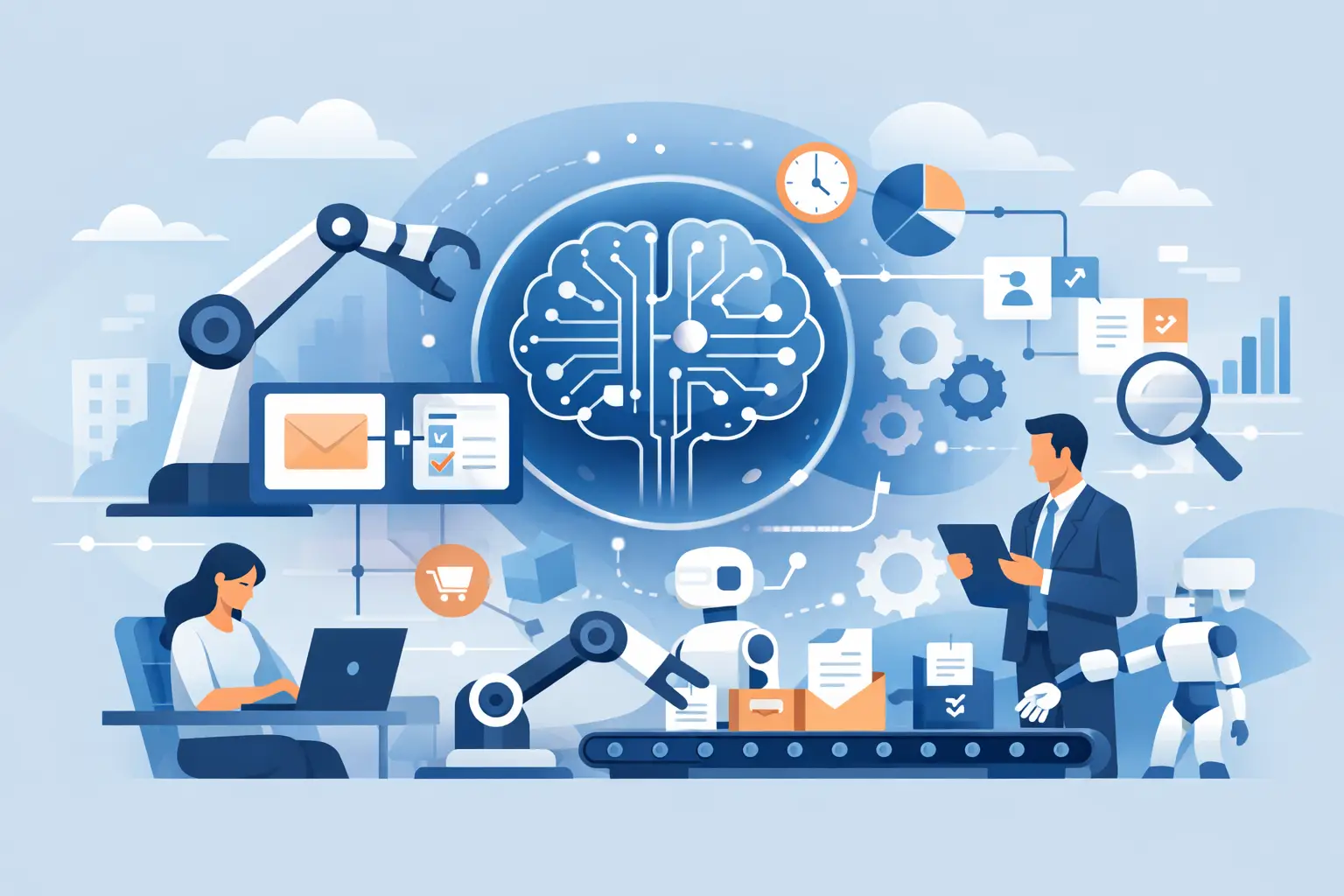
A customer waiting for an answer, an invoice sitting unapproved, or a failed connection at a remote site can quickly become an operational problem. The most useful AI workflow automation examples do not replace the people who know your business. They remove the repetitive chasing, sorting and first-line admin that slows those people down.
For small and mid-sized businesses, the opportunity is practical: respond faster, reduce avoidable errors, spot issues earlier and keep teams focused on work that needs judgement. The right solution should fit around your existing systems, with clear ownership when something needs human attention.
AI workflow automation examples that solve everyday problems
1. Turning incoming enquiries into qualified jobs
A shared inbox is often where good leads get lost. AI can read incoming emails, web enquiries and SMS messages, identify what the customer needs, and classify the request by urgency, location, service type or likely value. It can then create a job or CRM record, assign it to the right team and prepare a draft response using approved language.
A plumbing firm, for example, could route a burst-pipe request differently from a routine quote. A retailer could distinguish a product question from a delivery issue. The team still checks important responses, but no one has to manually copy details between inboxes, spreadsheets and job systems.
The trade-off is accuracy. Customer-facing messages should begin with tightly controlled templates and a review step for exceptions, complaints and high-value sales opportunities.
2. Summarising calls and creating follow-up actions
Sales, service and account-management calls contain useful commitments that are easily missed once the next call begins. With consent and appropriate privacy controls, AI can transcribe a call, produce a short summary and identify agreed actions, dates and owners. Those actions can be added to the CRM or service desk automatically.
This is especially valuable for businesses with field teams or multiple sites. Managers gain a consistent record of what was agreed, while staff spend less time writing notes after every conversation. It also makes handovers less dependent on one person’s memory.
The system should not treat every spoken phrase as a firm commitment. A sensible workflow marks actions as proposed until the employee confirms them, particularly where pricing, contracts or technical changes are involved.
3. Processing invoices without creating a finance bottleneck
Accounts teams regularly receive invoices in different formats, from different suppliers, through different channels. AI can extract supplier details, invoice numbers, dates, purchase order references and line items, then check them against rules in the finance system. Straightforward invoices can be coded for approval, while unusual values, duplicate numbers or missing purchase orders are sent to the right person.
The benefit is not simply faster data entry. It is a clearer approval trail and earlier visibility of exceptions before a payment is made. For growing businesses, that helps finance stay controlled without adding administration every time transaction volume rises.
No automation should approve payments without limits. Approval thresholds, separation of duties and supplier bank-detail checks remain essential. AI can prioritise and prepare the work, but people must retain control over money leaving the business.
4. Keeping stock and purchasing ahead of demand
A stockout can mean lost sales; excess stock ties up cash and storage. AI can combine point-of-sale data, previous sales patterns, lead times, promotions and seasonal changes to highlight items likely to run low. It can create a suggested purchase order or alert the buyer before the problem reaches the shop floor.
We've got your back
For a multi-site retailer, this can also identify stock sitting in one branch while another branch is running short. Rather than relying on a weekly spreadsheet, the operations team receives a practical prompt to transfer, reorder or investigate.
Forecasts are only as useful as the data feeding them. New products, supplier disruptions and one-off local events can distort predictions, so staff need a simple way to override recommendations and explain why.
5. Giving IT teams a faster route from alert to resolution
Monitoring platforms generate a large volume of alerts. Many are harmless, repeated or easily resolved, while a small number demand immediate action. AI can group related alerts, summarise the likely cause, check whether a known fix exists and open a prioritised ticket with the relevant technical detail.
A recurring WiFi issue at a branch, for instance, can be linked to recent device changes, internet performance data or previous service tickets. The technician starts with context instead of spending the first half-hour gathering it. Where a fault affects connectivity, payments or customer access, the workflow can escalate to the on-call team immediately.
Automation should not silently close security or availability alerts merely because they look familiar. Clear escalation rules, 24/7 monitoring and named responsibility are what turn faster triage into dependable service.
6. Strengthening phishing and email-security response
Employees are still a common target for phishing, invoice fraud and account takeover attempts. AI can help assess incoming messages for suspicious language, sender patterns, unusual links and impersonation signals. It can quarantine high-risk messages, ask the recipient for a simple confirmation where appropriate, and send likely threats to the security team for review.
It can also turn employee-reported phishing emails into a structured incident. The workflow captures the message, checks whether others received it, searches for similar activity and records the outcome. That reduces the time between a report and a practical response.
This must sit alongside email security, multi-factor authentication, password management and staff awareness training. AI improves the speed of detection; it does not make staff immune to social engineering.
7. Producing service reports customers can understand
Technical reports often contain useful evidence but little explanation. AI can collect data from service tickets, device monitoring and monthly activity, then draft a plain-English report covering incidents, trends, actions completed and recommended next steps. An account manager or technical lead reviews it before it goes to the customer.
For an internal IT lead, this creates a clearer conversation with directors. Instead of reporting a list of closed tickets, they can show where downtime was avoided, which recurring issues need investment and what security actions deserve priority.
The quality of the report depends on good source data. If teams do not record work consistently, AI will produce a polished version of an incomplete picture. Standard service processes still matter.
8. Supporting staff with approved internal answers
Policies, procedures and technical guides are valuable only if people can find the right answer quickly. A controlled internal AI assistant can answer questions using approved documents: how to onboard a new starter, reset a device, handle a refund request or follow an incident process. It can cite the relevant internal source within the company environment and direct staff to a person when the answer is uncertain.
This works well for busy operations teams, but it needs careful boundaries. Access should follow each employee’s role, confidential documents should be protected, and the assistant should not invent policy. A useful answer is one staff can trust, not one that merely sounds confident.
Build the workflow around accountability, not novelty
The strongest automation projects start with a specific operational pain point. Look for a process with repeated manual steps, predictable rules, measurable delays and a clear owner. A small pilot is usually more valuable than a business-wide experiment that tries to change everything at once.
Before putting an AI workflow into production, establish four basics:
- define the trigger, expected outcome and person accountable for exceptions;
- map which systems and data the workflow can access;
- set approval points for financial, customer, security and contractual decisions; and
- measure the baseline, such as response time, rework, backlog or missed appointments.
Security and reliability need to be designed in from the beginning. Do not feed sensitive customer data, passwords, payment card information or confidential contracts into unapproved public AI tools. Use role-based access, logging, retention rules and supplier checks. In payment environments, cardholder data should remain within approved, compliant systems rather than being copied into an automation prompt.
It also helps to plan for failure. What happens if an integration stops working, an AI classification is wrong, or an employee is unavailable to approve an exception? A dependable workflow has notifications, fallbacks and a clear path to human support. Technology should make life easier, not introduce another system that no one owns.
Vetta helps businesses bring connectivity, managed IT, cybersecurity and automation together so the workflow is supported from the network through to the people using it. The best first step is not to ask where AI can be added. Ask where your team loses time, where customers wait unnecessarily and where a missed handover creates risk. Start there, keep people accountable, and let automation earn its place through better everyday outcomes.





