







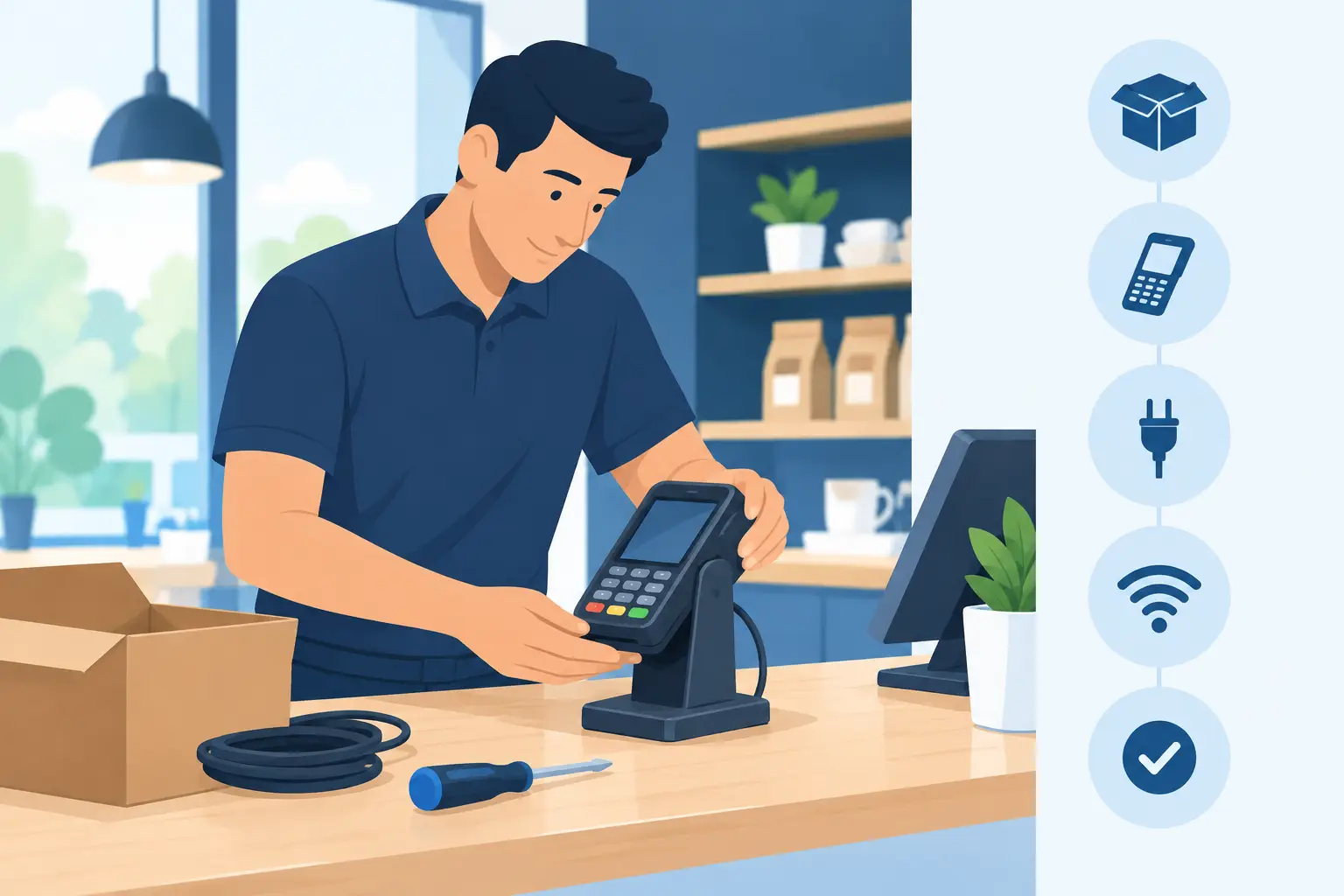
A payment terminal should be one of the least dramatic parts of your business day. Yet a terminal installed on an unreliable connection, paired with the wrong till settings or left untested can stop sales at the busiest possible moment. This payment terminal installation guide explains how to get the practical details right before your first customer taps, inserts or presents a card.
For a single counter, setup may be straightforward. For a busy retailer, café, mobile team or business with several sites, the terminal is part of a wider operating system: broadband, WiFi, point of sale, staff processes and security all need to work together. The objective is not simply to switch on a device. It is to create a payment service your team can rely on.
Start with the right terminal and connection
Choose the terminal around how and where you take payment. A fixed countertop terminal suits a permanent till with reliable power and wired connectivity. A portable terminal is useful when staff take payments around a venue, while a mobile terminal suits deliveries, events and tradespeople working away from a fixed site.
The connection matters as much as the hardware. Ethernet normally gives a fixed terminal the most consistent route to the payment network. WiFi can work well when coverage is properly planned, but it should not rely on a weak signal from the far end of the premises. Mobile connectivity provides flexibility and can offer a valuable fallback, although signal quality will vary by location.
Before installation, decide what happens if the primary connection fails. A business that only has one internet path can be exposed to an avoidable outage. Depending on transaction volumes and the cost of downtime, a managed failover connection may be a sensible safeguard. The right answer depends on your site, coverage and trading risk, not on a one-size-fits-all specification.
Payment terminal installation guide: prepare the site
Most installation problems can be avoided before the terminal comes out of its box. Confirm where it will sit, how staff will reach it, and whether customers can use it comfortably without stretching cables across a walkway. Keep the terminal visible to the customer during payment and position the receipt printer, if separate, where paper can be changed quickly.
Check that the power outlet is secure and protected from spills, heat and accidental disconnection. Avoid running payment cables beside equipment likely to cause interference or where they can be pinched by furniture. For a countertop unit, use a stable surface and leave sufficient room for the cable connections at the rear.
Your network should be ready too. If the terminal uses Ethernet, confirm there is an active port at the till and that the cable has been tested. If it uses WiFi, test the signal at the exact payment position rather than assuming the office or back room result applies at the counter. Where possible, keep payment devices on a controlled business network rather than a guest WiFi service used by customers.
For multi-site businesses, record the branch name, terminal location, serial number and connection type before deployment. That information makes remote support, replacement and reconciliation far easier later.
Configure the terminal securely
Follow the terminal provider’s activation process carefully. This normally includes charging the unit, connecting it to the network, applying initial software updates and loading the merchant configuration. Do not interrupt an update by removing power or switching networks unless the provider instructs you to do so.
The configuration should match your merchant account and point-of-sale setup. Check the business name that appears on receipts, the correct currency, tax settings where applicable, receipt preferences and any tipping or surcharge options. If the terminal is integrated with your POS system, confirm that the till sends the correct sale amount and receives the approval response before treating the installation as complete.
Keep administrator access limited to authorised people. Change default passwords where the device supports them, protect any management credentials and do not share them in notebooks, group chats or on the till itself. Payment devices and their supporting network should receive vendor-approved updates promptly, with a clear owner responsible for checking status.
We've got your back
There is a useful distinction here: a payment terminal needs to be easy for staff to operate, but it should not be easy for anyone to reconfigure. Simple daily use and controlled administration are both essential.
Protect the wider payment environment
A terminal does not operate in isolation. A compromised router, poorly secured WiFi network or shared staff password can create risk around the systems that support payment. Separate guest access from business devices, use strong unique credentials and apply multi-factor authentication to relevant management platforms.
Businesses handling card payments also need to understand their responsibilities under the Payment Card Industry Data Security Standard, often referred to as PCI DSS. Your payment provider can advise on the requirements that apply to your setup. The practical principle is clear: do not store card numbers, PINs or sensitive card data unless you have a specific, approved reason and the controls to protect them.
Inspect the terminal when it is installed and as part of opening procedures. Look for damage, unexpected attachments, loose casing or signs the device has been swapped. Staff should know who to contact if anything looks unusual and should never try to repair or open a payment terminal themselves.
Test real trading scenarios before opening
A terminal that displays a welcome screen is not necessarily ready to take payment. Run controlled test transactions before the site opens or before a new terminal replaces an old one. Test contactless, chip and PIN, and any mobile wallet types your customers commonly use. Where relevant, test a refund, a void and a declined transaction.
For an integrated terminal, compare the value entered at the till with the amount displayed on the payment device. Confirm that an approved transaction closes correctly in the POS system and that a declined payment does not accidentally leave an order marked as paid. Print or send a receipt, then check that the terminal record and POS record agree.
You should also test the operational edge cases. What does staff see when the connection is unavailable? Can they identify the difference between a declined card and a communication fault? If there is a backup connection, test the failover process at a quiet time rather than discovering it during a Saturday rush.
Document the result of each test, including the terminal number, date and person completing it. This is particularly useful where several terminals are installed across branches or where different teams manage the POS and network.
Give staff a process, not just a device
A two-minute staff briefing can prevent avoidable delays at the counter. Show staff how to wake the terminal, start and complete a transaction, cancel before approval, issue a refund within their authority level and replace receipt paper. Explain what to do if the terminal freezes, a customer disputes a result or the device loses connection.
Make the escalation route clear. Staff need one number or support channel to use, plus enough information to report the problem: site, terminal location, error message, time of failure and whether the POS or internet connection is affected. Asking frontline staff to work out which supplier owns the fault wastes time and creates frustration.
At the end of each trading day, reconcile terminal totals against POS and banking records according to your merchant provider’s process. Small discrepancies are easier to investigate on the day than at month end. Keep terminals charged, clean them with approved materials and check paper stock before peak periods.
Plan for support and continuity
The best installation includes a plan for when something changes. A new broadband service, shop refit, POS upgrade or relocation can affect payment devices even if nobody has touched the terminal itself. Include payments in change planning from the start, particularly when network equipment or WiFi coverage is being altered.
For businesses that need connectivity, IT, security and payments to work as one service, Vetta can coordinate the moving parts rather than leaving your staff between separate providers. That means faster fault isolation and clearer accountability when trading depends on the answer.
A well-installed terminal fades into the background, which is exactly where it belongs. Prepare the connection, protect the device, test the way your business actually trades and make support easy to reach. Your customers will notice only one thing: payment is quick, clear and dependable.





