







Skip to main content
Search
1. Log into your cPanel account.
2. In the “Email” section, click on “Global Email Filters” Icon.

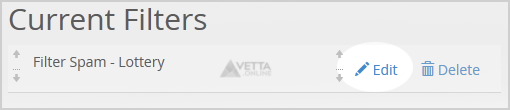
3. Under “Current Filters” You can see all of your existing filters, Click on “Edit” next to the appropriate one.
4. Make the desired changes to the filter.
5. Click on the “Save” Button.






Comments are closed.