







Skip to main content
Search
Activating our DNS Management service on existing domain names (where it is currently disabled), is easy!
- First, login to the client portal at https://portal.vetta.online
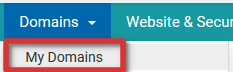
- Under the “Domains” link, click “My Domains”
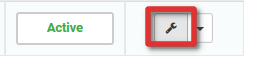
- Click the wrench icon next to the domain name you wish to enable DNS Management for
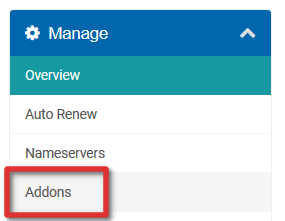
- In the left sidebar, click “Addons”
- Here you will be able to add DNS Management for your domain, for most domain names, this is free, click the button to add DNS Management

- This will confirm any additional price for DNS Management, to confirm adding DNS Management, click the button

- This will send you to an invoice, in most cases this will be a zero-value invoice and be set as Paid automatically. Is this is the case, click “Back to Client Area” at the bottom of the page
- Under the “Domains” link, click “My Domains”
- Click the small arrow next to the domain name you enabled DNS Management on and click “Domain DNS Manager”
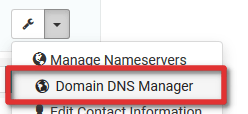
- You should now have access to DNS Zone Management!








Comments are closed.