







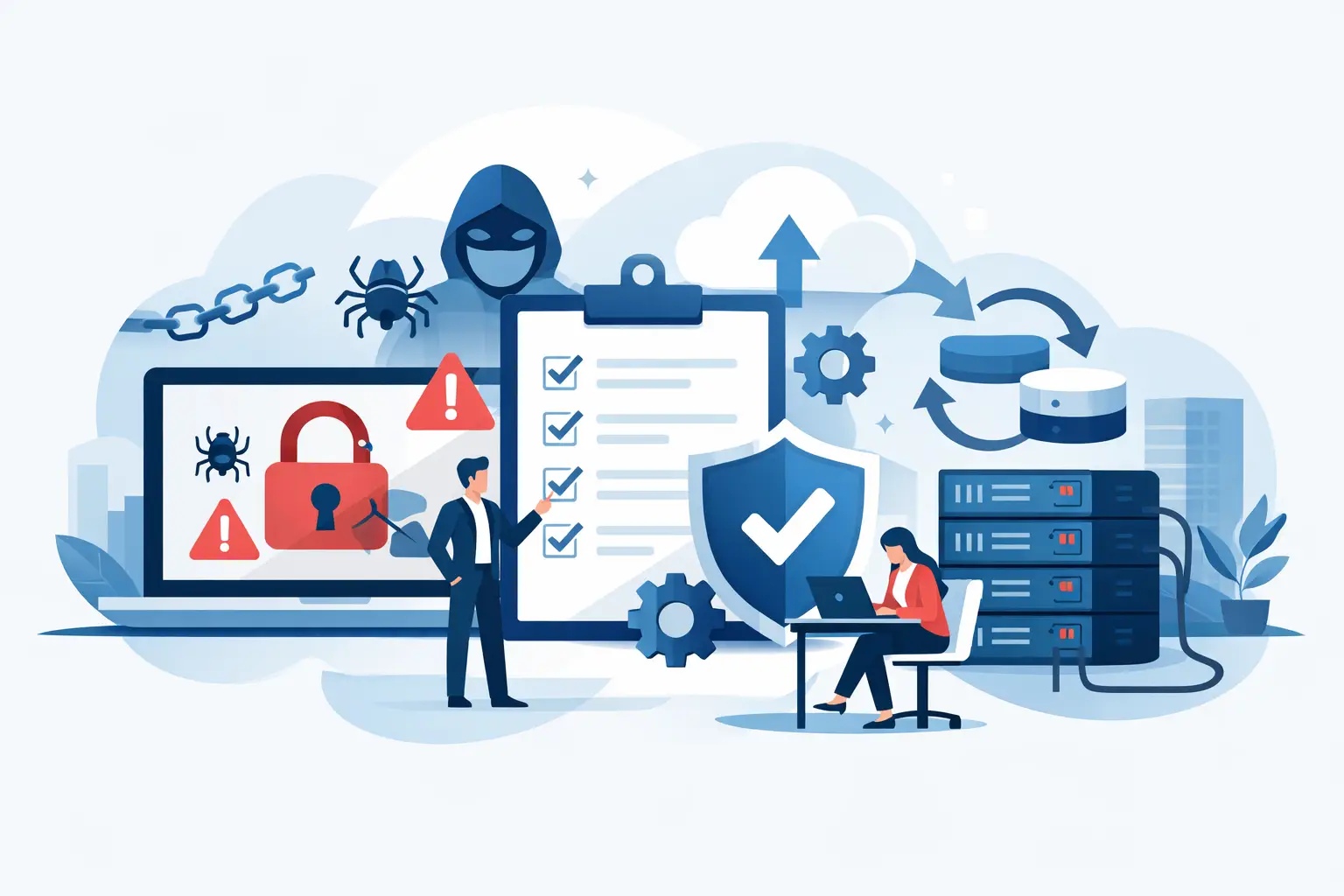
At 8:17 on a Monday, your team cannot open shared files, tills are timing out, and someone notices a ransom note on the server. That is not the moment to decide who calls the bank, who isolates devices, or whether your backups are actually usable. A ransomware recovery plan example gives you something far more valuable than paperwork – it gives your business a way to stay calm, protect revenue, and recover in a controlled order.
For small and mid-sized businesses, especially those running retail sites, multi-site operations, or lean internal IT teams, recovery is rarely just an IT problem. It affects payments, phones, customer service, supplier access, compliance, and staff confidence. The best plan is not the most complicated one. It is the one that clearly assigns responsibility, reflects how your business really works, and can be used under pressure.
What a ransomware recovery plan should actually do
A recovery plan is not the same as a cyber policy document, and it is not just an incident response checklist. Incident response focuses on containing the attack. Recovery is about getting the business operating again safely, in the right sequence, without reintroducing the threat.
That means your plan needs to answer practical questions. Which systems matter most in the first four hours? Can the business trade manually if payments are affected? Who approves restoring from backup? When do you tell customers, insurers, or regulators? If one site is down but another can still trade, how do you keep operations moving?
A good plan balances speed with caution. Restoring too quickly from an infected environment can create a second outage. Waiting too long can multiply the commercial damage. The right approach depends on your systems, your backup design, and how tightly your operations are connected.
Ransomware recovery plan example
Below is a practical ransomware recovery plan example for an SME with around 50 staff, one head office, two retail sites, cloud email, on-premises file storage, line-of-business applications, and card payment terminals.
1. Recovery objectives and priorities
The plan starts by defining what must come back first. For this example, priority one is payment processing, internet connectivity, and phones, because the business cannot trade or support customers without them. Priority two is email, shared files, and the core business application. Priority three is reporting systems, archived data, and non-essential endpoints.
This is where many plans go wrong. They rank systems by technical importance rather than operational impact. For an owner or operations manager, the real question is simple: what keeps money moving and customers served?
2. Roles and decision-making
Name roles, not just departments. In this example, the Managing Director authorises major business decisions, the Operations Manager coordinates site-level workarounds, the IT Lead or managed service provider leads technical recovery, Finance handles insurer and banking contact, and HR or Communications manages staff messaging.
You also need a deputy for each role. Ransomware incidents do not wait for the right person to finish a meeting or return from leave. If no one knows who can approve shutdowns or restoration, the response stalls.
3. Immediate containment actions
If ransomware is detected, the first instruction is to isolate affected devices from the network immediately. Do not power-cycle servers unless your technical lead instructs it, because evidence may be lost and encrypted systems do not usually fix themselves by restarting.
In this example, branch managers disconnect affected PCs from wired and wireless networks, the IT lead disables shared access where needed, and firewall rules are reviewed to reduce lateral movement. Cloud sessions for compromised users are revoked and password resets begin for impacted accounts.
We've got your back
The point here is not to recover everything at once. It is to stop the damage spreading while preserving enough visibility to make sound decisions.
4. Communications in the first two hours
The first internal message should be short and direct. Staff are told there is a suspected security incident, they must not connect personal devices to the business network, and they should wait for further instruction before opening shared systems or replying to unusual prompts.
Externally, the business should prepare holding statements for customers and suppliers if service is disrupted. If payment systems are affected, the acquiring bank or payment provider may need to be contacted quickly. If regulated or personal data may be involved, legal and compliance advice should be built into the plan rather than improvised.
This is one of the biggest trade-offs in recovery. Say too little and confusion spreads. Say too much too early and you risk inaccuracies. Clear ownership of communications avoids both problems.
Recovery workflow by timeline
First 0 to 4 hours
The technical lead confirms scope. Which servers, endpoints, user accounts, and locations are affected? The team verifies whether backups are isolated and untouched. Critical services are assessed in order of trading impact, not convenience.
If the business has manual fallback processes, they are activated now. Retail sites may switch to offline procedures if possible. Teams may use mobile phones or temporary call routing if the phone system is impaired. The goal in this window is business continuity, not perfection.
4 to 24 hours
Once containment is stable, recovery decisions begin. In this example, clean infrastructure is prioritised before data restoration. That means rebuilding core servers or restoring them into a known-good environment, validating identity controls, and checking endpoint protection policies before reconnecting users.
Backups are restored in sequence: first the systems supporting payment operations and business-critical applications, then shared file stores, then lower-priority services. Each restore is tested before wider release. If one system restores quickly but depends on another that is still compromised, it stays isolated.
This is where experienced coordination matters. Recovery is not just a technical ladder. Network access, user identity, devices, cloud settings, and third-party dependencies all need to line up.
24 to 72 hours
By now, the focus shifts from emergency restoration to safe re-entry. Users regain access in groups based on role and business need. Enhanced monitoring is applied across firewalls, endpoint tools, admin logins, and backup jobs. Password resets are completed, privileged accounts are reviewed, and any persistence mechanisms found during investigation are removed.
At the same time, finance and leadership assess commercial impact, customer remediation, and any notification obligations. If cyber insurance applies, document every action and timestamp. It is much easier to do this as you go than to reconstruct events later.
The minimum components every SME plan should include
Even a lean plan needs a few non-negotiables. It should include an asset list of critical systems, a contact list that exists offline, backup locations and restore order, decision-makers, communication templates, and clear criteria for returning systems to service.
It should also define recovery targets honestly. If your backup only runs overnight, you may lose a day’s transactions. If one branch has a better connection than another, site-by-site recovery may be different. A useful plan reflects those realities instead of pretending every service will be back in an hour.
For businesses with payments, multiple sites, or managed connectivity, the plan should cover more than servers. Internet failover, phones, remote access, payment terminals, and vendor escalation paths all matter. Fragmented providers can slow recovery because everyone only owns their piece. A single accountable partner can make a meaningful difference when every hour offline costs money.
Common mistakes in a ransomware recovery plan example
The most common failure is assuming backups equal recovery. Backups only help if they are protected, recent, tested, and restorable to a clean environment. Another mistake is storing the plan inside the very systems you may lose access to. Keep an offline version that key people can reach.
There is also a human issue. Plans often rely on one technical person who knows how everything fits together. That is risky for any busy SME. Recovery should be documented well enough that leadership, operations, and external support can work from the same playbook.
Finally, many businesses skip rehearsal. Tabletop testing exposes vague wording, outdated contacts, and unrealistic assumptions before a real attacker does. Even a one-hour exercise can improve outcomes sharply.
Turning the example into your plan
Your version should match your trading model, not somebody else’s template. A professional services firm may prioritise email and documents first. A retailer may put connectivity, tills, and payment acceptance above everything else. A manufacturer may care most about production systems and warehouse operations.
That is why the best plans are built around business impact, then supported by the right technology stack. If your connectivity, security monitoring, backups, devices, and support sit with different vendors, recovery becomes a coordination exercise at exactly the wrong time. When those services are aligned, decisions are faster and accountability is clearer. That is the real value of a joined-up approach, and it is why businesses work with providers such as Vetta Group.
A ransomware recovery plan example is only useful if it becomes operational. Print it, test it, update it after every major system change, and make sure your leaders know their role before anything goes wrong. When the pressure is on, clarity beats complexity every time.
The businesses that recover best are not always the ones with the biggest security budget. They are the ones that prepared for the messy reality of disruption, assigned ownership early, and built a plan people can actually use.





