







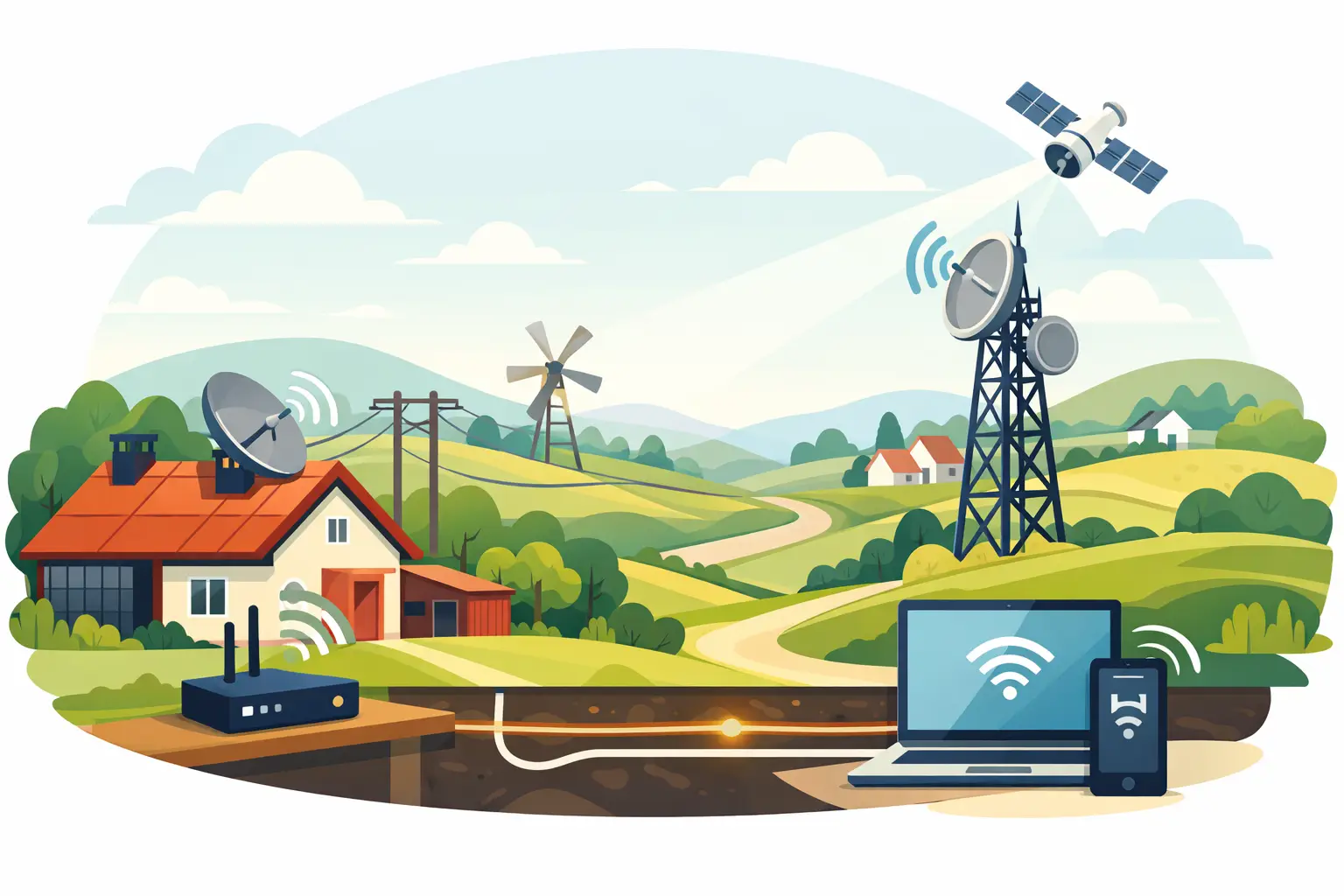
If your business or home sits beyond the easy reach of town fibre, broadband stops being a simple utility and starts becoming part of your operations. A good rural broadband setup guide is not just about getting online. It is about making sure the connection you choose can handle trading, remote work, cloud systems, EFTPOS, cameras and everyday calls without becoming a recurring problem.
In rural locations, the wrong setup usually fails in predictable ways. The signal is fine outside but poor indoors. The router is included but placed in the worst possible spot. Wi-Fi reaches the kitchen but not the office or workshop. Speeds look acceptable at noon and struggle at 7pm. None of that is unusual, and most of it can be improved with the right planning before installation.
What a rural broadband setup guide should cover first
The first step is not choosing the cheapest plan. It is understanding what type of connection is realistically available at your property and what you need that connection to support.
For some sites, fixed wireless will be the best option. For others, mobile broadband over 4G or 5G may be more practical. In more remote areas, satellite may be the only viable path. Each option has trade-offs. Fixed wireless can offer consistent performance where there is strong line of sight to the servicing tower. Mobile broadband can be quick to deploy, but performance varies more by location, building materials and network congestion. Satellite can reach almost anywhere, but latency and equipment positioning matter more than many people expect.
That is why the setup should begin with a site-specific check. You need to know signal strength, likely mounting requirements, where power is available, and whether the building itself is working against you. Thick walls, corrugated iron, concrete block and roof lines can all reduce indoor performance. If you skip this stage, you end up trying to fix a planning problem with extra hardware later.
Start with the outcome, not the technology
A rural connection for casual browsing is one thing. A rural connection that supports a busy office, a retail site, a farm operation or a work-from-home setup is another.
Think about what must keep working when the connection is under pressure. If you rely on cloud accounting, VoIP calling, stock systems, card payments or security monitoring, your setup should be built around those services first. Streaming, large downloads and guest Wi-Fi can sit behind them. This matters because a connection that looks fast on a speed test can still perform poorly if traffic is not managed properly.
It also helps to be honest about peak demand. A two-person household with occasional video calls may do well on a modest wireless plan. A rural business with multiple staff, payment terminals and shared files will usually need more headroom, stronger Wi-Fi coverage and possibly a failover service. The setup depends on the risk of downtime as much as it does on raw speed.
Choosing the right hardware for a rural broadband setup
Hardware decisions have an outsized impact in rural environments. The included router may be enough for a small, open-plan home with a strong signal. It may not be enough for a large house, a business with several rooms, or a site where the broadband receiver needs to be mounted separately for best performance.
A proper rural broadband setup guide should separate three things that often get muddled together: the incoming service, the router, and the Wi-Fi coverage. The incoming service could be fixed wireless, mobile or satellite. The router manages the connection and local network. Wi-Fi coverage determines whether devices can actually use that connection consistently across the site.
This is where many setups fall short. People assume poor internet means poor broadband, when the real issue is poor internal Wi-Fi. If the office is at one end of the building and the router is beside the television at the other, dropped calls and slow laptops are not surprising. In those cases, adding a professionally placed access point or mesh system can make a bigger difference than changing the broadband plan.
Placement matters as much as hardware quality. Routers should be positioned where they can distribute signal effectively, not hidden behind a filing cabinet or tucked under a metal roofline. External antennas and receivers, where required, should be aligned and mounted with care. Small installation errors can have a noticeable effect on reliability.
We've got your back
The part most people underestimate: Wi-Fi design
Broadband gets the attention, but Wi-Fi is what your staff and household actually experience. A stable rural connection still feels broken if meetings freeze in the back office or the EFTPOS terminal drops out at the counter.
For homes, that may mean extending coverage to a study, sleepout or thicker-walled part of the house. For businesses, it usually means segmenting usage properly. Staff devices, business systems, guest Wi-Fi and payment devices should not all be fighting for the same unmanaged setup.
This is where a single provider has real value. When connectivity, networking and support sit with different suppliers, every fault turns into a handoff. One party says the line is fine, another says the router is the issue, and someone else blames Wi-Fi interference. A joined-up approach shortens diagnosis and gets problems resolved faster because one team owns the outcome.
Reliability matters more than headline speed
A common mistake in any rural broadband setup guide is focusing too heavily on megabits per second. Speed matters, but consistency matters more.
If your business depends on being online, a slightly slower service that remains stable throughout the day is often better than a faster service that fluctuates badly in peak periods. The same applies to latency. For general browsing, latency may be barely noticeable. For voice calls, remote desktop access, cloud apps and some payment workflows, it matters a great deal.
That is why support and monitoring should be part of the conversation from the start. Broadband is not just a connection you switch on and forget. It needs sensible provisioning, visibility and a clear path for escalation if performance changes. Providers that own and monitor more of the stack can usually identify and resolve issues more quickly than a chain of resellers and third parties.
Do you need backup connectivity?
For many rural homes, an outage is frustrating. For a business, it can stop trading. If your site depends on card payments, cloud systems, phones or online bookings, backup connectivity is worth serious consideration.
Failover can be simple or more advanced. In some cases, a secondary mobile connection is enough to keep critical systems running if the primary service drops. In other environments, traffic should be prioritised so essential applications continue while less important usage is limited. The right answer depends on what downtime costs you.
This is especially relevant for multi-site operators and regional businesses. One location losing connectivity can affect stock, reporting, customer service and payment processing. Building resilience into the original setup is usually cheaper than dealing with repeated interruptions later.
Security should be included, not bolted on later
Rural sites are not exempt from cyber risk. If anything, smaller businesses in regional areas are often more exposed because connectivity, Wi-Fi and device security have grown organically over time.
A broadband setup should include basic security thinking from day one. Change default credentials. Separate business and guest access. Keep router firmware current. Protect payment environments properly. If staff work remotely or connect across multiple locations, secure access and monitoring become even more important.
This is another reason not to treat broadband as an isolated purchase. The connection, network, devices and support model all affect your risk profile. If one partner can manage those moving parts together, you reduce the gaps where problems tend to hide.
A practical rural broadband setup guide for getting it right first time
The most reliable setups usually follow the same path. Start with a proper service check for the property. Match the connection type to your real usage, not just a marketing headline. Choose hardware based on building layout and operational needs. Plan Wi-Fi coverage as carefully as the broadband service itself. Then decide whether resilience and security need to be built in from the outset.
That may sound straightforward, but it is where experience counts. Rural environments are less forgiving of guesswork. Terrain, building materials, distance, coverage variation and operational demands all shape the result. The right setup is rarely the one with the longest feature list. It is the one that stays dependable in daily use and comes with support that takes responsibility when something goes wrong.
For businesses and households that want fewer moving parts, providers such as Vetta Group stand out when they can deliver connectivity, networking, support and security as one coordinated service rather than a stack of separate products. That reduces friction, speeds up fault resolution and keeps the focus where it should be – staying online and getting on with work.
If you are planning a rural broadband installation, the best question is not “what is the fastest option?” It is “what setup will still work well on an ordinary Tuesday when everyone needs it at once?”





