Locate your phone service, and click on the service
In the sidebar, click “Downloads”
In the downloads screen, you’ll be able to click on the softphone client to download.
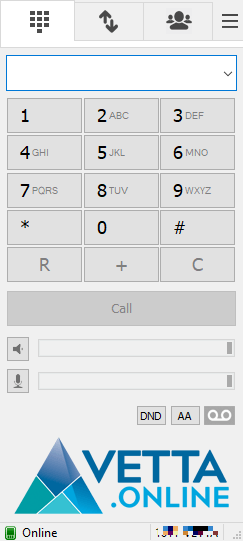
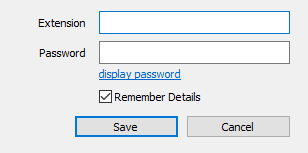
Once downloaded, proceed through the installation process and open the application. On first launch, the softphone will ask for your extension & password. If you do not know these details, click on your phone service in the client portal and click “Access Cloud PBX”. Once in the Cloud PBX, click “Extensions” under the Configuration menu. This will display the extensions & passwords for SIP extensions in your Cloud PBX tenant.


















Comments are closed.