







Skip to main content
Search
To export the DNS records contained within your domain name DNS zone:
- Login to your Vetta port at https://portal.vetta.online
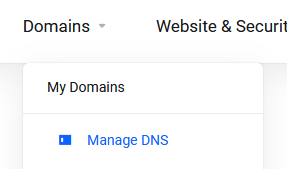
- Under the Domains option, click “Manage DNS”
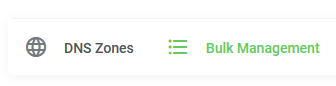
- Click into the “Bulk Management” heading
- Select the domain(s) you’d like to export.
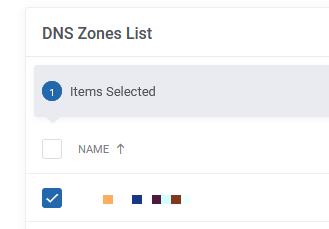
- Click “Choose Action”

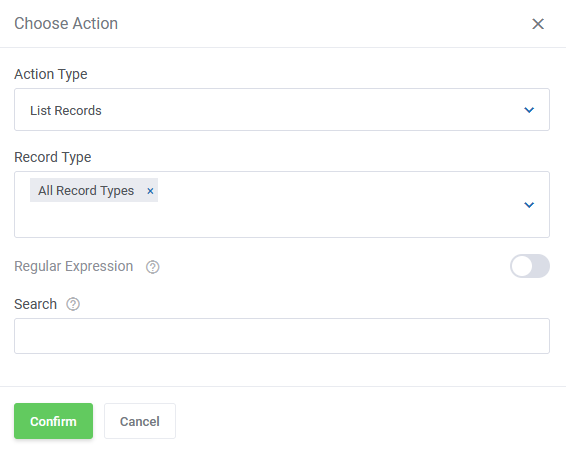
- In the “Action Type” dropdown, select “List Records”, and in the “Record Type” dropdown, select “All Record Types”, then click “Confirm”
- Click into the “Tasks” heading
- Here, you will be able to view the status of your task, and once completed be able to download your export as a CSV file.
You will also be emailed once your task has completed.






Comments are closed.