







A missed call at 8.45am can mean a lost booking, an unanswered supplier query, or a customer who takes their business elsewhere. For a small team, the best business phone system for small office operations is not simply the one with the longest feature list. It is the one that keeps calls reaching the right person, works wherever staff are based, and has someone accountable when an issue needs fixing.
That changes the buying question. Rather than asking which handset is cheapest, ask what must keep working when the internet connection is under pressure, a team member is off site, or an old phone number needs to move across without disruption. A well-chosen business phone service should make communication easier for staff and customers, not create another system to manage.
What makes the best business phone system for a small office?
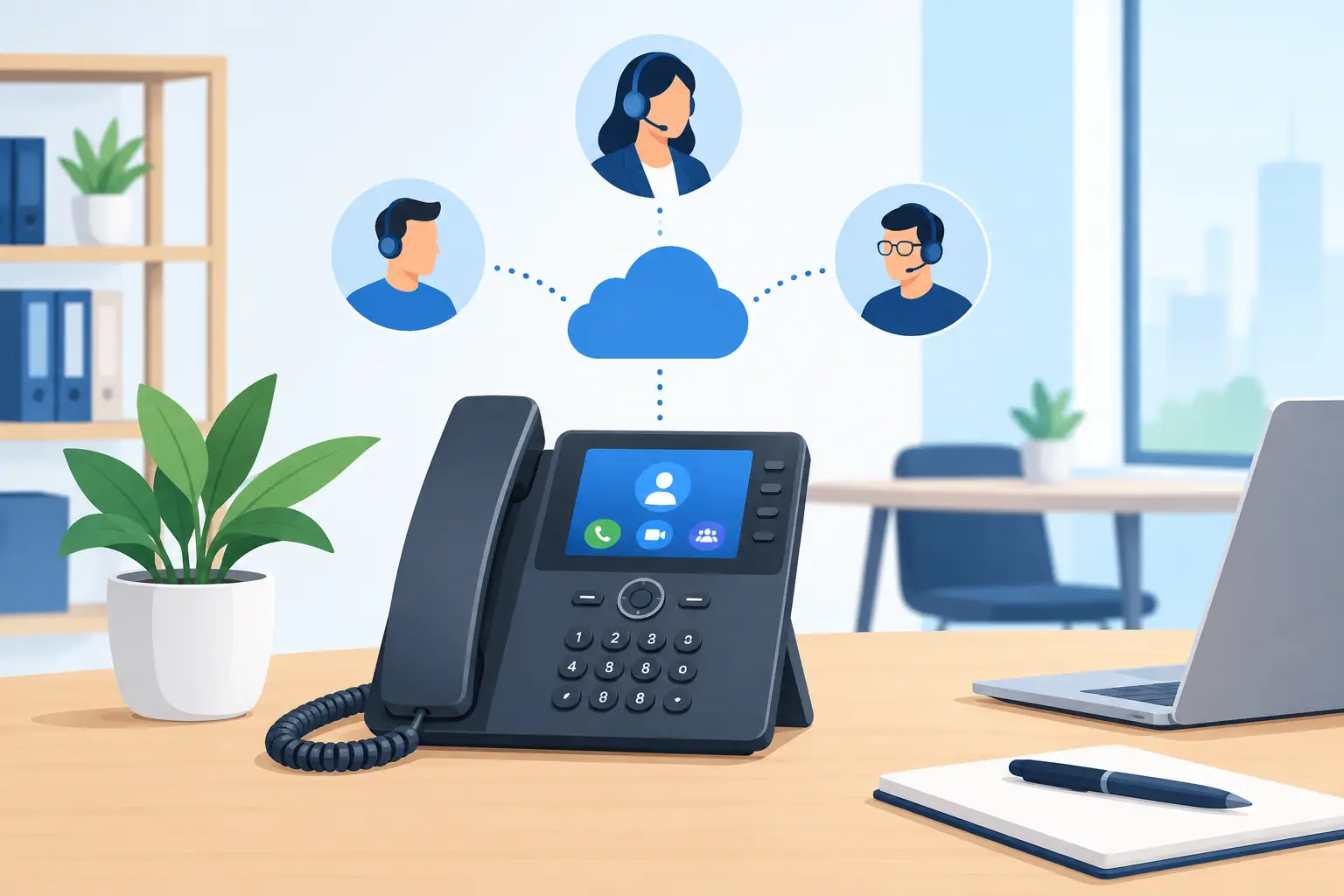
A modern business phone system is usually cloud-based. Calls travel through an internet connection rather than traditional copper phone lines, while the service is managed through an online platform. This gives small offices capabilities that were once reserved for much larger organisations, including call queues, auto-attendants, mobile apps and reporting.
The value is not in using every feature. It is in choosing the few that remove daily friction. A three-person professional services firm may need calls to ring a desk phone and mobile simultaneously. A retailer may need a greeting that directs callers to the right location, plus a simple queue during busy periods. A multi-site business may need one consistent number plan across every branch.
Start with the customer journey. Consider who calls, when they call, what information they need and who should answer. Then map the system around the way your team actually works. This prevents paying for complexity that nobody uses.
Call handling that does not leave customers guessing
At a minimum, look for an auto-attendant, call forwarding, voicemail to email and ring groups. These features ensure calls have a clear path even when the intended person is unavailable. A professional greeting also gives a small office a more organised first impression without adding a receptionist role.
Call queues are valuable when more than one customer may call at once. They are not right for every organisation, however. If calls are usually urgent or highly personal, a queue can feel impersonal. In that case, simultaneous ringing to a small group of people may deliver a better experience.
Flexibility for desk, mobile and remote work
A good system should let each person use the device that suits their job. Reception and sales staff may prefer a physical desk handset with dedicated buttons and a reliable headset. Field staff and managers may need a mobile app that shows the business number when they call customers. Hybrid workers may use a computer softphone with a headset.
The important point is consistency. Staff should not need to give out personal mobile numbers or ask customers to remember different contact details depending on where they are working. One business identity, available across the appropriate devices, is easier to manage and more professional.
Choose reliability before extra features
Cloud calling depends on connectivity. That does not mean it is unreliable, but it does mean the phone solution and internet connection must be planned together. Poor bandwidth, congested Wi-Fi or an unmanaged network can lead to choppy audio, delayed speech and dropped calls, even when the phone platform itself is performing properly.
Before committing, assess the office connection and the network behind it. Voice traffic needs enough capacity and should be prioritised so that a large file upload, guest Wi-Fi use or cloud backup does not interfere with a customer call. A provider that understands both connectivity and managed IT can identify these risks before they become a daily frustration.
Resilience also matters. Ask what happens if the primary connection fails, the office loses power, or a handset stops working. Depending on the business, practical safeguards might include a secondary connection, mobile failover, battery backup for key equipment, or call diversion to mobiles. The right level of protection depends on the cost of downtime. A missed call may be inconvenient for one business and materially damaging for another.
We've got your back
Features worth paying for
Small offices do not need every advanced communications tool. They do benefit from a focused set of features that improves response times and makes service measurable. When comparing options, look closely at these areas:
- Auto-attendant and call routing so callers reach the right person or department without being passed around.
- Business mobile and desktop apps so staff can make and receive calls using their work number from approved devices.
- Call reporting to reveal missed calls, peak periods and whether staffing levels match demand.
- Voicemail to email or transcription so messages can be handled promptly and shared when needed.
- Number porting so existing business numbers can be retained during the move.
Recording may also be useful for customer service, training or dispute management. It brings responsibilities as well. Businesses should be clear about when calls are recorded, how long recordings are retained, who can access them and what privacy requirements apply. If a feature introduces risk or administration without a clear operational benefit, it may not be worth enabling.
Security belongs in the phone decision
A phone system is part of your wider technology environment, not a separate utility. It holds call data, user accounts, voicemail messages and, in some cases, recordings containing personal or commercially sensitive information. That makes basic security controls essential.
Choose a service that supports strong passwords, multi-factor authentication and role-based access. Former employees should be removed promptly, and administrative rights should be limited to the people who genuinely need them. If staff use mobile or desktop apps, the devices accessing those apps need sensible security controls too.
Be alert to voice phishing, where criminals pose as a bank, supplier or senior colleague to persuade staff to reveal information or authorise a payment. A secure platform helps, but staff awareness remains part of the defence. The most effective approach brings together phone services, identity controls, email security, managed devices and clear processes for payment verification.
Compare providers by accountability, not just monthly price
The lowest per-user price can become expensive when problems bounce between an internet provider, phone vendor, IT company and hardware supplier. Each may be responsible for one part of the service, while nobody owns the outcome.
When assessing providers, ask who will diagnose call-quality issues, configure handsets, port numbers, support staff during onboarding and escalate a connectivity fault. Ask about support hours, response expectations and whether help is delivered by people who can see the whole environment. These answers often matter more than a small difference in subscription cost.
For businesses that want one accountable partner, Vetta can coordinate connectivity, phone services, managed IT and security as a connected service. That reduces handoffs and makes it easier to identify where a problem sits, particularly when a fault affects phones, Wi-Fi, devices and payment systems at the same time.
Predictable pricing is also worth examining carefully. Confirm what is included: handsets, licences, local and mobile calling, installation, number porting, training and ongoing support. Be wary of a headline price that excludes the practical work needed to get the system operating properly.
Plan the changeover around business hours
Moving to a new phone system does not need to be disruptive, but it should be properly planned. First, document every existing number, extension, call flow, after-hours arrangement and device requirement. Decide which numbers must be retained and who needs access to which features.
Then agree a cutover plan that protects customer access. Number porting can take time, and physical equipment may need configuration before the go-live date. Testing should cover inbound and outbound calls, mobile and desktop apps, voicemail, transfers, auto-attendants and emergency calling information. Staff should receive a short, practical introduction before launch, not a lengthy technical manual afterwards.
After the first few weeks, review missed-call reports and feedback from customers and staff. Small changes to call routing or greeting messages can have a noticeable impact on service.
The right phone system should fade into the background. Customers get through, staff know where calls are going, and your business has a clear route to support when something needs attention. That is the standard worth choosing for.





