







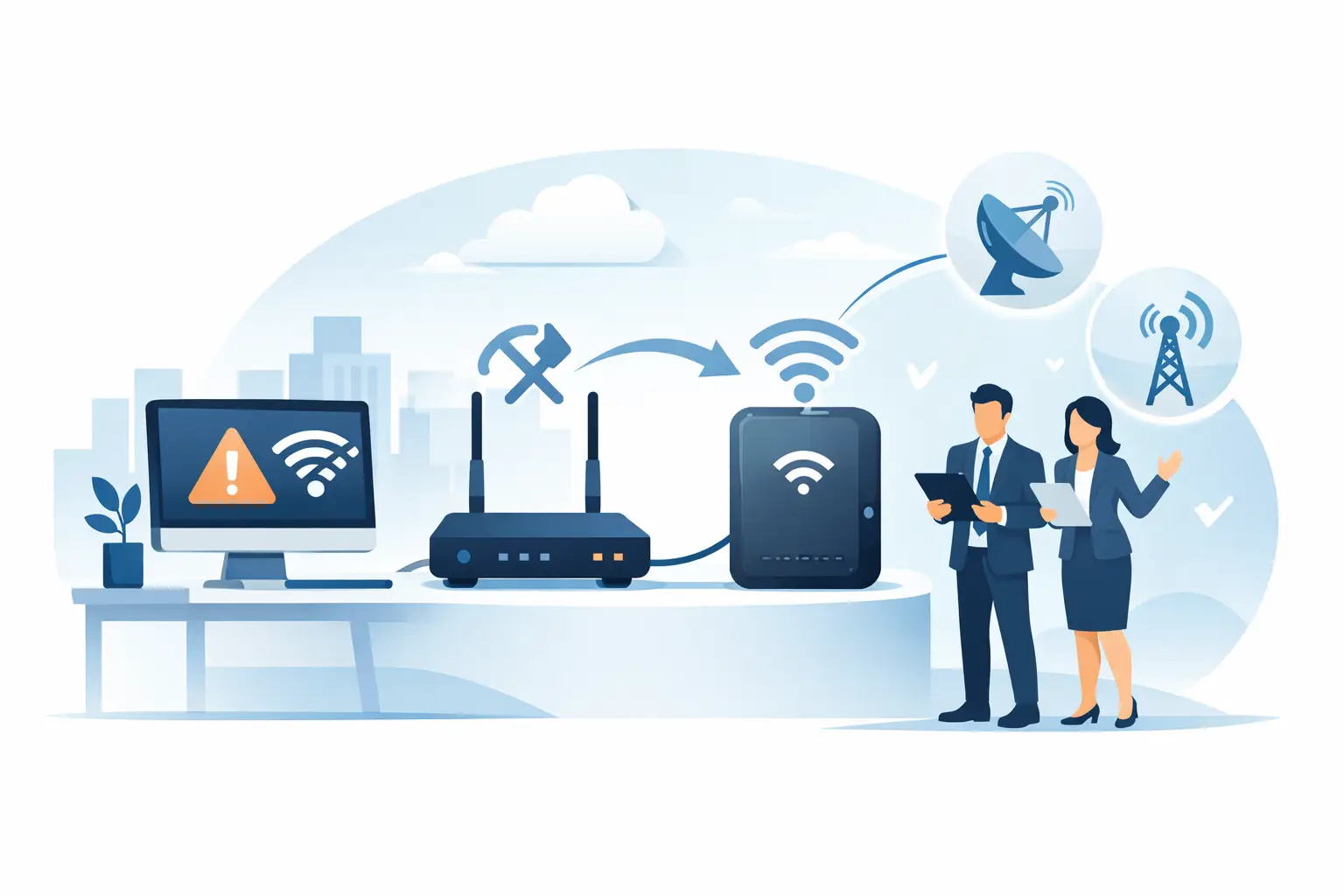
The real test of a connection is not its speed on a normal Tuesday morning. It is what happens when your primary line drops during a card payment, a cloud software update or a busy trading period. A proper business backup internet review should look beyond headline speeds and ask one practical question: can your people continue working, serving customers and taking payments without having to wait for a provider hand-off?
For a small or mid-sized business, backup internet is not simply a second connection. It is part of a continuity plan that needs to work with your router, WiFi, payment terminals, cloud applications, phones and security controls. The right option depends on how your business operates, how much downtime costs, and whether someone takes ownership when a fault occurs.
What a business backup internet review should test
A backup service should be assessed on its ability to fail over automatically, its performance under load, the quality of its available coverage and the support behind it. These factors matter more than a low monthly price if an outage leaves staff unable to access systems or customers unable to pay.
Start by mapping the services that need to stay online. For a retailer, that may mean EFTPOS, point-of-sale systems, guest WiFi, stock management and cloud-based accounting. For an office, it may be voice services, Teams or other collaboration tools, remote access, cloud applications and security monitoring. A multi-site operator may also need each branch to remain connected to head office systems while the primary service is restored.
That exercise turns an abstract resilience discussion into a clear requirement. A café that needs to process card payments may be able to operate on modest mobile backup capacity for several hours. A site transferring large files, running cloud servers or supporting many remote users may require a higher-capacity secondary fixed connection instead.
Automatic failover is non-negotiable for critical operations
Manual failover sounds acceptable until an outage happens when the person who knows the router settings is unavailable. In a well-designed setup, the gateway detects that the primary connection has failed and switches traffic to the backup path automatically. When the main service returns, it should fail back in a controlled way.
Ask how the service detects a failure. Some systems only notice a complete loss of connection. Others can identify a degraded line where the connection technically remains live but is too unstable for calls, payments or cloud applications. The second approach is often more useful, but it needs careful configuration to avoid unnecessary switching.
There is also a trade-off. Fast failover can briefly interrupt active video calls or transactions, because existing sessions may need to reconnect. That is normal. The aim is not to promise zero disruption in every circumstance; it is to prevent a short interruption from becoming hours of lost productivity or lost sales.
Choose the backup connection that matches the risk
The most common business backup options are mobile broadband, a second fixed-line service and satellite connectivity. Each has a place, and the strongest choice is usually the one that does not share the same likely point of failure as the primary connection.
Mobile backup is often the practical starting point. It can be deployed quickly, works well for payment terminals and essential cloud access, and avoids relying solely on the physical route used by a fixed fibre service. However, its real-world performance depends on local signal, network congestion, building construction and the quality of the external antenna or router placement. It should be tested at the site, not assumed from a coverage map.
A second fixed-line connection can provide more predictable capacity for businesses with high usage. It may be suitable where staff need to keep using cloud applications, VoIP and larger data services during an extended outage. Its value reduces if both connections enter the building through the same route or depend on the same upstream infrastructure. Physical diversity matters as much as having two service names on an invoice.
Satellite can be useful for rural locations, temporary sites and premises where fixed and mobile options are limited. It may provide an essential route out when other infrastructure is unavailable. The trade-off can be higher latency, equipment considerations and a clearer need to manage which applications receive priority during failover.
We've got your back
A business backup internet review should therefore ask whether the secondary connection is genuinely independent. If a roadworks incident, power fault or local exchange issue can take out both services, the setup may look resilient on paper while offering limited protection in practice.
Capacity is about applications, not just megabits
Backup services are frequently sized too generously for occasional browsing or too lightly for the systems that actually keep a business running. The answer is to define the minimum operational state your business needs during an outage.
Consider the number of staff likely to be online, the applications they use and whether customer-facing systems take priority. Payment transactions and order processing are usually more important than software updates, video streaming or guest WiFi. A managed router can apply traffic rules so essential services retain capacity when the backup link is under pressure.
Data allowances also deserve scrutiny. A mobile service with a generous-looking allowance can be consumed quickly if a site continues operating as though it has its usual fibre capacity. Automatic updates, cloud synchronisation, security cameras and guest WiFi can create unexpected usage. Set policies that limit non-essential traffic during failover and make sure usage alerts reach the right person.
For multi-site businesses, do not assume every location needs the same design. A head office may require a high-capacity secondary service, while a small branch may only need enough connectivity to process payments, access orders and communicate with support. Matching protection to operational impact keeps costs predictable without treating resilience as optional.
Support and monitoring decide the outcome
A backup connection is only as useful as the response when it activates. Some providers will support the broadband line but not the router, internal network, WiFi, payment equipment or security settings that determine whether failover works. The result is a familiar and frustrating cycle of vendors pointing to one another while the business remains offline.
Look for a partner that can monitor the primary and backup services, manage the failover equipment and investigate the wider environment. They should be able to explain who owns the incident, how faults are escalated and what support is available outside standard office hours.
Monitoring should also identify issues before an outage becomes visible to customers. Repeated line drops, excessive mobile data use, weakening signal quality and router hardware faults are all warning signs. A service that simply waits for a complete failure is reactive. A service that reports trends and resolves them early protects continuity more effectively.
This is where a single-partner approach makes a material difference. When connectivity, managed IT, cybersecurity and payments are treated as separate projects, there are more places for responsibility to disappear. When those services are coordinated, the provider can prioritise the business outcome: keep the site operating safely and restore the preferred connection as quickly as possible.
Security must remain in place during failover
Backup internet should not become a route around your security controls. If staff, payment devices or remote users move onto a secondary service without the same firewall policies, filtering, segmentation and monitoring, an outage can create a security gap at exactly the wrong time.
Check that the managed firewall remains active regardless of which link carries traffic. Confirm that remote access, VPN connections and DNS filtering behave as expected after failover. If you operate payment systems, separate payment traffic from guest WiFi and general business use wherever possible. This helps protect sensitive activity and makes it easier to control bandwidth when capacity is constrained.
Testing matters here. Schedule a controlled failover at a quiet time and verify the services that matter: payments, phones, cloud applications, remote access, WiFi and critical devices. Record what worked, what did not and who was contacted. Repeat the test after major changes to the network, premises or applications.
Questions worth asking before you sign
A good provider should answer these questions plainly: Will failover happen automatically? What connection type will be used, and has it been checked at our premises? What happens if the primary and backup services share infrastructure? Which applications will receive priority? Are the router, firewall and WiFi included in support? Who monitors the service, and who owns the incident during an outage?
Also ask what is included in the monthly price. Hardware, installation, antenna work, configuration, data use, monitoring and after-hours support can change the true cost. Predictable pricing is valuable, but only if it covers the components needed to make the solution work in a real fault.
The right backup internet service is not the one with the longest feature list. It is the one that keeps your most important work moving, protects your systems and gives your team one accountable number to call. Vetta Group designs connectivity around that outcome, bringing the network, managed technology and security support together so businesses can stay focused on serving customers when conditions are less than perfect.





