







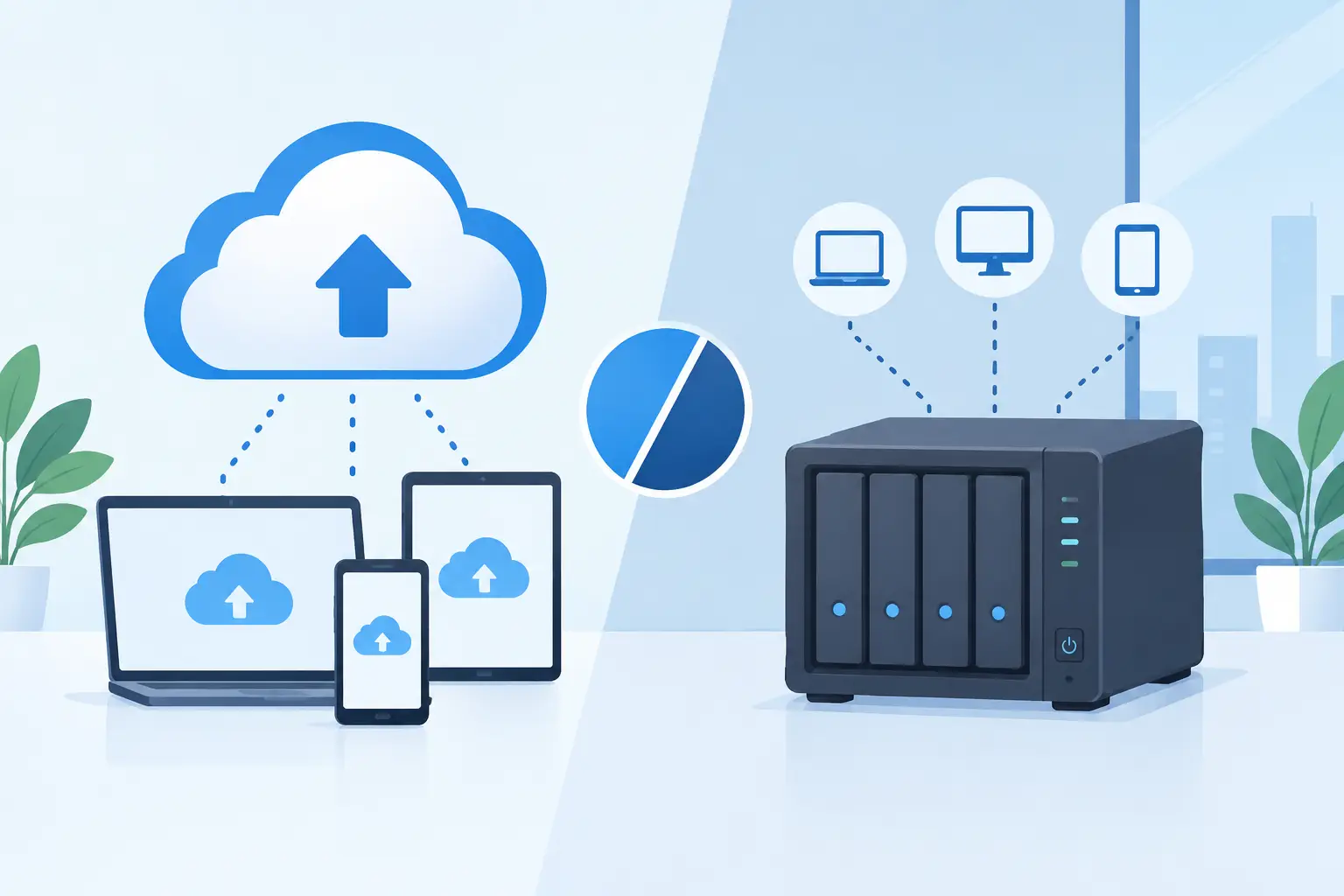
A failed server at 4 pm is not the time to discover that the only copy of your accounting data is sitting in the same building. The cloud backup versus NAS decision is often presented as a choice between two storage products. For a busy business, it is really a decision about how quickly you can recover, who is responsible for keeping copies safe, and whether an incident stops trading.
Cloud backup versus NAS: the practical difference
A NAS, or network-attached storage device, is a storage appliance connected to your local network. It gives staff and systems a central place to save, share and retrieve files. Depending on its configuration, it can also take scheduled copies of computers, servers and applications.
Cloud backup sends encrypted copies of selected data to an off-site data centre through your internet connection. The backup is managed through software and policies that determine what is protected, how often it is copied, how long versions are retained and how restores are handled.
Both can be useful. But they solve different problems.
A NAS is primarily local storage. It is fast, can work across a local network even when the internet is unavailable, and gives you direct control of the hardware. Cloud backup is primarily off-site protection. It is designed to preserve a recoverable copy if your premises, local hardware or network are affected.
That distinction matters after a fire, flood, burglary, electrical event or ransomware attack. If the NAS and the production server are in the same office, a single event can affect both. A backup only helps if it remains available when the original data does not.
Where a NAS works well
A NAS can be an excellent part of a business IT setup. It is particularly useful where teams work with large files – such as video, design, engineering drawings or local databases – and need quick access without repeatedly moving data across an internet connection.
Local recovery can also be significantly faster. Restoring a large data set from a NAS over a gigabit local network is usually quicker than downloading it from the cloud, especially where the business has limited bandwidth. For a retail site, this could mean restoring a shared folder or local system promptly and keeping disruption contained.
Many NAS devices support snapshots, which capture point-in-time versions of files. This can help when someone deletes a folder or overwrites a document. Some also support replication to another NAS at a separate location.
The trade-off is that a NAS needs active care. Someone must configure it correctly, apply firmware updates, monitor disk health, replace failed drives, check capacity and test whether backups can actually be restored. RAID is often misunderstood here. RAID can keep a device running when a drive fails, but it is not a backup. It does not protect against deletion, ransomware, a failed appliance, theft or a site-wide event.
A NAS exposed to the internet without careful security controls can also become a target. Default passwords, outdated software and poorly configured remote access create risks that a business may not see until it is too late.
Where cloud backup is stronger
Cloud backup is built around separation. Your protected data is copied away from the systems and premises you use every day, helping protect it from local failures and physical incidents. Good services encrypt data in transit and at rest, retain multiple versions and provide alerts when a scheduled backup does not complete.
We've got your back
For organisations with several sites, remote staff or cloud applications, this approach is easier to standardise. A policy can protect devices and servers wherever they are connected, rather than relying on each location having a correctly maintained appliance.
Cloud backup is also well suited to ransomware recovery. Attackers increasingly look for connected backup repositories and try to delete or encrypt them. Versioned, protected backups give you the option to restore data from before the attack, provided the configuration, credentials and retention rules have been properly managed.
The compromise is recovery time. Restoring a few files is usually straightforward, but recovering a whole server or several terabytes may take time if it depends entirely on internet throughput. It can also be difficult to estimate cost if data volumes grow and retention has not been planned.
This is why cloud backup should not be treated as a set-and-forget subscription. The right question is not simply whether backups run. It is whether the business can recover its most important systems within an acceptable timeframe.
The cost question is bigger than hardware
A NAS can look cheaper because the upfront price is visible: appliance, drives and perhaps installation. Cloud backup generally moves more of the spend into a predictable monthly service. Neither model is automatically less expensive once the full operational cost is included.
With a NAS, allow for replacement drives, warranty cover, electricity, hardware refreshes, monitoring and the time required to administer it. With cloud backup, assess storage growth, retention periods, restore requirements and the support included when something goes wrong.
More importantly, put a value on downtime. If a point-of-sale system, customer database, job management platform or shared drive is unavailable for a day, the cost extends beyond lost sales. Staff cannot work normally, customers wait, and confidence can be damaged.
A cheaper backup design that cannot meet your recovery requirement is not good value. It is an untested assumption.
The best answer is often both
For many small and mid-sized businesses, the sensible answer is not cloud backup or NAS. It is a layered approach.
A local NAS can hold a fast recovery copy for common incidents, while cloud backup provides an off-site copy for serious events. This follows the principle of keeping multiple copies of important data on different types of storage, with at least one copy held off-site.
The arrangement needs careful design. A local backup should not have unrestricted access that allows ransomware to encrypt it. Cloud retention must be long enough to cover the point at which an attack or data issue is discovered. Critical systems should be prioritised so that the business can restore operations in the right order.
For example, a multi-site retailer may need payment-related systems, stock data, user access and core communications restored before archive material. A professional services firm may prioritise client files, accounting records and line-of-business applications. The recovery plan should reflect how the business actually operates, not just what has the most data.
How to choose the right backup design
Start with four practical questions:
- What data and systems would stop the business if they were unavailable tomorrow?
- How much data could you afford to lose: a day, an hour or a few minutes?
- How quickly must each critical system be working again?
- Could you restore if the office, hardware and local network were all unavailable?
Your answers set the recovery point objective and recovery time objective. In plain language, these define how current your restored data needs to be and how long recovery can take. They are business decisions first, then technical settings.
Next, identify where data actually lives. Many organisations protect an office server but overlook staff laptops, cloud file platforms, email, SaaS applications, configuration files and critical device settings. Data held in a cloud application is not automatically protected to the level you need. Built-in retention and recycle bins can be useful, but they are not always a substitute for an independent backup policy.
Finally, test restores. A green backup report confirms that data was copied. It does not prove that it can be restored cleanly, within the required time, by the people who will be handling an incident. Test a file restore, a system restore and, where appropriate, a recovery scenario that assumes the site is unavailable.
Make backup part of operational resilience
Backup sits alongside connectivity, security monitoring, access controls and incident planning. If these elements are managed separately, gaps are easy to miss: the backup may be working, but nobody notices a failed job; the data may be safe, but the internet connection cannot support the recovery; the files may be restored, but users cannot sign in.
A single accountable partner can reduce those hand-offs. Vetta can help businesses align local storage, cloud backup, security controls and connectivity around a recovery plan that reflects the systems they rely on each day.
Choose the approach that gives your team a clear answer when the difficult question arrives: if this system fails now, what happens next? The right backup arrangement makes that answer calm, tested and practical.





