







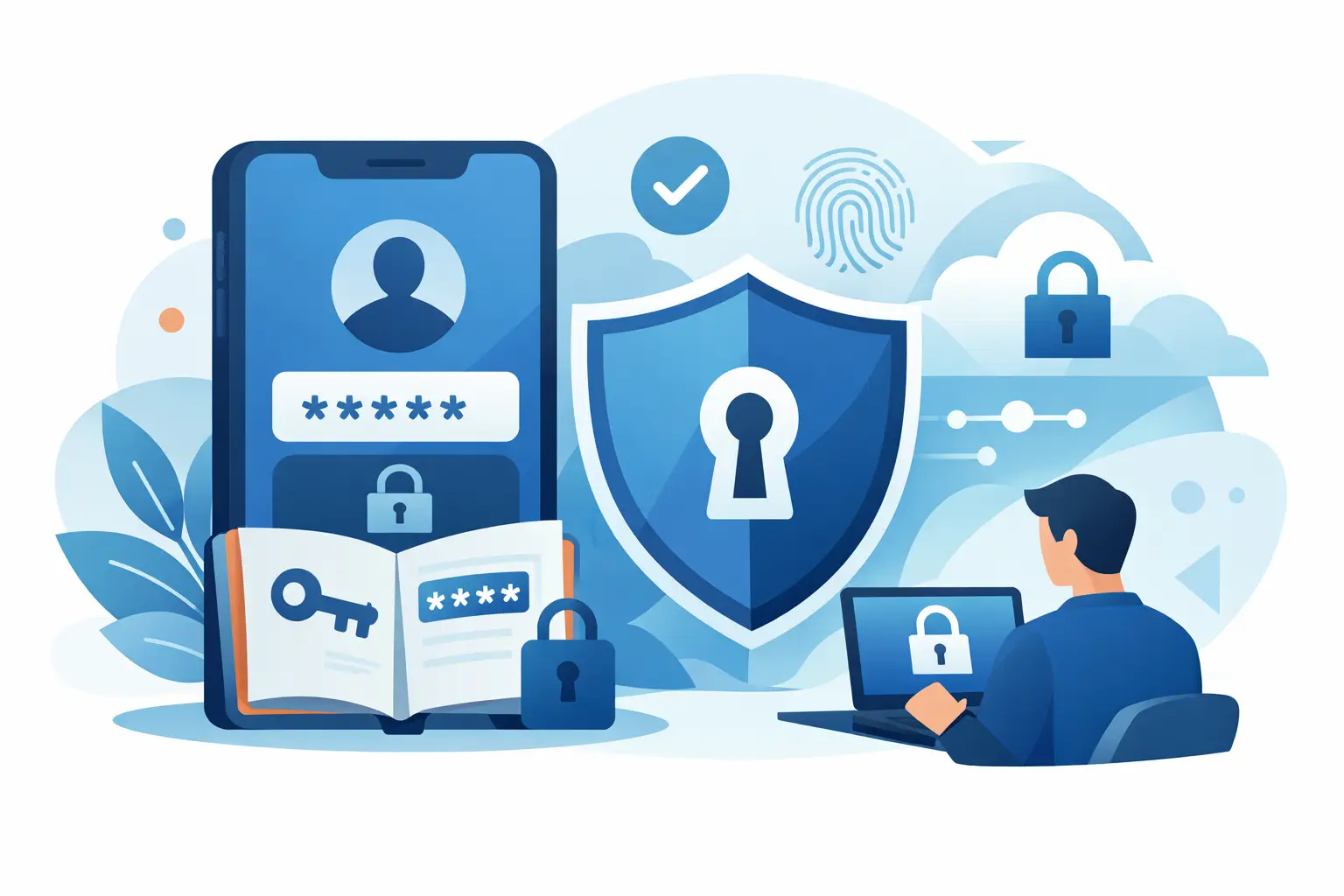
A reused password can turn a small incident into a business-wide problem very quickly. That is why the question, does password manager help security, matters far more than it might seem. For most businesses, the answer is yes – but only when password management is set up properly, supported by policy, and treated as one layer of a wider security model.
For busy SMEs, the real issue is not whether people know they should use strong passwords. Most do. The problem is that people are juggling too many systems, too many devices, and too many logins to manage securely by memory alone. When staff are under pressure, they do what is quickest. They reuse passwords, save them in browsers, write them in notebooks, or message them to colleagues. That is where risk starts to build.
Does password manager help security in practice?
In practical terms, a password manager improves security by removing the need for people to remember dozens of complex credentials. Instead of one person trying to keep track of every login manually, the system generates long, unique passwords and stores them in an encrypted vault.
That matters because password reuse is still one of the most common ways attackers move from one breach to another. If a staff member uses the same password for a low-risk website and a core business tool, a leak in one place can expose the other. A password manager breaks that chain by making every password different.
It also helps with day-to-day discipline. Staff are far more likely to use a 20-character random password if they do not have to type or remember it. Without a password manager, even security-aware users often fall back to simpler patterns that are easier to crack, easier to guess, or easier to reuse.
For a business, that shift is valuable because it reduces dependence on individual habits. Good security should not rely on everyone making the right choice every time. It should make the safer choice the easier one.
Where password managers genuinely reduce risk
The biggest gain is uniqueness. Every account can have its own strong password, which limits the damage if one service is compromised. A password manager also reduces the chance of credentials being stored in insecure places such as spreadsheets, shared documents, sticky notes or browser autofill on unmanaged devices.
There is also a control benefit for teams. In a business setting, password managers can support shared access without exposing the actual password to every employee. That is useful for finance systems, social media accounts, retail platforms, supplier portals and payment-related tools where multiple people may need access but not permanent ownership of the login.
Another advantage is visibility. Many password management platforms can highlight weak, reused or compromised passwords across the estate. That gives IT teams and business owners a clearer view of where clean-up is needed, rather than hoping staff have followed policy.
For companies with a mix of office, remote and mobile working, the value is even clearer. The more spread out your users and systems become, the harder it is to maintain consistent password practices without a proper tool behind them.
Stronger passwords without slowing people down
Security controls fail when they create too much friction. That is one reason password managers work well when adopted properly. They improve password strength while still keeping access practical.
If logging into key systems becomes frustrating, staff will often find workarounds. They may keep an insecure copy of passwords on their phone, reuse credentials across multiple platforms, or avoid changing passwords when they should. A password manager reduces that friction. It keeps access quick enough for operational teams while raising the security baseline.
We've got your back
That balance matters in retail, hospitality, logistics and other fast-moving environments where people are focused on serving customers and keeping sites running. Security still needs to happen, but it cannot depend on everyone stopping to manually manage long credentials all day.
The trade-offs a business should understand
A password manager is helpful, but it is not a magic fix. It creates a very strong improvement over unmanaged password habits, yet it also introduces a central point of dependency. If the master account is poorly protected, or if the tool is rolled out without proper controls, the business can still be exposed.
That is why the master password needs to be strong and unique, and why multi-factor authentication should sit alongside the password manager rather than be treated as optional. If someone gains access to the vault, the consequences can be serious. Good implementation reduces that risk substantially.
There is also an adoption issue. Some staff will resist change, especially if they are used to browser-saved passwords or their own personal methods. Others may mix business and personal credentials in ways that are hard to govern. A rushed rollout can leave gaps, confusion and shadow practices still sitting outside the managed platform.
This is where many organisations get caught out. They buy the tool, assume the problem is solved, and move on. In reality, password management needs onboarding, clear ownership, staff guidance, and regular review.
Does password manager help security on its own?
No. It helps a great deal, but not on its own.
A password manager should be part of a wider access strategy that includes multi-factor authentication, device security, user awareness training, joiner-mover-leaver processes, and monitoring for suspicious activity. If one person stores every password properly but still approves a phishing prompt or logs in from a compromised device, risk remains.
That does not reduce the value of password management. It simply puts it in the right place. Good security is layered. Password managers strengthen one of the most common weak points, but they do not replace endpoint protection, secure email, backup, or proper identity controls.
For SMEs, this matters because piecemeal tools often create a false sense of security. A business may have antivirus from one provider, email filtering from another, broadband elsewhere, and passwords left to individual users. When something goes wrong, nobody has the full picture. A joined-up approach is far more effective.
What good implementation looks like
A well-run password manager deployment is simple from the user side and controlled from the business side. Staff get secure access without unnecessary complexity. Administrators can enforce standards, remove access quickly when roles change, and spot poor password hygiene before it becomes a larger issue.
The strongest setups usually include a separate vault structure for personal and business use, role-based access to shared credentials, multi-factor authentication for all users, and clear recovery procedures. They also avoid relying on one person in the business to hold all critical knowledge.
That last point is often overlooked. In many SMEs, too much access sits with one founder, manager or long-serving team member. If they are away, leave the business, or cannot be reached during an incident, operations slow down. Password management can reduce that dependency while keeping access controlled.
When a password manager may not be enough
Some businesses have more complex needs than a standard password vault alone can address. If you are managing privileged administrator accounts, regulated payment environments, or multiple sites with shared operational systems, you may need additional access controls and stronger governance around identity.
Likewise, if staff are using unmanaged personal devices, if offboarding is inconsistent, or if phishing is already a recurring issue, a password manager should be introduced alongside broader security improvements rather than as a standalone fix.
This is where service matters as much as software. A tool can improve security, but only if it is integrated into how the business actually works. That means aligning access controls with real job roles, site operations, support processes and risk exposure. For many SMEs, having one accountable partner to support connectivity, devices, security and response makes that much easier to manage.
At Vetta, that is the practical view: security tools should reduce complexity, not add to it.
The real answer for most organisations
If your business still relies on memory, notebooks, spreadsheets or browser saves for critical logins, then yes, a password manager will usually make you more secure. It reduces password reuse, improves credential strength, supports safer sharing, and gives your team a more consistent way to manage access.
But the better question is not simply whether it helps. It is whether it is being deployed in a way that people will actually use, supported by the controls your business needs, and backed by someone who will take responsibility when something goes wrong.
Security is rarely improved by a single product purchase. It is improved when the right tools, policies and support work together. A password manager is often one of the quickest wins available – especially for growing businesses – but its real value shows up when it becomes part of a clear, accountable security approach that keeps your people productive and your operations protected.
If your team is spending more time working around passwords than managing them properly, that is usually the signal to fix the system rather than ask people to try harder.





