







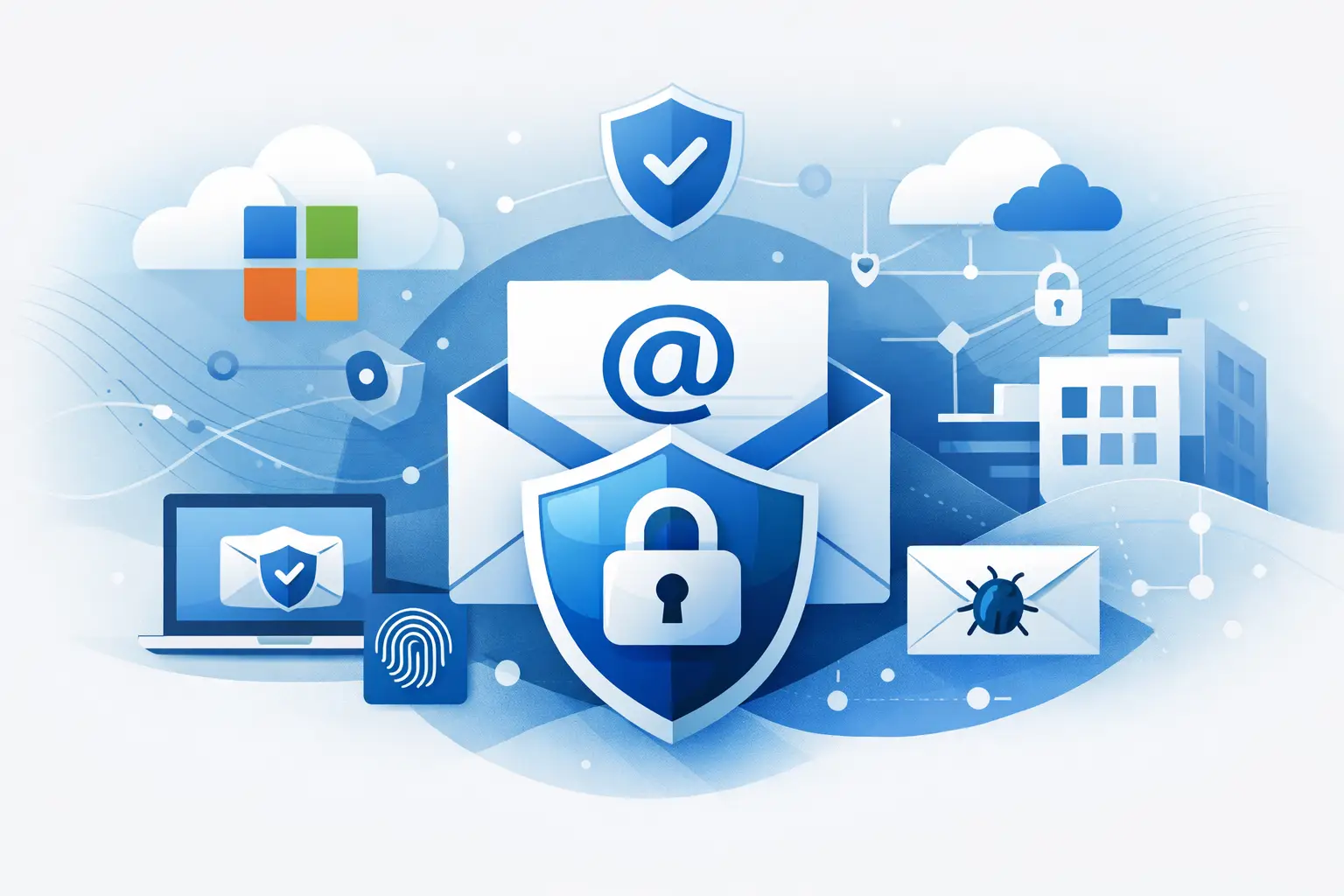
A finance manager receives an email that looks exactly like a supplier update. Same branding, familiar tone, believable bank details. It lands in Microsoft 365, passes basic checks, and gets opened because nothing about it feels out of place. That is the problem with email risk now – most attacks do not look noisy or obvious. They look routine.
For small and mid-sized businesses, email is still where fraud starts, credentials are stolen, and malware gets its first foothold. Microsoft 365 gives you a strong foundation, but foundation is the key word. Default protection is not the same as complete protection, and the gap usually shows up when a business is busy, short on internal IT time, or relying on several providers who each own only part of the picture.
What email security for Microsoft 365 really needs to cover
When people talk about email security, they often mean spam filtering. That is only one layer. Proper email security for Microsoft 365 needs to reduce several different risks at once.
The first is impersonation. Attackers pretend to be your staff, suppliers, customers, or even Microsoft itself. The second is account compromise, where a genuine mailbox is taken over and used to send convincing internal or external messages. The third is malicious content, whether that arrives as a link, an attachment, or a QR code designed to move the attack onto a mobile device. Then there is data loss – messages leaving the business with sensitive financial, customer, or payment information they should not contain.
For operationally busy businesses, the real issue is not whether one control exists. It is whether the controls work together, are monitored properly, and are backed by people who will act when something slips through.
Why Microsoft 365 defaults are not always enough
Microsoft 365 includes anti-spam, anti-malware, authentication options, and policy controls. For many organisations, that is a sensible starting point. But a starting point can create false confidence if nobody checks how the settings were applied, what licences are in place, and whether your users, domains, and devices are configured consistently.
It also depends on your risk profile. A retailer with multiple sites, shared admin responsibilities, and frequent supplier payments faces a different level of exposure from a small office with limited external transactions. If your team handles invoices, payroll changes, cardholder data environments, or a high volume of customer communication, attackers have more angles to exploit.
The other trade-off is management overhead. Microsoft provides a wide feature set, but that does not remove the need for tuning, review, and incident response. If no one is actively watching alerts, checking message trace data, reviewing blocked or allowed senders, and tightening policies over time, protection degrades quietly.
Common gaps businesses miss
The biggest gap is often email authentication. If SPF, DKIM, and DMARC are missing or poorly configured, attackers have a much easier time spoofing your domain. Even where they are enabled, an overly relaxed policy can leave room for abuse.
Another common issue is weak multi-factor authentication coverage. If one privileged account is left out, or if legacy authentication remains enabled for older apps, that single gap can undermine the rest of the estate.
Then there is user access. Shared mailboxes, broad admin rights, and inconsistent joiner-leaver processes create opportunities for mistakes and abuse. None of these problems are dramatic on their own. Together, they make compromise more likely and recovery slower.
The controls that make the biggest difference
Strong email security is built in layers. No single setting will stop every phishing attempt or fraudulent message, but the right combination changes the odds in your favour.
We've got your back
Authentication comes first. SPF helps define which servers can send on behalf of your domain. DKIM adds a signature to verify message integrity. DMARC tells receiving systems how to handle messages that fail checks, while giving you reporting that shows who is trying to send as your domain. This is one of the clearest ways to reduce spoofing, yet many businesses leave it half-finished.
Identity protection matters just as much. Multi-factor authentication should be standard, especially for administrators, finance users, and anyone with access to shared or sensitive mailboxes. Conditional access can then apply sensible restrictions based on location, device state, or sign-in risk. That helps contain compromise when credentials are stolen elsewhere.
Filtering and policy tuning are the next layer. Safe attachment scanning, link analysis, impersonation protection, external sender tagging, and rules around forwarding all reduce common attack paths. The detail matters here. If policies are too loose, threats get through. If they are too aggressive, genuine business communication gets held up. The right answer is rarely maximum blocking. It is controlled, tested protection that fits how your business works.
User awareness still matters
People are not the weakest link by default, but they are the final decision point in most attacks. Training should focus on the messages your team is likely to see: invoice fraud, fake Microsoft prompts, parcel scams, password reset prompts, and internal impersonation.
That training works best when paired with clear reporting paths. Staff need to know how to escalate a suspicious message quickly and what happens next. If reporting disappears into a black hole, people stop doing it. If they get fast feedback and support, reporting improves.
Email security for Microsoft 365 is also an operational issue
The technical controls are only half the job. The other half is operational discipline.
If a suspicious email reaches a user, who investigates it? If an account is compromised at 6.30 pm on a Friday, who disables access, checks mailbox rules, reviews sign-in logs, and confirms whether other systems were touched? If a supplier payment fraud attempt is detected, who works across email, devices, and network logs to understand what happened?
This is where many SMEs get stretched. They may have Microsoft 365 licences and a few sensible policies, but no single accountable partner overseeing the whole chain. One provider looks after connectivity, another handles IT support, someone else sold the licences, and nobody owns the outcome end to end.
That fragmentation slows response and creates blind spots. Email incidents do not stay neatly inside email. They often involve endpoints, identity, internet access, user behaviour, and business processes. The practical advantage of a managed approach is not only better setup. It is faster escalation, consistent monitoring, and one team prepared to coordinate the moving parts.
What good looks like in practice
For most SMEs, good email security is not flashy. It is quietly effective.
Your domain is properly authenticated. High-risk accounts have strong authentication and sensible access rules. Anti-phishing and anti-malware policies are tuned to your environment, not left at whatever default happened to be applied. External forwarding is controlled. Mailbox permissions are reviewed. Staff can report suspicious messages easily. Logs are checked, alerts are triaged, and incidents have a clear response path.
Backups and recovery planning also deserve attention. Microsoft 365 availability is not the same as a complete recovery plan for every deletion, compromise, or retention issue. Depending on your regulatory needs and operational risk, separate cloud backup may be appropriate. It depends on how long you need to retain data, how quickly you need to restore it, and how much disruption your business can tolerate.
For businesses with payment environments or compliance requirements, email controls should also align with the wider security model. There is little value in tightening phishing protection if admin accounts are weak, branch connectivity is unmanaged, or endpoints are not monitored. Security works best when the pieces support each other.
Choosing the right level of protection
Not every business needs the same licensing tier or the same set of controls. A smaller team with low transaction risk may only need strong baseline hardening and monitoring. A multi-site operator handling frequent supplier changes, seasonal staffing, and high email volume may need tighter impersonation controls, more advanced threat protection, and closer review of identity activity.
The right question is not, “What is the maximum feature set?” It is, “What level of protection matches our risk, and who is accountable for keeping it effective?”
That is where a single-partner model makes a practical difference. When your connectivity, IT support, security monitoring, and user support are coordinated, issues get resolved faster and policy decisions make more operational sense. If email is part of a broader managed service, it is easier to tie together the user, the device, the network, and the response. For businesses that want technology to be reliable rather than time-consuming, that matters.
If you are reviewing email security for Microsoft 365, start with the basics and be honest about who is managing them day to day. Strong settings are useful. Ongoing ownership is what keeps them working. At Vetta, that is the standard we aim for – practical protection, joined-up support, and clear accountability when something needs attention.
The best email security is not the one with the longest feature list. It is the one your business can rely on when a convincing message lands at the worst possible moment.





