







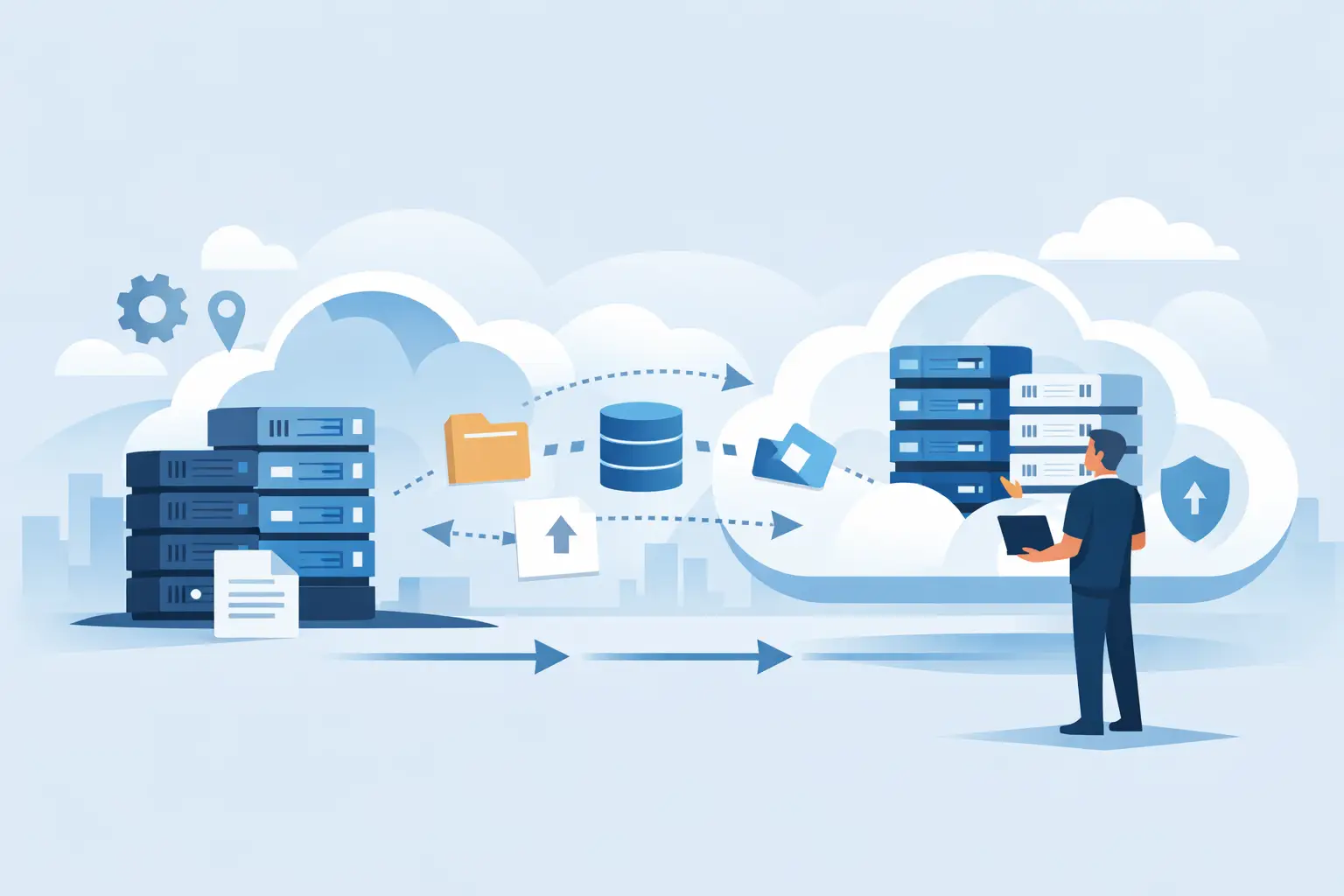
Most cloud migrations do not fail because the technology is wrong. They fail because the planning is thin, the dependencies are unclear, and nobody owns the full picture. That is why a guide to cloud server migration planning matters so much for busy businesses. If your systems support sales, stock, phones, remote access or payments, a rushed move can create disruption far beyond the server itself.
For small and mid-sized businesses, migration planning is less about theory and more about protecting day-to-day operations. You need a plan that keeps staff productive, customers served and risk under control. The right approach is practical, staged and honest about trade-offs.
What cloud server migration planning actually involves
Cloud server migration planning is the work that happens before anything is moved. It covers what is being migrated, why it is moving, what depends on it, what the risks are, how success will be measured and who is responsible at each stage.
That sounds straightforward, but many businesses underestimate how connected their systems really are. An application server may rely on a legacy database. A file server may feed reports for finance. A remote desktop environment may affect home workers, branch teams and third-party providers all at once. Planning has to account for those links, not just the server build.
The first question is not “How quickly can we move?” It is “What business outcome are we trying to improve?” In some cases, the goal is resilience. In others, it is replacing ageing hardware, improving remote access, tightening security or creating a more predictable cost model. The answer shapes the migration path.
Start with business priorities, not infrastructure diagrams
A migration plan should begin with what the business cannot afford to interrupt. For a retailer, that may be point of sale, stock visibility and payment processing. For a professional services firm, it may be line-of-business software, file access and telephony. For a multi-site operator, stable connectivity between locations may be just as important as the cloud environment itself.
This is where many projects become harder than expected. A server can be migrated successfully in technical terms while still causing operational pain if the timing is poor or the user impact has not been considered. Moving a critical system in the middle of month-end, payroll or a peak trading period is asking for trouble.
A useful plan sets clear priorities. Which systems are business-critical, which can tolerate short disruption, and which are suitable for early testing? That helps you phase the work sensibly rather than treating every workload the same.
Build a proper inventory before you make decisions
A serious guide to cloud server migration planning has to stress this point: you cannot plan well without a reliable inventory. That means more than a list of server names. You need to understand workloads, operating systems, applications, data volumes, user groups, integrations, licensing, backup arrangements and performance requirements.
It is also worth identifying what should not be migrated. Some workloads are outdated, duplicated or no longer needed. Lifting and shifting everything can preserve old problems in a new environment. Migration is often the right time to retire systems, consolidate roles or modernise the way services are delivered.
There is an important balance here. Rehosting a server with minimal changes is often faster and lower risk in the short term. Redesigning an application for the cloud may deliver better long-term value, but it adds complexity, time and testing overhead. Neither option is automatically right. It depends on the age of the application, the level of business risk and the budget available.
Security and compliance should shape the plan early
Security should not be treated as a task for the end of the project. The cloud changes where your systems run, but it does not remove responsibility for protecting them. Access controls, patching, backup, monitoring, endpoint posture, email security and user behaviour still matter.
We've got your back
For businesses handling payment environments or sensitive customer data, cloud migration planning also needs to account for compliance obligations. That may include where data is stored, how access is audited, how admin privileges are controlled and how incidents are responded to. If those questions are left until late, delays are likely.
This is also where having one accountable partner can make a real difference. If connectivity, security and infrastructure are managed in isolation, responsibility can become blurred when issues appear. A joined-up model makes it easier to spot dependencies early and respond faster if something needs attention.
Plan around connectivity, not just compute
Cloud migration is often discussed as if the server environment exists on its own. In reality, performance and reliability depend heavily on the network underneath it. If staff access line-of-business systems over poor broadband, or if branch locations have inconsistent links, the migration may expose those weaknesses quickly.
That does not mean every site needs the same connectivity design. A small office with modest cloud usage has different needs from a busy retail site or a warehouse with multiple connected devices. The key is to review bandwidth, resilience, latency and failover before workloads move. Otherwise, users may blame the cloud for problems that actually sit in the access layer.
For businesses with several providers involved, this is often where delays creep in. One supplier owns the circuit, another manages the firewall, another hosts the environment, and nobody sees the whole path. Planning is stronger when those layers are coordinated rather than treated as separate conversations.
Testing should mirror real use, not ideal conditions
Testing is where good planning becomes visible. A migration plan should include technical testing, of course, but that is only part of the picture. You also need user testing that reflects how people actually work.
Can the finance team run their reports at normal speed? Can remote staff connect without workarounds? Do branch users reach the right applications over the expected path? Are printers, scanners or specialist devices still behaving as they should? These are the questions that matter after go-live.
The timing of testing matters too. Leaving it all to the final days before cutover creates pressure and reduces options. A better approach is staged validation, starting with lower-risk systems where lessons can be learned without major operational impact.
It is also wise to define rollback criteria in advance. If performance drops below an agreed threshold, or a dependency fails, who decides whether to proceed or revert? Clear decision points remove guesswork when the clock is running.
Communication is part of migration planning
Businesses often focus on technical milestones and forget the human side. Staff do not need every infrastructure detail, but they do need clear expectations. What will change, when will it change, what might be briefly unavailable, and where do they go for help?
That matters even more in businesses without large internal IT teams. Owners, operations managers and frontline staff are busy enough already. They need confidence that the migration is controlled, support is available and issues will not be bounced between vendors.
A good communication plan is short, direct and timed well. Too early, and people forget. Too late, and they feel blindsided. The message should focus on impact, not jargon.
The cutover plan is where accountability shows
Cutover is not just a technical event. It is the point where planning, support and ownership all become visible. A credible cutover plan names the tasks, timing, responsibilities, dependencies, fallback steps and support contacts. It also allows for the fact that real environments rarely behave exactly as expected.
This is why 24/7 monitoring and responsive support matter during migration windows. Even when planning is strong, issues can surface only once workloads are live and users are active. Fast escalation reduces downtime and keeps small problems from turning into business disruption.
For many SMEs, the safest route is not the cheapest-looking one. It is the option with the clearest accountability. If one partner can coordinate the infrastructure, security, connectivity and support response, the migration is easier to control from start to finish.
What a sensible cloud migration plan looks like
A sensible plan is phased, risk-aware and tied to business impact. It identifies critical systems, confirms dependencies, reviews connectivity, sets security controls, tests realistically and prepares for rollback if required. It also recognises that some workloads should move now, some later and some perhaps not at all.
That measured approach is usually better than a big-bang move. It gives teams space to verify assumptions, reduce risk and make decisions based on evidence rather than optimism. It also helps with budgeting, because costs become clearer when workloads are assessed properly instead of moved on instinct.
At Vetta Group, we see the best results when migration planning is treated as an operational exercise rather than a server exercise. Businesses need systems that work together, support they can reach, and one team willing to own the outcome when it counts.
If you are planning a cloud move, start with the parts of the business that cannot afford surprises. Good migration planning is not about making the project look simple. It is about making the change feel controlled when the business is still trying to get on with its day.





