







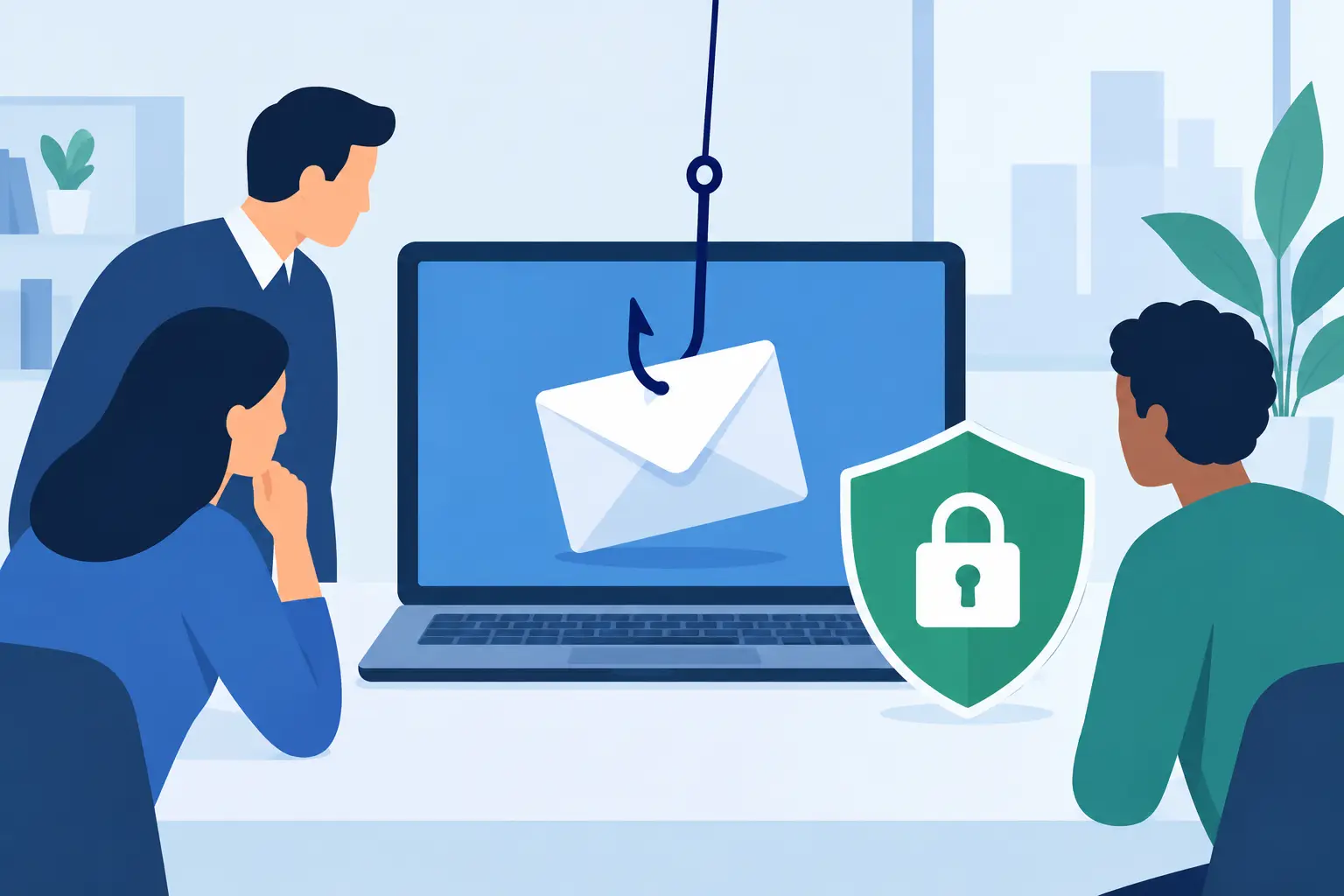
A fake supplier invoice received at 4.45pm on a Friday can look completely ordinary – especially to a busy team member trying to close out orders, answer customers and get home. That is why knowing how to test phishing resilience matters. The aim is not to catch people out. It is to find where everyday pressure, unclear processes and technical gaps could allow one convincing message to become a costly incident.
For small and mid-sized businesses, phishing tests should reflect the work people actually do. A retailer may face delivery notices, payment queries and roster changes. A professional services team may receive document-share requests or invoice updates. A multi-site business may be targeted with messages that appear to come from head office, a manager or an IT provider.
A useful test gives you a clear picture of risk, then helps you reduce it without disrupting the people who keep the business moving.
Start with the outcome, not the email
Before sending a simulated phishing email, decide what you need to learn. A test built only around click rates creates a headline, but not necessarily a useful security improvement. A lower click rate can still conceal problems if staff do not report suspicious emails, password reset requests are poorly protected, or finance teams can change supplier bank details without a verification step.
Set a specific objective for each campaign. You might want to assess whether staff can identify a fake Microsoft 365 sign-in page, whether invoice approvals follow the right process, or whether teams know how to report a suspicious email quickly. Keep the objective focused, because it determines the scenario, the people involved and the action you will take afterwards.
This also makes the exercise easier to explain to leadership. The question is not, “Who failed?” It is, “Can our business detect and stop the type of attack most likely to interrupt trading, expose customer information or trigger a fraudulent payment?”
Build a realistic and safe phishing simulation
The most useful simulations are believable enough to test judgement but controlled enough to avoid harm. They should never collect real passwords, expose sensitive information, impersonate emergency services or exploit personal circumstances. Avoid messages designed to embarrass people or create unnecessary anxiety.
Use the normal patterns of your organisation. If your staff regularly receive courier updates, a delivery-themed simulation may be appropriate. If payroll changes, shared cloud documents and supplier invoices are routine, these can provide relevant scenarios. Do not copy a real supplier so closely that the test creates confusion with genuine transactions or damages a business relationship.
A practical campaign commonly uses three stages of difficulty. Begin with an obvious message containing poor spelling, an unfamiliar sender and a suspicious link. Next, use a cleaner, more credible email that asks the recipient to review a document or renew a password. Finally, test a scenario that requires process awareness as well as email awareness, such as an apparent request to change bank account details.
The third type often reveals the greatest business risk. Even a staff member who recognises an unusual payment request may still approve it if there is no simple, known verification process. Security awareness and operational controls must work together.
Tell the right people, at the right level
Testing should have senior sponsorship and clear rules of engagement. Your owner, general manager, IT lead and HR contact should understand the purpose, audience, dates, data being collected and escalation plan. In some organisations, it is appropriate to notify all staff that phishing simulations occur from time to time, without revealing when or what they will look like.
There is a trade-off. Giving advance notice may slightly improve results in the short term, but it supports a fairer culture and reinforces that security is part of everyone’s job. Surprise tests can show a more natural response, but they need careful handling. For most businesses, transparency about the programme is better than trying to create a gotcha exercise.
We've got your back
Make sure your technical controls can support the campaign. Configure the simulation domain properly, prevent it from being quarantined unexpectedly and ensure any reporting button or mailbox works as intended. If the test bypasses every protection in an unrealistic way, it cannot tell you whether your existing email security is doing its job.
How to test phishing resilience across people and processes
Run the simulation as a normal part of business, rather than an event that creates disruption. Send messages across different days and times, including periods when teams are busy, but avoid known high-pressure moments such as a major stocktake, payroll deadline or a customer incident. The purpose is to understand realistic behaviour, not manufacture a bad result.
Track more than whether someone clicked. The following measures provide a more reliable view of resilience:
- Delivery rate: whether the email security platform identified, quarantined or allowed the message through.
- Open and click rate: whether the message gained attention and prompted an unsafe action.
- Credential submission rate: whether users attempted to enter information into a simulated sign-in page.
- Report rate and reporting time: whether staff used the approved route to alert IT or security, and how quickly they did so.
- Process verification rate: whether teams independently checked payment, account-change or access requests through a trusted channel.
Treat these measures as signals, not league tables. A department with more reported clicks may actually be doing the right thing if people report quickly and ask for help. Likewise, a team with no recorded clicks may have received fewer messages, used shared inboxes, or had messages filtered before they reached users.
Look for patterns. Are new starters more likely to interact with a message? Are staff using personal devices without the same protections? Do particular branches struggle to report suspicious emails because they do not know who to contact? Does a finance request bypass a second-person approval when someone is on leave? These findings point to practical fixes.
Respond quickly, privately and constructively
The value of a phishing simulation is largely determined by what happens next. A person who clicks should receive immediate, calm guidance explaining the clues they missed and what to do if the message had been genuine. Keep the learning short and relevant. A five-minute module on checking sender addresses, hovering over links and reporting messages is often more effective than a long annual course.
Avoid naming individuals in team-wide reports. Managers need enough information to address risk, but public scoreboards reduce trust and encourage people to hide mistakes. Phishing attacks rely on pressure and deception. Your response should make it easier for employees to speak up early when something does not feel right.
At the same time, do not put the full burden on training. If a test shows that an email can convincingly imitate a trusted sender, review protections such as multi-factor authentication, email filtering, domain protection and password management. If it reveals a weakness in payment changes, introduce a mandatory callback to a verified number and dual approval. The best result is a safer system, not simply a better test score.
Turn results into an ongoing security routine
Phishing resilience changes as your business changes. New software, new suppliers, staff turnover, acquisitions and seasonal trading peaks all create fresh opportunities for attackers. A single annual test is useful as a benchmark, but it is not enough to show whether the business can respond to current threats.
A sensible programme varies scenarios throughout the year, repeats key themes to measure improvement and gives extra support to teams handling payments, customer data and administrator access. It should also include a clear route for reporting real emails, a tested incident-response process and regular checks that security controls are active and monitored.
This is where a single accountable technology partner can reduce complexity. Connectivity, devices, email security, identity controls and support processes all affect how quickly a suspicious email is contained. Vetta helps businesses bring those moving parts together, with practical protection and people who can take ownership when an issue needs attention.
The clearest sign of progress is not that nobody ever clicks. It is that staff pause, verify and report, while your systems limit the damage from the mistakes that will occasionally happen. Make that response easy, practise it regularly, and your business will be far harder to deceive.





