







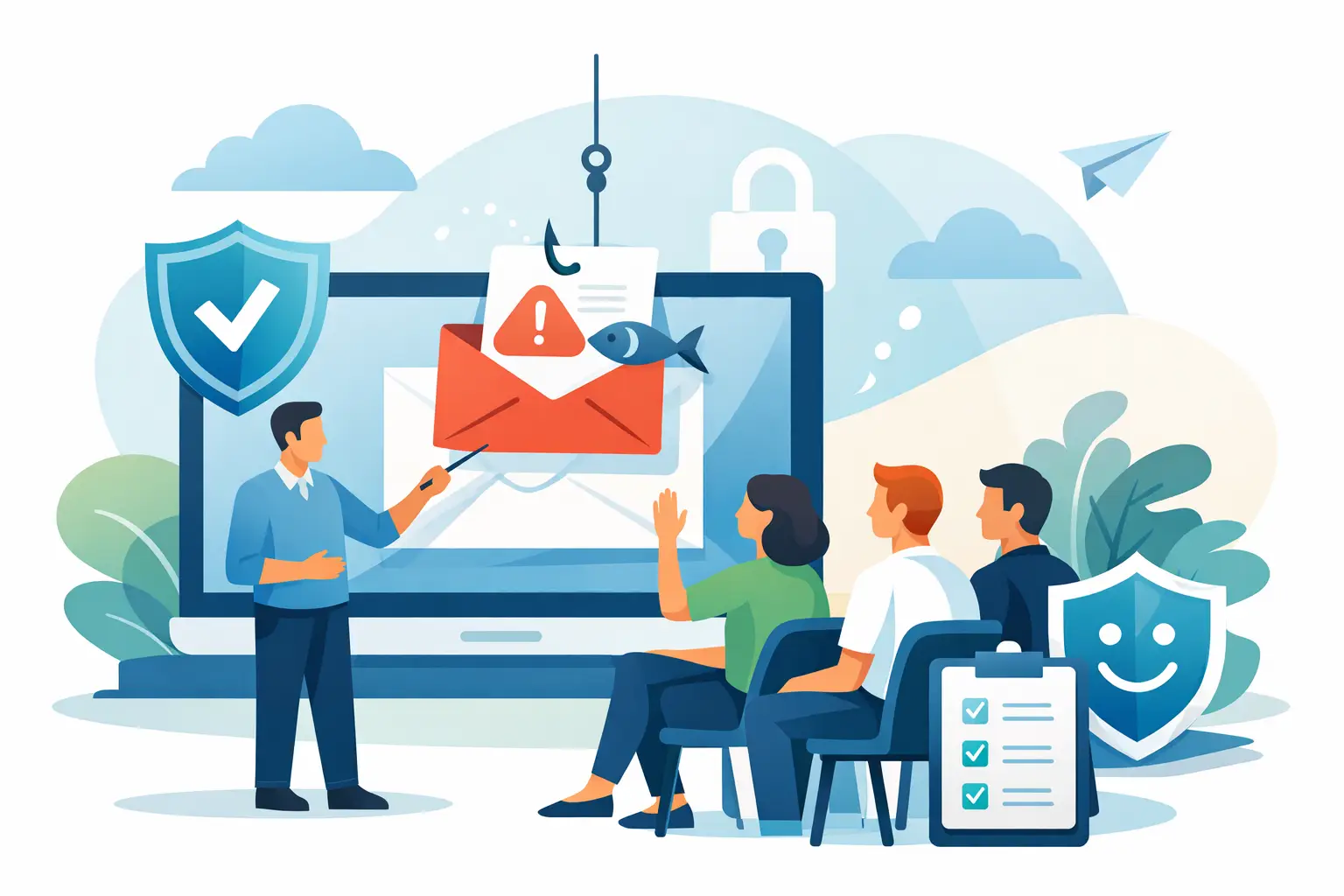
A convincing invoice can arrive minutes before payroll is due. A text message can appear to come from a director who is travelling. One rushed click may expose customer data, interrupt payment systems or give an attacker a route into the wider network. Knowing how to train staff on phishing means preparing people for those pressured moments, not asking them to memorise a poster.
For busy businesses, phishing awareness has to fit real work. Retail teams are serving customers, managers are approving supplier payments, and office staff are managing dozens of messages each day. Training that feels theoretical will be ignored. Training that is practical, supportive and repeated gives people the confidence to pause, check and report.
Start with the risks your staff actually face
Generic examples have a place, but they are not enough. Begin by looking at how your business operates and where a fraudulent message could cause the most damage. A café manager may receive a fake EFTPOS support request. An accounts team may see a changed bank-details email from a supplier. A multi-site business may be targeted with a false password-reset notice or a message that appears to come from head office.
Speak with the people who handle payments, customer records, payroll, ordering and technology support. Ask what requests they receive, which suppliers they deal with and where they feel rushed. This gives your training a useful foundation: staff learn to recognise the deception they are likely to encounter, rather than an attack designed for another organisation.
Phishing is broader than email. Cover text messages, social media messages, QR codes, phone calls and fraudulent login pages. Attackers often combine these channels. For example, an email may ask an employee to scan a QR code, then direct them to a convincing Microsoft 365 sign-in page.
Teach people to stop, check and report
The most valuable habit is not spotting every technical clue. It is pausing when a request creates urgency, secrecy or an unusual change in process. Employees should know that a request to pay, share information, reset a password or install software deserves a quick check, even when it appears to come from someone senior.
Give staff a simple decision process they can use without needing security expertise. First, stop before clicking a link, opening an attachment or replying. Next, check the sender address, destination link and context of the request. Finally, report anything suspicious using one clear channel.
Explain the common warning signs in plain language. These include an unexpected request for money or credentials, a sender address that is almost correct, unfamiliar links, poor wording, pressure to act immediately, and a change to usual bank details or approval steps. No single sign proves a message is malicious. Equally, polished spelling and company branding do not make a message safe.
For high-risk requests, staff need a separate verification route. If a supplier asks to change payment details, call a known telephone number from your records, not the number in the message. If a director asks for an urgent transfer, confirm through an established internal channel. This may add a few minutes, but it is far quicker than recovering funds after fraud.
Make reporting easy and blame-free
People hide mistakes when they expect embarrassment or criticism. That gives attackers more time. A good phishing programme treats reporting as a normal operational action, much like reporting a faulty terminal or a broadband outage.
Choose a reporting method that is obvious and accessible. That could be a report-phishing button in the email system, a dedicated address, or a clearly defined helpdesk route. Staff should also know what to do if they have clicked: report it immediately, leave the device on unless told otherwise, and contact the support team. The instruction must be clear that speed matters more than blame.
Acknowledge reports promptly. Even a short response such as, “Thanks, we are checking this,” reinforces the right behaviour. Share useful outcomes where appropriate: perhaps a suspicious email was blocked for other users, or a reported fake invoice prevented a payment. This turns vigilance into a visible team contribution.
We've got your back
Use realistic phishing simulations carefully
Simulated phishing emails are useful because they test behaviour in context. They show whether staff can apply what they have learned while managing a normal workload. However, the purpose is coaching, not catching people out.
Start with scenarios relevant to your business, such as an overdue supplier invoice, a shared-document notification or a password-expiry alert. Keep simulations proportionate and avoid topics that could cause distress, such as personal emergencies or redundancy notices. Tell employees that testing forms part of your security programme, but do not disclose every detail in advance.
When someone clicks, provide immediate, short guidance. Show what they missed and what to look for next time. Repeated clicks may indicate a need for one-to-one support, a confusing process, or excessive workload pressure. They should not automatically become a disciplinary issue.
Simulation results are indicators, not a complete security score. A low click rate can still hide an employee who would be caught by a more targeted message. A high reporting rate is often more meaningful because it shows staff are actively participating in defence.
Train by role, not just by department
Every employee needs the basics, but some roles require deeper practice. Finance staff should rehearse supplier-verification procedures and payment approval controls. HR teams need to protect candidate, payroll and employee information. Managers should understand impersonation risks because attackers frequently exploit authority. Reception and customer-facing teams need confidence to challenge unexpected visitors, calls and device requests.
New starters should receive phishing training as part of onboarding, before they gain access to business systems. Contractors and temporary workers also need clear instructions, particularly if they use shared devices, access customer information or handle payment processes.
Short, regular sessions work better than an annual presentation that is forgotten by February. Consider a brief monthly example, a quarterly simulation and a more detailed annual refresher. Timing should reflect your business cycle. Retailers may need extra reminders before peak trading periods, when teams are busy and fraud attempts can increase.
Pair staff training with technical protection
Staff awareness is essential, but it should never be the only control. Even well-trained people can be deceived by a convincing attack during a busy day. Your technology should reduce the number of malicious messages that reach inboxes and limit the damage if one gets through.
Email filtering, multi-factor authentication, password management, managed devices, patching and secure backups all work alongside awareness training. Access should be limited to what each person needs, and payment approvals should not rely on a single individual. For businesses handling card payments, keeping systems monitored and properly separated is especially important.
This is where a joined-up approach reduces complexity. When connectivity, email security, managed IT and support are treated as separate problems, incidents can be passed between providers. A single accountable partner can coordinate the response, identify whether a suspicious message reached other users and help contain a compromised account quickly. Vetta takes this ownership-led approach so businesses can stay focused on serving customers.
Measure behaviour and improve the programme
Do not measure success solely by who clicked a test email. Track reporting rates, the time taken to report, completion of training, recurring scam themes and the number of real incidents reaching staff. Review these patterns with operational leaders, not only IT.
If people repeatedly struggle with fake document-sharing notices, make that the focus of the next session. If teams report many genuine supplier emails because the process is unclear, improve the process as well as the training. Security should make work safer without making ordinary work unnecessarily difficult.
Keep an incident plan that staff can follow under pressure. It should state who to contact, how to report a suspected account compromise, who can approve emergency payment changes and how customers or suppliers will be informed if necessary. Run through the plan occasionally. A calm, rehearsed response protects the business far better than improvisation.
The goal is not a workforce that fears every email. It is a workforce that knows when something feels wrong, has permission to pause, and can reach the right person without delay. Give staff that clarity, back it with the right controls and support, and they become an active part of keeping the business online, protected and productive.





