







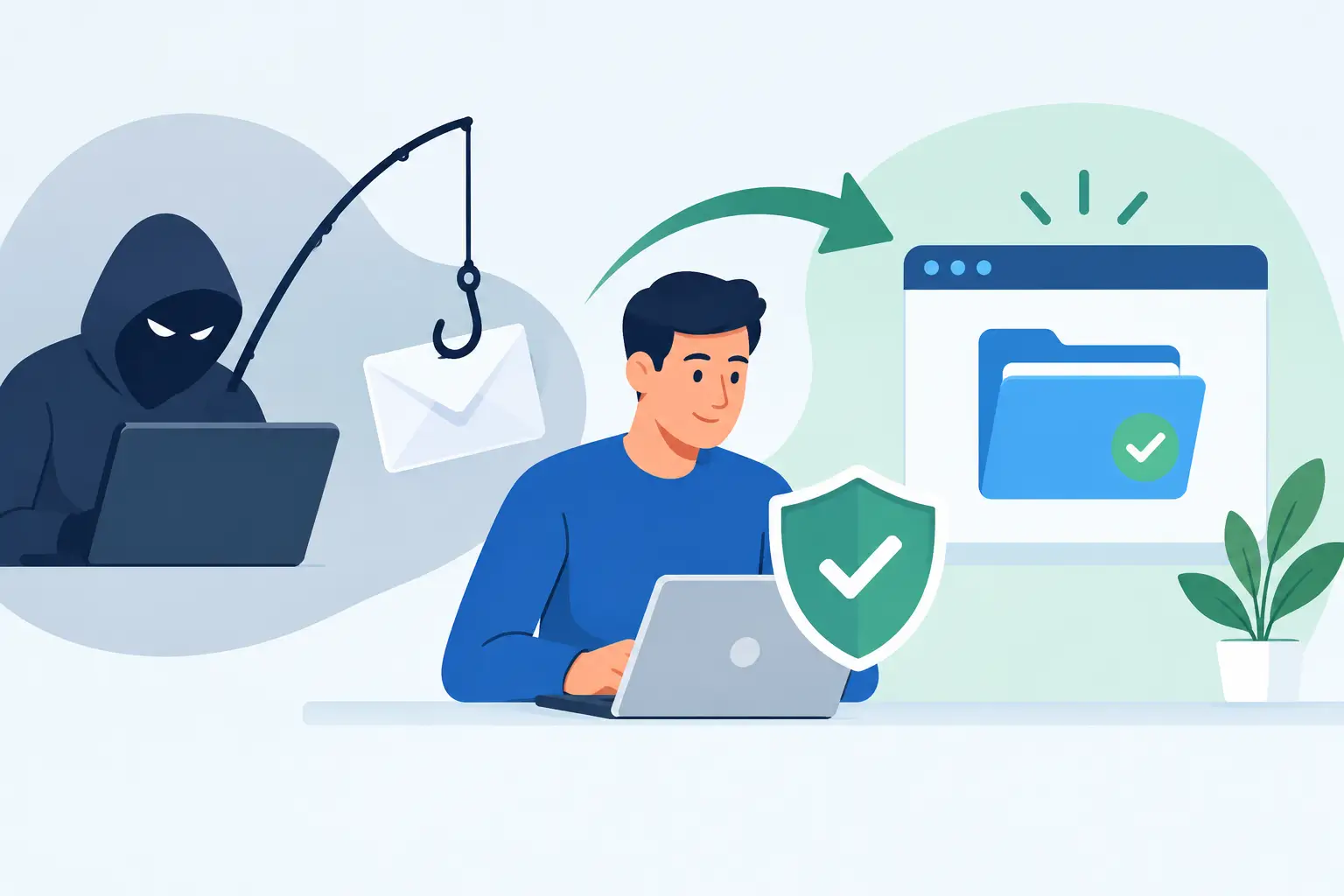
A phishing recovery example is most useful when it reflects the pressure of a real working day. A supplier invoice lands in accounts, a team member signs in through a convincing Microsoft 365 page, and the attacker is inside the mailbox before anyone has realised there is a problem. For a busy business, the priority is not assigning blame. It is stopping the attack, protecting customers and suppliers, and getting operations back on track with clear ownership.
Consider a multi-site retailer with a small finance team. On a Monday morning, an accounts administrator receives an email that appears to be from a regular supplier. It asks them to review revised bank details through a shared document. The sender name is familiar, the logo looks right, and the message arrives during a rush to clear invoices.
The employee enters their credentials on a fake sign-in page. The page forwards them to the genuine Microsoft 365 sign-in screen, so they assume the first attempt simply failed. Within minutes, the attacker has their password and an active session token. They sign in from elsewhere, create an inbox rule that hides replies from the supplier, and search the mailbox for invoices, payment approvals and customer information.
This is where recovery needs to be methodical. Changing a password alone may not remove an attacker who already has an active session, a forwarding rule, or access to another account through password reuse.
Phishing recovery example: the first hour
At 10:18, the administrator notices that several emails have disappeared from their inbox. They alert the operations manager immediately rather than attempting to fix it quietly. That decision saves time and reduces the risk of an unauthorised payment.
The response team first confirms the affected account, preserves the suspicious email and records the time it was opened. They then contain access in a deliberate order:
- Disable the affected account temporarily or force an immediate sign-out across all active sessions.
- Reset the password to a unique, long password and confirm multi-factor authentication is active and controlled by the user.
- Review sign-in logs for unfamiliar locations, devices, IP addresses and impossible travel alerts.
- Remove malicious inbox rules, delegated access, external forwarding and unauthorised app permissions.
- Search for matching phishing emails across other mailboxes, because the same message may have reached several people.
In this case, the attacker has accessed the finance mailbox for 34 minutes. They created a rule that moved messages containing the supplier’s name into RSS feeds, then sent a reply from the compromised account asking the supplier to confirm a change in payment details. The supplier has not acted on it, but the risk is real.
The business contacts the supplier using a known telephone number, not the number or email address in the suspicious thread. It explains that an email account has been compromised and asks the supplier to disregard any recent bank-detail requests. The finance manager also flags the incident with the bank and places additional verification around payments for the next few days.
Speed matters, but so does scope. If the incident is limited to stolen credentials and there is no sign of device compromise, account-level remediation may be enough. If the employee downloaded a file, installed software, approved a suspicious multi-factor prompt, or entered credentials on a device showing other unusual behaviour, the laptop should be isolated and investigated as well. Treating both situations the same can either waste valuable time or leave an active threat behind.
What the business checks next
Containment prevents further access. Recovery establishes what was exposed and what needs to change. For the retailer, the team reviews mailbox audit records, sent items, deleted items, cloud storage activity and any applications connected to the account. They need answers to practical questions: Were invoices changed? Were payroll details viewed? Did the attacker contact customers? Did they reach other accounts or systems?
The review finds no evidence of access to the payment platform or point-of-sale systems. Those systems use separate credentials and multi-factor authentication, which limits the blast radius. However, the mailbox contained supplier statements and customer correspondence. The business records the affected information, assesses its privacy obligations and obtains advice where notification may be required.
This stage is often uncomfortable because it can expose process weaknesses. The retailer discovers that invoice approvals were sometimes completed entirely by email, and that staff relied on email threads to verify changes to supplier bank accounts. The phishing email did not create that weakness. It found it.
We've got your back
The business introduces a simple control: bank-detail changes can never be approved by email alone. A finance team member must independently call a verified contact using a number held in the supplier record, and a second person must approve the update. It adds a few minutes to a rare task, but it is far less costly than recovering a fraudulent payment.
Restoring trust without slowing the business down
Once access is secure, the affected employee can return to work. They should not be left feeling responsible for the entire event. A practical recovery process is clear about actions, respectful in communication and focused on improving the system around the person.
The IT team restores the mailbox configuration, confirms that legitimate messages are flowing, and watches the account for new suspicious activity. The operations manager tells relevant staff what happened, shows them the phishing message, and asks them to report rather than delete anything similar. This is not a broad warning full of technical jargon. It is specific: be wary of document-sharing notices from the named supplier, and verify any request to change payment details by phone.
Customers and suppliers should only be contacted where there is a clear reason to do so. Overly vague messages can cause confusion, while delaying a necessary notification can damage trust. The right approach depends on what the investigation shows, what information was exposed and the business’s legal obligations. Keep a dated incident record throughout, including actions taken, decisions made and evidence collected. It supports future reviews and gives leaders confidence that the response was controlled.
The controls that would have reduced the impact
Phishing is not solved by one product or one annual training session. It is a chain of controls that catches threats earlier and limits damage when someone makes a reasonable mistake under pressure.
For this retailer, stronger email security would have flagged or quarantined the impersonation attempt before it reached the inbox. Conditional access policies could have challenged a sign-in from an unfamiliar location. Multi-factor authentication that resists number-matching fatigue and phishing would have made stolen passwords less useful. Monitoring of unusual inbox rules and external forwarding would have detected the attacker sooner.
There are trade-offs. Tight email filtering can occasionally hold a legitimate supplier message for review, and restrictive sign-in rules can create friction for staff travelling or working remotely. The answer is not to accept more risk for convenience. It is to tune controls around how the business actually works, provide a clear support path when a legitimate message is blocked, and review exceptions regularly.
Backups also have a role, although they are not a substitute for account security. Cloud backup can help recover deleted or altered data and preserve an independent copy of key business information. It will not, by itself, stop an attacker from reading mail, impersonating staff or redirecting payments. Security needs prevention, detection, response and recovery working together.
For businesses with multiple providers, the biggest delay often comes from uncertainty over who owns the next action. The connectivity provider points to the email provider, the email provider points to the IT company, and the business is left coordinating the incident. A single accountable partner can coordinate email security, identity controls, devices, monitoring and incident response, while keeping the business informed in plain language. That is the model Vetta supports: technology that works together, with someone responsible for the outcome.
Turn the example into a response plan
A useful phishing response plan should fit on a page and be rehearsed before an incident. It should name who can disable accounts, who contacts the bank and affected suppliers, where evidence is stored, and how staff reach technical support after hours. It should also identify the systems that matter most, such as email, accounting, payroll, cloud files and payment platforms.
Test the plan with a short scenario. Ask what happens if the managing director’s account sends an urgent request for a same-day payment, or if a staff member approves a multi-factor prompt they did not initiate. The aim is not to catch people out. It is to make the correct response familiar: stop, report, contain, verify and document.
The strongest outcome from a phishing incident is not simply getting back online. It is knowing that the next suspicious email will meet better controls, faster decisions and a team that knows exactly who to call.





