







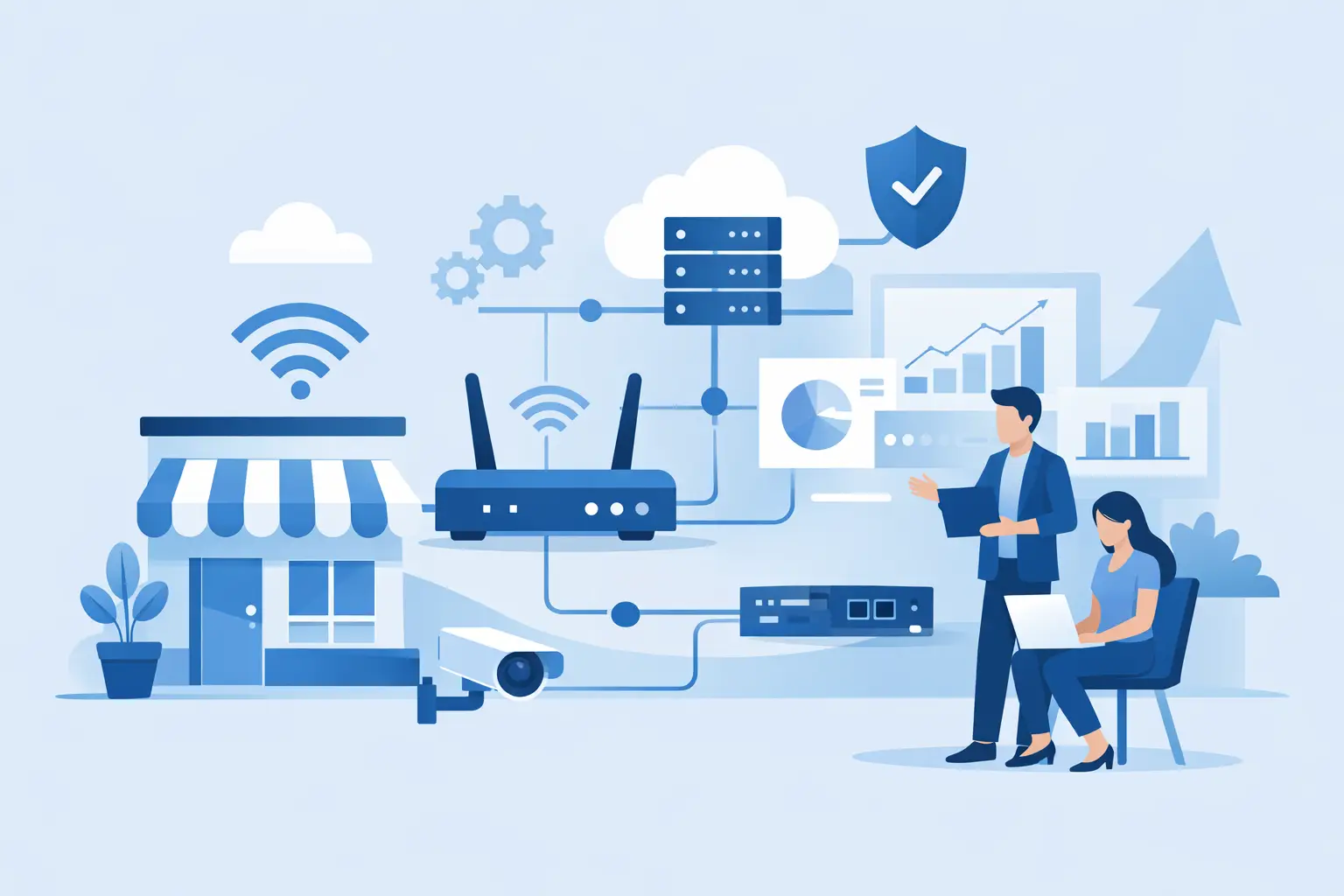
A network problem rarely announces itself as a network problem. It looks like a card terminal that will not connect at the till, a video call that drops during a client meeting, stock systems that slow down at peak trading time, or staff using personal hotspots to get work done. This small business network upgrade guide is designed to help you fix the underlying issues, not simply replace a few devices and hope for the best.
For a busy business, a network upgrade should create three outcomes: people can work without interruption, customers can transact without delay, and the business is better protected when something goes wrong. The right approach depends on your premises, applications, number of users and appetite for downtime. What does not change is the need for one clear plan and one party accountable for making the moving parts work together.
Small business network upgrade guide: start with the work
Before discussing routers, switches or Wi-Fi access points, look at how your business actually operates. A retailer may depend on payment terminals, cloud-based point of sale, guest Wi-Fi and stock scanners. A professional office may need reliable video conferencing, cloud applications, secure remote access and file sharing. A multi-site business may need all of these, with consistent performance at every location.
Map the activities that stop when the connection fails. Include the less obvious dependencies: door access systems, CCTV, VoIP phones, booking platforms, cloud backup, music systems and staff tablets. If a system affects revenue, safety, compliance or customer experience, it belongs in the plan.
This exercise also exposes a common issue: a business may have fast broadband but a poor internal network. Internet speed cannot compensate for weak Wi-Fi coverage, ageing cabling, overloaded consumer-grade hardware or an incorrectly configured network. The connection to your building is only one part of the service your team experiences.
Measure the pain before buying equipment
Ask staff where the connection fails, when performance drops and which applications cause the most frustration. Walk the site with real devices, rather than relying on a single speed test near the router. Test meeting rooms, shop floors, storerooms, loading areas and any outdoor spaces where staff work.
Look at peak periods, not quiet ones. A café may be fine before opening but struggle when customers join guest Wi-Fi and payment traffic increases. An office may perform well until several people begin video calls while cloud backups run in the background. These patterns tell you whether the issue is coverage, capacity, internet bandwidth or network design.
Build the upgrade around reliability, not headline speed
More bandwidth can be valuable, but it is not automatically the answer. A 1 Gbps connection will still feel poor if every device competes on one crowded wireless network. Equally, an excellent Wi-Fi installation cannot keep cloud systems available if the broadband service has no suitable backup.
A sound design separates business-critical traffic from lower-priority use. Payment terminals, business phones, staff devices, guest Wi-Fi, CCTV and smart devices should not all sit on the same open network. Segmentation limits risk and helps ensure that a customer streaming video does not interfere with a card payment.
For many small businesses, the practical foundation includes managed Wi-Fi access points positioned for proper coverage, business-grade switching, a managed firewall and a connection with appropriate service levels. Larger sites or businesses with several locations may also need central management, secure site-to-site connectivity and a secondary connection that takes over if the primary service fails.
There are trade-offs. A basic setup may cost less initially, but it leaves more responsibility with staff and may be harder to diagnose under pressure. A managed solution involves an ongoing service cost, yet it can provide monitoring, updates, support and a clear escalation path. The right choice is based on the cost of disruption, not just the purchase price of hardware.
Treat Wi-Fi as business infrastructure
Wi-Fi is often the part of the network employees and customers notice most, but it is regularly planned last. One router at the front of the premises is unlikely to provide dependable coverage through walls, shelving, refrigeration, metalwork or multiple floors.
We've got your back
Professional Wi-Fi design considers the building layout, material interference, device numbers and the applications being used. More access points are not always better. Poorly positioned or badly configured access points can create interference and handover problems. What matters is measured coverage and capacity in the places work happens.
Guest Wi-Fi needs special care. It can improve the customer experience, but it should be isolated from systems that process payments, store business information or manage operations. Set sensible usage controls and make sure guests cannot access internal devices. For retailers and hospitality businesses, this separation is part of protecting the wider payment environment.
Plan for wired devices too
Wireless is convenient, but some equipment should remain wired wherever possible. Desktop computers, payment infrastructure, fixed tills, servers, access points, printers and cameras often benefit from a stable Ethernet connection. Good cabling reduces wireless congestion and gives critical devices a predictable path to the network.
If you are refurbishing, relocating or opening another site, include cabling and network cabinet requirements early. Retrofitting them after furniture, ceilings and fit-out are complete is usually slower and more expensive.
Put security into the design
A network upgrade is a security decision as much as a performance decision. Older routers may miss security updates, use weak default settings or provide little visibility when suspicious activity occurs. Unmanaged devices can also make it difficult to know what is connected to the business network.
A managed firewall provides a controlled boundary between your network and the internet. It can enforce security rules, identify unusual activity and support secure remote access for authorised users. However, a firewall alone is not a complete security strategy. It needs active management, timely updates and someone watching for alerts that require action.
Combine network controls with strong passwords, multi-factor authentication, email security, protected backups and staff awareness training. Staff do not need technical jargon. They need clear processes for approving payment changes, reporting suspicious messages and keeping company devices secure.
For businesses handling card payments, do not treat compliance as a separate IT project. Payment devices, guest access, staff systems and the internet connection all affect the environment. Keeping payment traffic separated and maintaining clear ownership makes it easier to reduce risk and investigate issues.
Design for failures you can expect
Every connection, power supply and piece of hardware can fail. The question is whether a single failure stops the business. A practical upgrade plan identifies the failures that matter most and decides what is worth protecting.
For a site where every lost transaction has an immediate cost, a mobile or fixed backup connection may be sensible. For an office that relies heavily on cloud platforms, a failover service can keep core work moving while the main connection is restored. For a small business with limited reliance on internet systems, a lower-cost recovery plan may be enough.
Backup is not just about connectivity. Consider uninterruptible power for key networking equipment, a documented replacement process for failed devices and current configuration backups. If a router needs replacing at 5 pm on a Friday, the ability to restore its settings quickly can make the difference between a short interruption and a lost weekend.
Choose support that takes ownership
Many network issues become costly because responsibility is fragmented. The internet provider says it is an IT problem. The IT provider points to Wi-Fi. The hardware supplier asks someone else to check the cabling. Meanwhile, your team is still unable to work.
When comparing providers, ask who monitors the service, who owns the escalation, what happens outside office hours and whether they can support connectivity, networking and security together. Also ask what is included in the monthly service, how equipment is managed and whether there is a clear plan for growth.
A provider should be able to explain the design in plain language, document it properly and give you practical choices. Predictable pricing is useful, but so is clarity about what happens when your business adds staff, opens a new branch or adopts new cloud software.
Roll out without disrupting the business
An upgrade does not have to mean a risky all-at-once change. For most businesses, the safest route is to document the current environment, prepare the new configuration, test critical services and schedule cutover during a quieter period. Keep a rollback plan until payment systems, phones, applications and Wi-Fi have all been checked.
After installation, monitor performance for the first few weeks. New problems can surface once every device reconnects and normal trading resumes. Review whether guest Wi-Fi, remote access, backups and failover work as intended, rather than assuming they will perform when needed.
Vetta Group brings connectivity, managed IT, security and on-site technical support together so businesses have one accountable partner when their technology needs attention. The aim is straightforward: technology should make life easier for the people relying on it.
A network upgrade is most valuable when nobody talks about it afterwards. Staff get on with their work, customers can pay without waiting, and you know there is a clear response if something changes. That is the standard worth planning for.





