







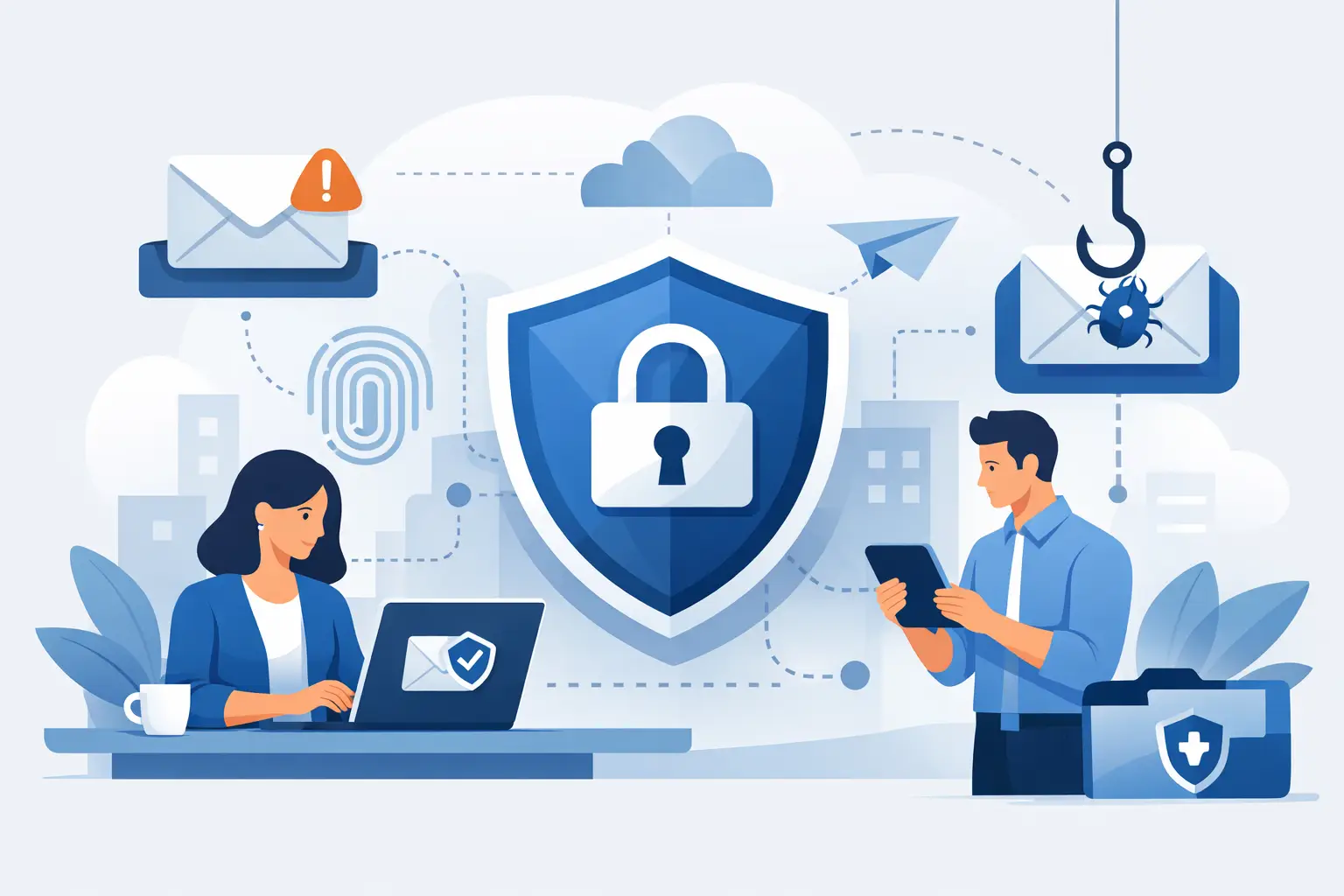
One hurried click on a fake invoice, shared document or courier update can turn an ordinary working day into a costly disruption. That is why email security for staff matters far beyond the inbox. For most small and mid-sized businesses, email is where fraud starts, credentials are stolen and attackers test whether your people, systems and support model are joined up.
The problem is not that staff are careless. It is that modern phishing emails are designed to look routine. They borrow your suppliers’ branding, mimic Microsoft prompts, copy internal writing styles and arrive at the exact moment someone is busiest. In a retailer, that might be during stock intake or a card terminal issue. In a multi-site business, it might be while an operations manager is approving urgent spend across locations. Attackers rely on pressure, familiarity and timing.
That is why the right approach is not to blame users or run one-off training once a year. It is to build a system around people so the safe action is also the easy action. Good protection combines filtering, account controls, awareness, monitoring and a support team that can act quickly when something slips through.
What email security for staff really needs to cover
A lot of businesses think email security begins and ends with spam filtering. Filtering helps, but it is only one layer. Staff are exposed to several different risks through email, and each one needs a slightly different response.
Phishing is the obvious one – messages designed to steal passwords, payment details or business information. Then there is business email compromise, where attackers impersonate a manager, finance lead or supplier to get an invoice paid to the wrong account. Malware still matters too, although it is often hidden behind links to fake login pages rather than obvious attachments. And there is account takeover, where a genuine mailbox is compromised and used to send trusted-looking messages internally and externally.
For busy SMEs, the real challenge is not understanding these threats in theory. It is making protection practical across day-to-day operations. Staff need to know what to do when they are unsure, and the business needs technical controls that reduce the chance of a mistake becoming an incident.
Why training on its own is not enough
Awareness training has value, but it should never carry the whole load. Even well-trained staff can be caught out when they are under pressure, switching between devices or dealing with a convincing impersonation. Security that depends on perfect human behaviour will fail sooner or later.
That is where layered controls matter. Multi-factor authentication reduces the damage if a password is entered on a fake login page. Mailbox protection policies can flag suspicious senders, block dangerous attachments and quarantine high-risk messages before they reach end users. Domain protections help stop attackers spoofing your business in outbound scams. Conditional access and sign-in monitoring can identify unusual behaviour before a compromised account is used to spread further.
There is a trade-off here. If controls are too aggressive, valid messages get delayed and staff start bypassing process. If controls are too loose, dangerous emails land in inboxes unchecked. The right setting depends on the type of business, the sensitivity of the information involved and how much operational disruption the business can tolerate. A payment-focused environment may need tighter controls than a low-risk internal-only workflow.
The staff behaviours that make the biggest difference
When businesses talk about user awareness, they often make it too broad. Staff do not need a lecture on every cyber threat ever recorded. They need a short set of habits they can apply under pressure.
The first is to pause on anything urgent, unexpected or financial. Most successful email attacks create pressure to act quickly. The second is to verify changes to payment details, bank accounts or sensitive requests through another channel. The third is to treat login prompts with caution, especially when reached from email links. And the fourth is to report suspicious emails early, without worrying about getting it wrong.
That last point matters more than many leaders realise. If staff think reporting a suspicious email will create blame or embarrassment, they stay quiet. Then IT or support only hears about the issue after credentials have been entered or funds have moved. A better culture is simple: report first, sort the details out afterwards.
We've got your back
How to make email security for staff stick
The businesses that get this right do not rely on a single campaign. They make email security part of normal operations.
Start with role relevance. A finance team, a store manager and a field technician will not face exactly the same risks. Finance teams need stronger protection around invoice fraud and supplier impersonation. Senior leaders need protection against impersonation and targeted phishing. Frontline teams may be more exposed on mobile devices where warning signs are harder to spot.
Keep training short and repeated. A fifteen-minute session that staff remember is worth more than a long annual module that gets clicked through. Use realistic examples based on the sorts of messages your teams actually receive, such as parcel notifications, password expiry prompts, shared document requests and supplier invoices.
Make reporting easy. If staff have to open a ticket, find the right category and wait for a reply, many will not bother. A simple reporting button or a clear process handled by a responsive support team removes friction. Speed matters because one suspicious email is rarely sent to one person only.
Then test sensibly. Simulated phishing can be useful, but only if it is done to improve behaviour rather than catch people out. If tests are too frequent or too punitive, staff become cynical. If they are well judged, they show where extra support is needed and whether controls are working.
The controls behind the scenes
For decision-makers, this is the part that often gets missed. Staff behaviour improves outcomes, but technical controls do the heavy lifting.
Strong identity security should come first. Multi-factor authentication, sign-in risk monitoring and least-privilege access all reduce the likelihood that one stolen password becomes a wider compromise. Email authentication standards such as SPF, DKIM and DMARC help protect your domain reputation and make spoofing harder. Advanced filtering and attachment sandboxing add another layer before users ever see a message.
Mailbox auditing and alerting are equally important. If a compromised account starts creating forwarding rules, sending unusual volumes of email or logging in from an unexpected location, someone needs to know quickly. The same applies to integrated backup and recovery planning. If an email incident spreads into account lockouts or ransomware activity, response time matters.
This is also where a single accountable provider can make a real difference. Email security does not sit neatly in one box. It touches connectivity, identity, endpoint security, user support and incident response. When those pieces are split across multiple vendors, delays creep in. Each provider can point elsewhere while the business is left trying to coordinate the fix.
What good looks like for an SME
For most SMEs, the target is not perfection. It is resilience. A good setup means fewer malicious emails reach staff, more suspicious activity is reported quickly, and incidents are contained before they become downtime, payment loss or reputational damage.
That usually means a blend of managed filtering, secure account policies, regular awareness work and monitoring that does not stop at office hours. It also means having people your team can reach when something feels off. Staff should not have to guess whether an email is safe while a payment approval is waiting or a site manager is locked out.
It also helps to be honest about business reality. Busy teams will always work at pace. New starters will need guidance. Senior staff will sometimes be the hardest to slow down, even though they are common impersonation targets. Good email security works with those realities rather than assuming everyone has time for perfect caution.
If your business handles payments, supplier changes or sensitive customer data by email, review the process as well as the technology. Many fraud losses happen because the workflow itself is weak. For example, changing bank details based on email alone is a process problem, not just an inbox problem. Tightening approvals and verification can remove entire categories of risk.
Vetta’s approach is built around that joined-up view: the inbox, the identity, the endpoint and the support response all need to work together if the goal is less disruption and clearer accountability.
The best time to improve email security is before your staff are tested by a convincing fake message on a hectic day. Keep it practical, keep it layered, and make sure your team knows they are supported when something does not look right.





