







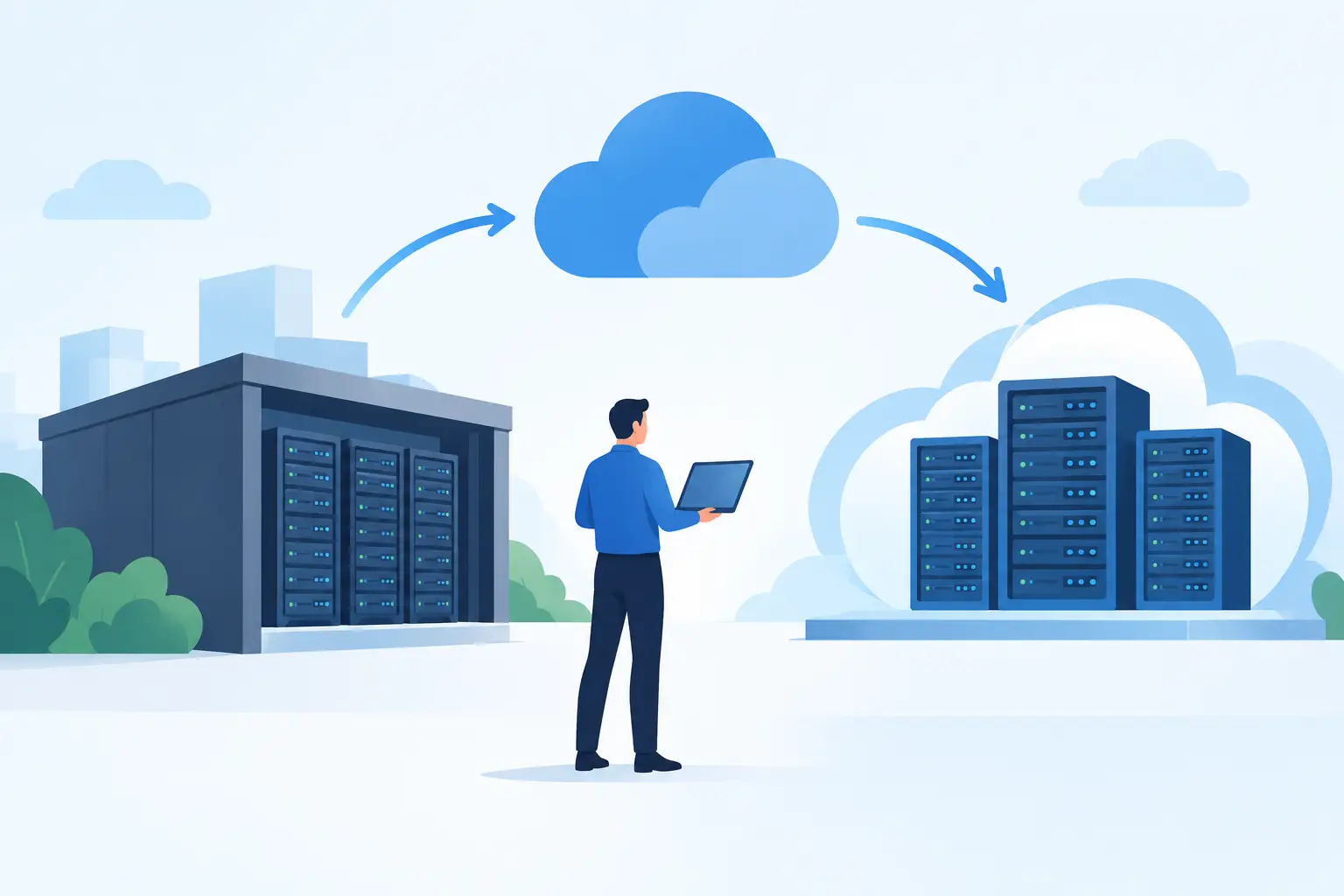
A server move rarely fails because someone could not lift the hardware. It fails because a dependency was missed: a payment terminal still points to an old address, a remote worker cannot reach a line-of-business application, or backups were assumed to be running when they were not. This cloud colocation migration guide is for businesses that need to move critical systems without gambling with trading hours, customer data, or staff productivity.
For many small and mid-sized organisations, colocation is not a step backwards from cloud services. It is a practical way to keep control of specialised hardware while placing it in a professionally managed environment with resilient power, cooling, physical security, and connectivity. The challenge is making the transition in a controlled way.
Start with the business outcome, not the rack
Before choosing a facility or booking an engineer, define what the move must achieve. That might be reduced outage risk, better performance for multiple sites, compliance requirements, room to grow, or a simpler support model. These priorities determine the technical design and the level of redundancy worth paying for.
Be specific about acceptable downtime. A business that can tolerate a four-hour maintenance window on a Sunday will take a different approach from a retailer that processes payments seven days a week or a service firm supporting staff across time zones. Also decide which systems must remain available first. Usually this includes internet access, identity services, phone systems, payment platforms, core applications, and backups.
A good migration plan has one owner with authority to make decisions when conditions change. Where several suppliers are involved, agree who owns escalation before migration day. The most damaging phrase during an outage is often, “That is another provider’s responsibility.” A single accountable partner reduces that risk because connectivity, hosting, security, and support are planned as one service rather than separate hand-offs.
Cloud colocation migration guide: map every dependency
Your server inventory is only the starting point. The real work is identifying what each server depends on and what depends on it. An accounting server may rely on an application database, Active Directory, DNS, a cloud backup service, a printer at a branch, and a third-party integration. Moving it without understanding those relationships can create failures that appear days later.
Document workloads, operating systems, storage use, licences, IP addresses, firewall rules, certificates, DNS records, backup jobs, and recovery procedures. Include physical equipment such as switches, firewalls, uninterruptible power supplies, and any vendor appliance that cannot be virtualised. Record support contacts and contract details too. A licence that is tied to a hardware identifier or location can delay a go-live if it is discovered at the last minute.
For multi-site businesses, trace traffic between branches, cloud platforms, remote users, payment devices, cameras, and the new colocation environment. Network diagrams do not need to be beautiful. They do need to reflect reality. Test them with the people who know the day-to-day systems, not only the technical team.
Classify each workload by business impact. Critical services need a migration path, a rollback option, and named sign-off. Lower-risk workloads can be moved earlier to test the process. This staged approach produces useful evidence before the systems that matter most are touched.
Choose an architecture that fits the workload
Colocation is flexible, which is useful but can lead to overbuilding. A sensible design balances availability, cost, and operational effort. The right answer depends on the systems involved.
Some workloads suit a lift-and-shift move of existing servers. This can be quicker where applications are stable, hardware has useful life remaining, and licensing makes change expensive. The trade-off is that ageing equipment and single points of failure come with you.
Other workloads are better virtualised or rebuilt before the move. Consolidating several lightly used servers can reduce power, rack space, and maintenance. It also makes recovery easier when virtual machine replication and tested backups are part of the design. However, rebuilding introduces application testing and may require vendor support, so it is not automatically the lower-risk choice.
We've got your back
Consider a hybrid model where some systems remain in public cloud services and others sit in colocation. For example, a local database or specialised application may need predictable performance, while email, collaboration, and some backups can remain cloud-based. What matters is reliable, secure connectivity between these environments and a clear plan for who monitors it.
At the facility, assess power feeds, rack layout, cooling, physical access procedures, remote hands availability, and connectivity options. Redundant internet links and diverse network paths matter more than a headline bandwidth figure. A fast connection that shares a single failure point is still a risk.
Build security and recovery into the migration
A migration temporarily changes systems, permissions, routes, and access rules. That creates opportunities for mistakes and exposes gaps that were previously hidden. Treat security as a workstream, not a final checkbox.
Review firewall rules before moving them. Remove old rules where possible, confirm that management interfaces are not exposed to the public internet, and use multi-factor authentication for remote administration. Separate management traffic from production services where the design supports it. If staff or third parties require remote access, define exactly what they can reach and how that access is logged.
Backups deserve special attention. Take verified backups before any change, but do not stop there. Confirm they are encrypted, retained in a separate location, and recoverable without relying on the same equipment being moved. Run a restore test for at least one critical system. A backup that has never been restored is an assumption, not a recovery plan.
Document the rollback point for each migration stage. Rollback does not mean “we will put it back if it goes wrong”. It means identifying the deadline for a decision, preserving the old environment until validation is complete, and knowing how network routes, DNS, and data changes will be reversed. For data-heavy systems, that may mean replication rather than a simple switch back.
Run the move as a controlled change
The migration runbook should be detailed enough that someone other than its author can follow it. It should cover preparation, timing, responsible people, contact numbers, change steps, validation tests, communications, and rollback actions. Keep it practical. A three-page runbook that reflects the actual environment is more useful than a large document nobody reads during an incident.
Schedule a change window that matches business risk, not just engineer availability. Tell staff what to expect, including any periods when they should not enter transactions or update records. Notify key suppliers if their integrations, whitelisted addresses, or support availability could affect the move.
On the day, start with a go/no-go review. Check backups, replication status, equipment health, engineer access, connectivity, and the availability of the people needed to approve decisions. If a critical precondition has not been met, postponing is often the responsible choice.
After each system moves, test from the user perspective. Can a branch process a payment? Can staff sign in remotely? Can a customer-facing service reach its database? Can the monitoring platform alert the right people? A green server status is not proof that the business service works.
Validate after go-live and keep improving
The first 24 to 72 hours are part of the migration, not an afterthought. Monitor performance, errors, capacity, backups, and security alerts closely. Compare application response times and network behaviour with the baseline collected before the move. Investigate unexpected changes early, before they become accepted as normal.
Update documentation once the design is proven. Remove old credentials, retire equipment only after the agreed retention period, and close temporary firewall rules. Review costs too. Colocation should provide predictable operating costs, but unused rack space, excessive capacity, and legacy licences can erode the value of the move.
For businesses that do not have a large internal IT team, ongoing monitoring and a reachable support desk are as important as the facility itself. Vetta can coordinate connectivity, colocation, managed IT, and security under one accountable service model, so issues are addressed across the whole environment rather than passed between suppliers.
A successful colocation migration should leave your business with more than servers in a new location. It should give you a clearer view of your systems, a tested recovery process, and a support model that keeps technology working when your people need it most.





