







A convincing fake Microsoft 365 sign-in page can look identical to the real one. A staff member may enter a password, approve a one-time code, and still hand an attacker everything they need. For businesses managing busy teams, customer data and payment systems, that is why the question is not simply whether passwords are inconvenient. It is: are passkeys secure enough to replace them?
For most everyday business sign-ins, the answer is yes – provided passkeys are deployed with the same care as any other security control. They remove one of the most common paths into an organisation: stolen credentials used on a convincing phishing site. But they are not a reason to switch off monitoring, identity management or sensible account-recovery controls.
Are passkeys secure? The short answer
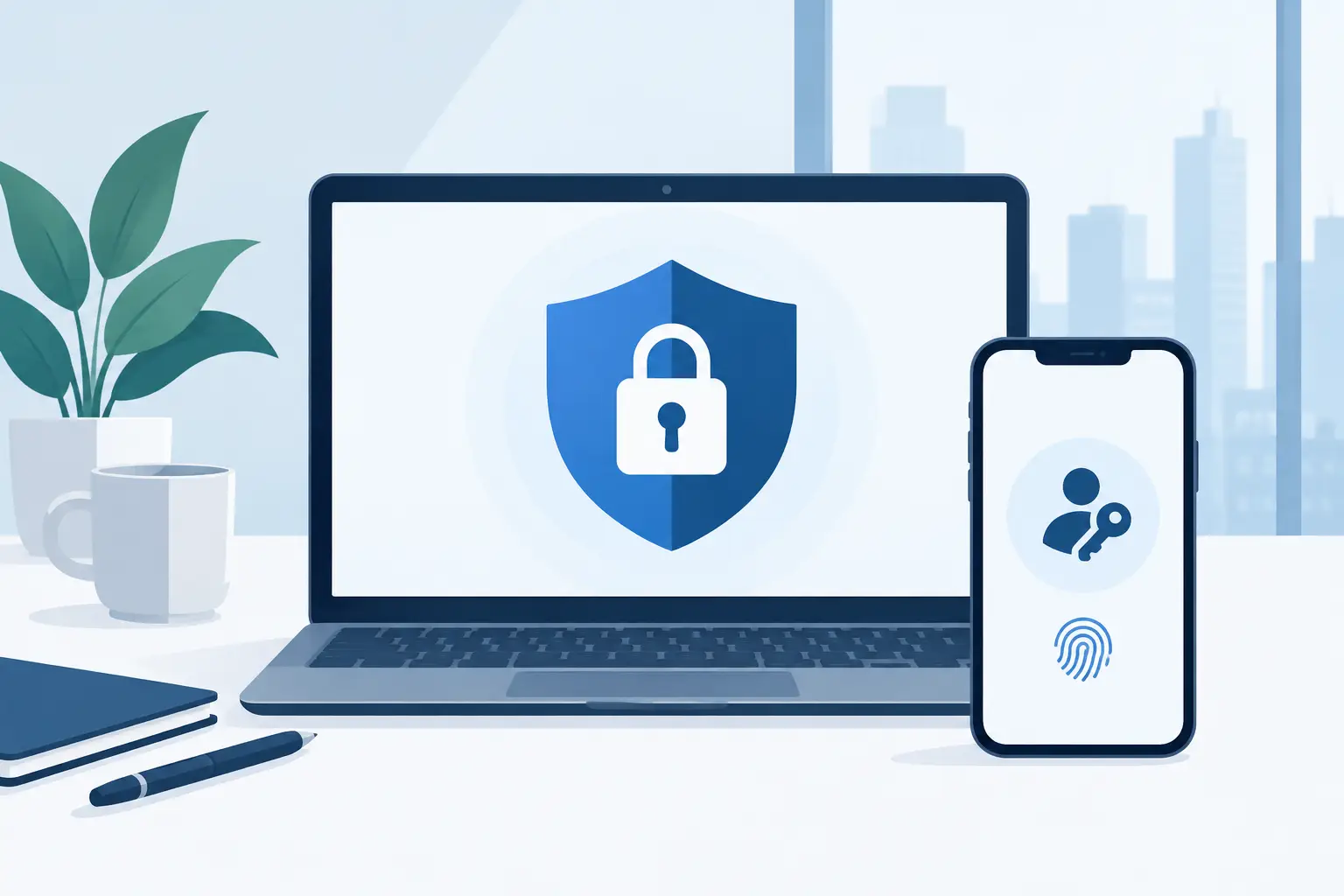
Passkeys are a highly secure way to sign in because there is no reusable secret for a user to type, remember or accidentally give away. Instead of a password, a device creates a unique pair of cryptographic keys for a particular account. The public key is held by the service. The private key remains protected on the user’s device or in their approved passkey provider.
When the user signs in, the service asks the device to prove it holds the private key. The device confirms this after the user verifies themselves, usually with a fingerprint, face recognition or device PIN. The private key is not sent across the internet.
That distinction matters. A criminal who steals the public key cannot use it to sign in. More importantly, a passkey is tied to the genuine website or app that created it. A fake lookalike site cannot normally request a valid passkey response for the real service. This makes passkeys resistant to the phishing attacks that routinely defeat passwords and SMS codes.
For an operationally busy business, the practical benefit is clear: fewer password resets, less pressure on staff to make risky choices, and a stronger barrier against account takeover. Users do not need to handle complex credentials for each service, while the organisation gains a more dependable sign-in method.
Why passwords and one-time codes still leave gaps
Strong passwords and multi-factor authentication remain better than passwords alone. They should not be dismissed, especially where a service does not yet support passkeys. However, they rely on people recognising a fraudulent request at the exact moment an attacker creates urgency.
A password can be reused, guessed, leaked in a breach or captured by malware. A one-time code can be requested by a criminal through a spoofed sign-in page, social engineering call or notification fatigue attack. Even authenticator app codes can be phished if a user is persuaded to type them into the wrong place.
Passkeys change the transaction. The user is not revealing a credential that can be replayed elsewhere. They are authorising their own device to respond to the legitimate service. This is why passkeys are often described as phishing-resistant authentication rather than merely another form of multi-factor authentication.
There is also a privacy advantage. Biometrics usually stay on the device. The website does not receive a copy of someone’s fingerprint or face. It receives confirmation that the device’s local security check has been completed.
The security trade-offs businesses need to manage
Passkeys are strong technology, not a complete identity strategy. Their real-world security depends on the devices, recovery processes and administrative controls around them.
The first consideration is device security. If an employee’s mobile phone or laptop is unlocked, infected or shared carelessly, an attacker may be able to access accounts through the existing signed-in session or approved passkeys. A screen lock, supported operating system, encryption, timely updates and remote device management still matter.
We've got your back
The second is passkey synchronisation. Many passkeys can be securely synchronised between a person’s devices through a platform account. This is useful when staff replace a mobile phone or work across a laptop and tablet. It also means the security of that platform account becomes critical. It should have strong recovery settings, current contact details and appropriate multi-factor protection.
Some organisations will prefer device-bound passkeys, often held in dedicated security keys, for privileged administrators or high-risk payment and finance roles. These do not synchronise automatically, which can reduce exposure but adds administration. If a key is lost, the business needs a controlled replacement process. There is no universal right choice: convenience is valuable for broad staff adoption, while tighter control may be justified for the accounts that could cause the greatest harm.
Account recovery is the third area to inspect closely. Attackers often target the weakest route into an account, not the strongest. A service may support passkeys but still allow a password reset through an insecure email account or easily manipulated helpdesk process. Before rolling out passkeys, check every recovery option. Require identity verification that matches the risk, limit who can approve resets, and record those actions for review.
Where passkeys fit in a business security programme
Passkeys are most effective when they are part of a joined-up approach to access. Start with cloud email, collaboration tools, financial software, domain administration, remote access and any system that holds customer or payment information. These accounts are attractive targets because one compromised identity can lead to fraud, data loss or wider network access.
Not every supplier supports passkeys yet. For systems that still require passwords, use a managed password manager to create unique, long credentials and protect them with multi-factor authentication. This avoids the dangerous halfway position where employees reuse a familiar password because keeping track of access has become too difficult.
For admin accounts, separate daily work from privileged access. An employee should not browse email and administer core systems from the same highly privileged account. Apply least-privilege access, require additional verification for sensitive changes, and review who has access when roles change. Passkeys improve how a person proves their identity; access controls determine what that identity can do.
Security monitoring remains necessary as well. A legitimate login can still be followed by suspicious behaviour, such as a sudden mailbox forwarding rule, a new payment recipient or unusual data downloads. Always-on monitoring, email security, managed firewalls and tested backups provide the layers that help contain an incident when prevention is not enough.
How to introduce passkeys without disrupting staff
A rushed rollout can turn a security improvement into a support problem. Begin with a small group that uses well-supported applications and a mix of managed devices. Test enrolment, device replacement, lost-device procedures and access from the locations your teams actually work from.
Give staff plain guidance. They need to know that a passkey prompt should only appear when they are signing in to a service they intended to use, and that they should never approve an unexpected request. Explain that their face or fingerprint is checked locally by their device, not stored by the service. That reassurance helps adoption, particularly where staff have heard biometrics described vaguely as a privacy concern.
Make ownership clear. Someone must be responsible for enrolment standards, supported devices, offboarding, emergency access and periodic review. In a smaller business, that may be an operations lead backed by a managed IT and security provider. What matters is that users are not left to make their own recovery decisions under pressure.
Keep a limited number of emergency access accounts only where they are genuinely needed. Protect them separately, document their use, and review them after any access event. Emergency accounts are valuable during an outage or device loss, but they become a serious weakness if their credentials are shared informally or never monitored.
Finally, measure the outcome. Look for reduced password-reset requests, fewer failed sign-ins, faster onboarding and a clear record of who has access to critical systems. Good security should reduce friction for legitimate work while making unauthorised access materially harder.
Passkeys offer a meaningful improvement over passwords because they address the problem at its source: people cannot give a reusable secret to a fraudulent website if there is no reusable secret to give. The sensible next step is to identify the accounts that would hurt most if compromised, test passkeys there, and make recovery and support part of the plan from day one.





