







When your primary connection drops at 11:47 on a busy trading day, nobody cares which provider is at fault. They care that the till stops taking payments, staff cannot reach cloud systems, and customers start noticing. That is why knowing how to set up failover internet matters – not as a nice extra, but as basic operational protection for any business that depends on being online.
Failover internet is simply a backup connection that takes over when your main service fails. The aim is continuity. For a retailer, that may mean card payments still processing. For an office, it means calls, Teams meetings, cloud apps and remote access keep working. For a multi-site business, it stops one connectivity issue becoming a full operational problem.
What failover internet actually needs to do
A lot of businesses think failover is just buying a second broadband line. Sometimes that works, but often it leaves gaps. If both services enter the building the same way, rely on the same local infrastructure, or require someone on site to manually switch over, you still have a risk.
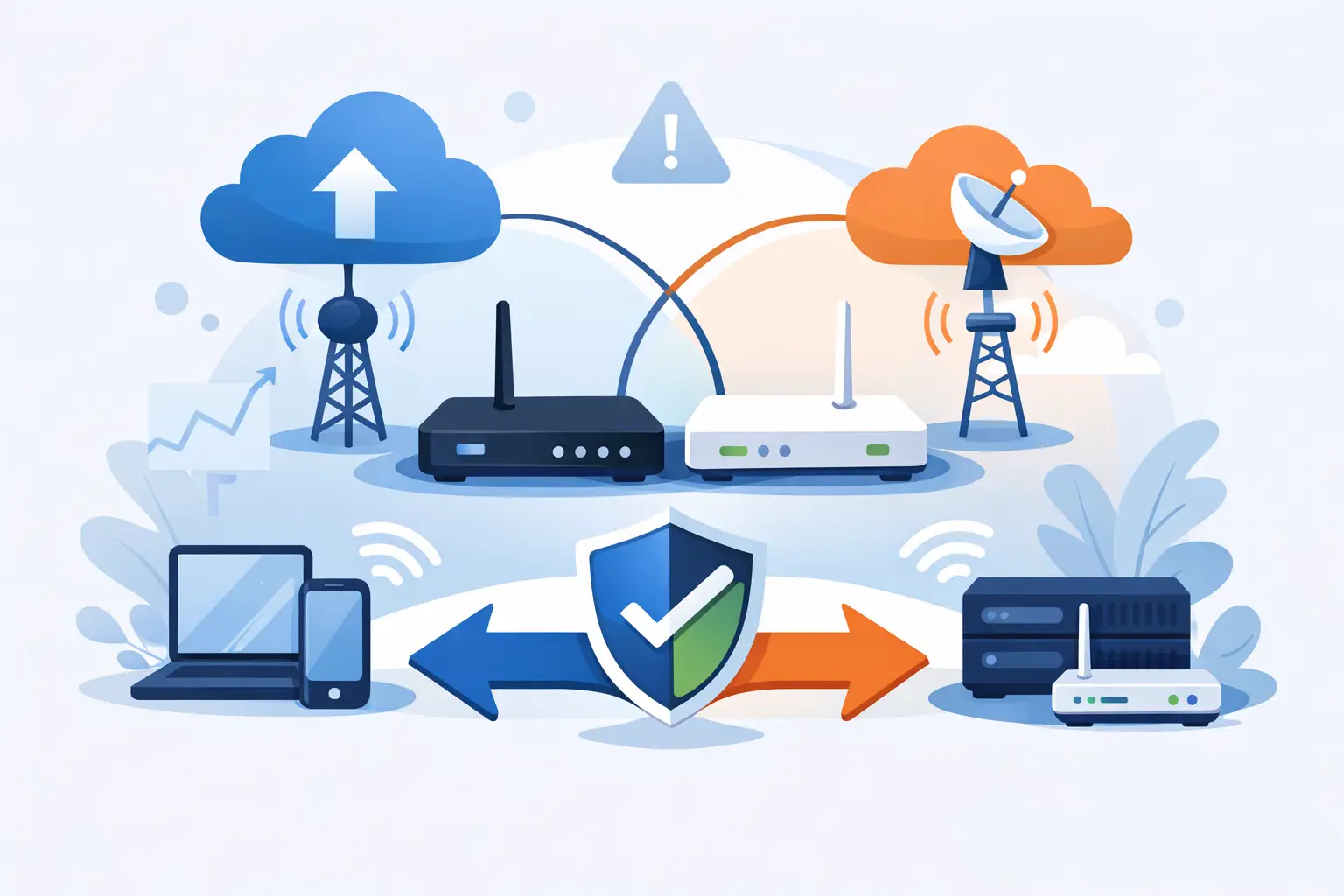
A proper failover setup has three parts. First, you need two different paths to the internet. Second, you need networking equipment that can detect failure and move traffic automatically. Third, you need clear rules about what stays online during an outage and what can wait.
That third point matters more than people expect. Not every business needs every service to fail over in exactly the same way. A café may prioritise EFTPOS and guest WiFi. A professional services firm may care more about phones, Microsoft 365 and secure remote access. A warehouse may need handheld devices, dispatch systems and label printers to keep moving. The right design depends on the cost of downtime and the systems your team uses every day.
How to set up failover internet for business use
If you want to know how to set up failover internet properly, start with risk rather than hardware. Ask a simple question: what stops when the internet goes down, and what does that cost per hour?
If payments stop, the answer is obvious. If staff are idle, customers cannot be served, or your phones depend on the internet, the cost adds up quickly. That is what should guide your setup.
Step 1: Choose a backup connection that is genuinely separate
The strongest failover designs avoid a single point of failure. If your main connection is fibre, the backup is often 4G or 5G. That gives you diversity, because the backup is not relying on the same cable route into the premises.
A second fixed line can also make sense, especially for larger sites that need more backup capacity. But it depends on how that line is delivered. Two services from two invoices do not automatically mean two independent paths. If they share the same local infrastructure, a single fault can still take both out.
For many SMEs, fibre plus mobile failover is the practical balance. It is quick to switch, widely available and cost-effective. The trade-off is that mobile performance can vary by location, building layout and network congestion. If your site is in a weak coverage area, you may need external antennas or a different backup method.
Step 2: Use the right router or firewall
Failover internet only works well if your edge device can manage it. That usually means a business-grade router or managed firewall with dual-WAN or multi-WAN capability. It should continuously monitor the primary connection and automatically switch to the backup when service degrades or fails.
This is where consumer gear often falls short. It may support two connections in theory, but not with the control, visibility or reliability a business needs. Good business equipment lets you set health checks, prioritise traffic and decide whether the backup is for full-site use or only critical services.
We've got your back
Security matters here as well. If remote access, card environments or business applications are involved, failover should not weaken your firewall policies. The goal is to stay online without opening new risk.
Step 3: Decide what traffic should fail over
Not all traffic is equal. During an outage, you may not want guest WiFi, software updates and video streaming consuming your backup data allowance. You may want to reserve capacity for payments, voice, business apps and VPN access.
That means applying basic traffic shaping or policy controls. If your backup is mobile, this step is especially important. Mobile failover can keep a business running very effectively, but only if it is not overwhelmed by non-essential traffic.
For smaller sites, a simple policy may be enough: critical business systems first, everything else restricted. For larger or more complex sites, you may need application-aware controls and tighter segmentation between staff, guest, voice and payment traffic.
Step 4: Configure automatic failover and failback
Automatic failover is the whole point. When the main line fails, the router should switch traffic to the secondary connection without requiring someone to unplug cables or log into a web portal.
Failback matters too. Once the primary line is restored, the network needs to return to it cleanly. If this is handled badly, users can see dropped calls, stuck sessions or unstable performance. A good setup uses sensible thresholds so the network does not keep bouncing between links during intermittent faults.
Step 5: Test it under real conditions
This is the stage businesses skip, then regret later. A failover setup is only proven when it has been tested. Disconnect the primary service. Check that card terminals still work, cloud apps reconnect, voice services remain usable and any site-to-site links behave as expected.
Then test the return to normal service. Confirm the switch back is stable and that logs or alerts show exactly what happened. Testing should not be a one-off task done on installation day. Networks change, software changes and business priorities change.
Common mistakes when setting up failover internet
The biggest mistake is assuming any backup connection equals resilience. It does not. A second line without automatic switching, traffic controls or proper testing can still leave you offline when it matters.
Another common issue is under-sizing the backup. If your whole operation relies on cloud apps and voice, a very low-capacity mobile service may technically work but still create a poor experience. Staff can become half-productive, which is its own form of downtime.
There is also the question of power. Internet failover will not help much if the router, access points or switches lose power during an outage. In sites where continuity is critical, battery backup for core network equipment is often worth including.
Finally, avoid fragmented responsibility. If one supplier provides connectivity, another supplies the firewall, another manages IT and another looks after payments, fault resolution can become slow and unclear. During an outage, businesses need ownership, not finger-pointing.
What setup is right for your business?
For a small retail site, the best answer is often straightforward: primary fibre, mobile backup, automatic failover, and policies that prioritise EFTPOS and business systems. It is affordable and covers the most common outage scenarios.
For a larger office or multi-site operator, the design may need more thought. You may require higher backup capacity, central visibility across sites, secure tunnels between locations and alerting that tells your team exactly when failover has occurred. If voice, payments and line-of-business systems all depend on connectivity, resilience should be planned as part of the wider network and security design, not added later.
Work-from-home users can benefit too. If home broadband supports client calls, remote desktops or cloud applications, a router with mobile failover can prevent a local outage from turning into a lost working day. The key difference is cost tolerance. A home setup usually aims for practical continuity rather than enterprise-grade resilience.
When managed failover makes more sense than DIY
You can buy a dual-WAN router and configure this yourself. For some technically confident businesses, that is fine. But the real challenge is not only getting it live. It is making sure the backup path is secure, monitored, tested and aligned with the systems that matter most.
That is where a managed approach tends to pay off. With one accountable partner handling connectivity, network equipment, security policy and support, there is less room for gaps. If failover triggers at 2 am, someone should know. If performance degrades on the backup link, someone should investigate. If a site relies on payments to trade, the network should be designed around that operational reality from the start.
Vetta Group works with businesses that want that joined-up outcome rather than a pile of separate services. That means connectivity, security and support are planned together, so failover is not just present on paper but useful when the pressure is on.
Failover internet is not about chasing perfect uptime. It is about reducing the impact of the faults that will eventually happen. Set it up with the right backup path, the right equipment and clear priorities, and an outage becomes a disruption you can absorb rather than a day you cannot recover.





