







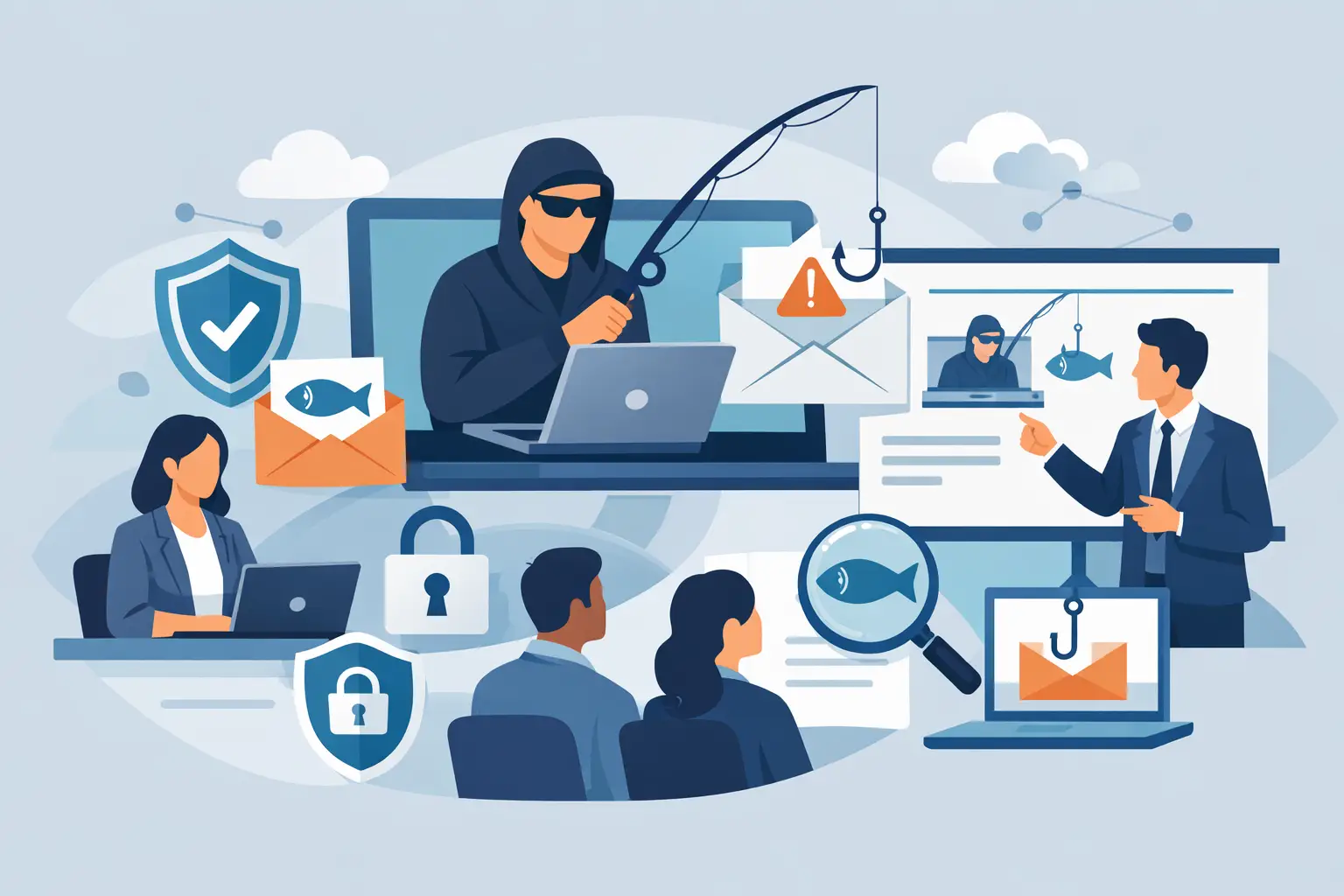
A phishing email rarely arrives at a convenient time. It lands when the shop is busy, the accounts team is under pressure, or a manager is clearing an inbox on a phone between meetings. That is exactly why learning how to prepare phishing training matters. If the training only works in a quiet classroom with obvious examples, it will not hold up in the real world.
Good phishing training is not about catching staff out. It is about helping people make better decisions under normal business pressure. For small and mid-sized businesses especially, the goal is simple: reduce risk without slowing the team down or turning security into a box-ticking exercise.
Start with the risk your business actually faces
The first step in how to prepare phishing training is to stop thinking in generic terms. A retailer with multiple sites faces different phishing risks from a professional services firm, and both are different again from a business handling supplier payments or customer card data. Training should reflect those realities.
Look at the messages your staff are most likely to receive. These usually include fake invoice requests, parcel delivery notices, password reset prompts, Microsoft 365 sign-in alerts, payroll changes, and supplier impersonation. If your teams work across sites, mobile devices, shared inboxes, and cloud systems, include those working conditions too. The closer the training is to day-to-day operations, the more likely people are to remember it when it counts.
This is where many programmes go wrong. They focus on textbook phishing examples that are too polished, too dramatic, or too easy to spot. Real attacks are often ordinary. They borrow familiar branding, reference a real colleague’s name, or create just enough urgency to get a quick click.
Decide what success looks like before you build it
Phishing training works best when it is tied to outcomes, not just completion rates. If your only measure is whether staff watched a video, you will not know whether behaviour has improved.
A better approach is to define a few practical goals. You might want more suspicious emails reported to IT, fewer credential submissions on fake login pages, or faster escalation of payment-change requests. For some businesses, success may also mean that site managers and front-line staff know how to pause and verify a request instead of acting immediately.
These goals shape the training content. If payment fraud is a major concern, spend more time on supplier impersonation and approval processes. If account compromise is the bigger risk, focus on login pages, MFA prompts, and password hygiene. The point is not to cover everything equally. It is to cover what is most likely to cause operational damage.
How to prepare phishing training for different roles
Not every employee needs the same examples or the same level of detail. Finance teams need one type of training. Customer-facing staff need another. Senior leaders need training that reflects their authority, access, and visibility.
A role-based approach usually works better than a single session for everyone. Finance and payroll staff should see realistic examples of invoice fraud, bank detail changes, and urgent payment requests. Operations managers may need more focus on supplier emails, shared systems, and account access across locations. General staff need confidence in spotting warning signs and reporting concerns without hesitation.
Senior people are often targeted differently. Attackers may impersonate them, or target them directly because they can approve payments, access sensitive data, or bypass normal controls. Treating executives as exempt from training is a mistake. They need it as much as anyone, often more.
Keep the content practical, short, and specific
If the training feels like a lecture, people will switch off. The most effective programmes use short modules built around realistic situations. A five-minute lesson on spotting a fake Microsoft sign-in page will do more than a 45-minute presentation full of theory.
We've got your back
Focus on clear signals staff can use straight away. Show them how to check sender addresses properly, question urgent requests, spot mismatched links, and verify unusual payment instructions through a second channel. Explain what to do when they are unsure. That point matters more than trying to turn everyone into a security analyst.
Plain language matters too. Avoid jargon where a simple explanation will do. Staff do not need a deep technical breakdown of domain spoofing to understand that a familiar display name can still hide a suspicious address. They do need to know how to pause, inspect, and report.
Use simulations carefully
Simulated phishing tests can be useful, but only if they are handled well. They should support learning, not create embarrassment or distrust. If the exercise feels like a trap, people stop engaging honestly and start treating security as something done to them rather than for them.
The best simulations are realistic, measured, and followed by immediate coaching. If someone clicks, use that moment to explain what they missed and what to look for next time. Avoid naming and shaming. Public blame does not improve security culture. It usually just reduces reporting because people become nervous about admitting mistakes.
It also helps to vary the difficulty. If every test is obvious, people learn very little. If every test is highly sophisticated, the programme can feel unfair. A sensible mix gives you a clearer picture of where extra support is needed.
Build reporting into the training
One of the most valuable outcomes of phishing training is faster reporting. A staff member who reports a suspicious message quickly can help protect the whole business, especially if the same email has reached multiple users.
That means your training should show exactly how to report an email, who sees it, and what happens next. If reporting is awkward, unclear, or slow, staff will be less likely to do it. In practice, people need a simple path. They should know whether to use a reporting button, forward the message, or contact the IT team directly.
Just as important, they need confidence that reporting a false alarm is acceptable. Many phishing emails are designed to look plausible. If staff worry about wasting time or looking foolish, they will stay silent. A healthy culture makes it easy to ask, easy to report, and easy to escalate.
Support the training with real controls
Training on its own is not enough. Even well-trained people can make mistakes when they are busy, tired, or interrupted. Good preparation includes the controls around the user, not just the lesson in front of them.
That means pairing training with email filtering, MFA, password management, device protection, conditional access, and clear approval processes for payments and account changes. If your business relies on multiple systems, sites, and service providers, those controls need to work together. Security becomes much easier to manage when one accountable partner can see the full picture rather than leaving gaps between vendors.
This is where a joined-up approach pays off. If awareness training sits alongside managed security, monitoring, and responsive support, suspicious activity can be identified and handled faster. The lesson is not isolated from the operation. It becomes part of how the business stays protected every day.
Refresh regularly, but do not overload people
Phishing changes constantly. The examples that worked six months ago may already feel dated. Training should be refreshed often enough to reflect current tactics, but not so often that staff tune it out.
For most businesses, shorter sessions spread through the year work better than one annual event. A baseline training session followed by light-touch refreshers, simulations, and reminders keeps the message current without overwhelming the team. Timing also matters. If you know your business has peak periods, avoid launching training when staff are least able to absorb it.
There is a balance to strike here. Too little training and habits fade. Too much training and it becomes background noise. The right frequency depends on your risk profile, staff turnover, and how often your systems or processes change.
Review the results and adjust
If you want to know how to prepare phishing training properly, build in a review stage from the start. Look at reporting rates, simulation results, common errors, and any real incidents. Then ask a more useful question than whether people passed. Ask where they still hesitate.
You may find, for example, that staff can identify suspicious links but still struggle with fake invoice requests. Or that new starters need earlier training because they are more likely to trust internal-looking messages. These patterns tell you what to improve.
Training should evolve with the business. New locations, new cloud tools, new payment workflows, and new staff all change the risk. Reviewing the programme regularly helps you keep it relevant instead of letting it drift into routine.
A well-prepared phishing training programme does not need to be flashy. It needs to be believable, easy to act on, and connected to the way your business actually runs. When people know what to look for, how to report it, and that support is there when they need it, security becomes far more practical. That is the point. Technology should make life easier, and good training should help your team work with confidence rather than second-guess every message they open.





