







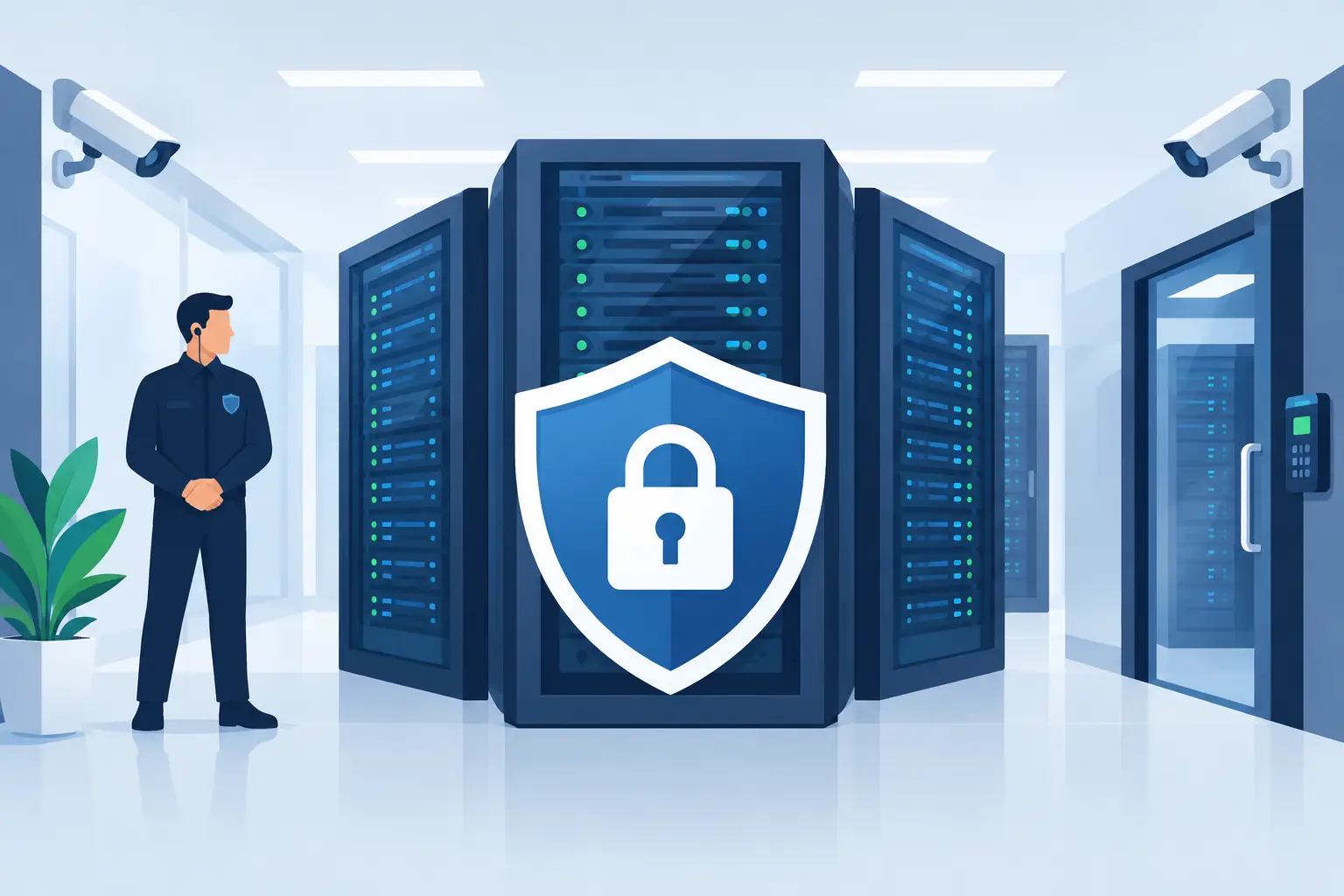
A server cabinet can be in a highly secure data centre and still be exposed if the access rules, network configuration and support responsibilities are unclear. For a growing business, colocation is not simply a place to put hardware. It is a shared-operating model, and this server colocation security guide explains what must be protected, who owns each control and what to check before your equipment goes live.
The aim is practical: keep your systems available, keep unauthorised people out, and ensure there is a capable team to act when something changes at 2am.
Start with shared responsibility
Colocation gives you a professionally operated facility for your servers, storage and network equipment. The provider normally supplies the building, power, cooling, connectivity options and physical security. Your business, or its managed IT partner, generally remains responsible for the operating systems, applications, user access, data and much of the network configuration.
That distinction matters. A guarded entrance does not patch an unmaintained server. Equally, a well-configured firewall cannot compensate for a facility with weak visitor controls or unreliable power.
Before signing an agreement, ask for a clear responsibility matrix. It should state who monitors environmental alarms, replaces failed components, manages firewall rules, applies patches, responds to security incidents and contacts third parties. For businesses without a large internal IT team, the best arrangement is often one accountable partner that coordinates the facility, connectivity, security monitoring and on-site work rather than leaving staff to chase separate vendors.
Assess physical security before the rack is installed
Physical access is the first control in any colocation environment. A secure site should make it difficult for an unauthorised person to enter the building, reach your hall and access your cabinet. The controls should be layered, not dependent on a single locked door.
Look for controlled entry at the perimeter and building entrance, individually logged access to secure areas, visitor registration and escort procedures, and CCTV coverage that is monitored or retained for investigation. Ask how access is removed when an employee leaves, whether access logs can be provided, and how the facility verifies contractors arriving out of hours.
Your cabinet should have its own lock and a defined key or credential process. In a shared rack, confirm how other customers are separated from your equipment. A locked cabinet is preferable for systems handling sensitive business, customer or payment data. It also reduces the chance of an innocent mistake, such as a technician disconnecting the wrong cable during urgent work.
Physical security includes protection from environmental events. Check for fire detection and suppression, water-leak monitoring, controlled temperature and humidity, and separated power paths. Ask where the building sits in relation to flood risks, construction works and other local hazards. The right answer depends on the criticality of the workload, but these questions should not be skipped because a data centre looks tidy on a tour.
Remote hands need controlled authority
Remote hands services are valuable when a member of staff cannot get to the site. They can reboot a device, check indicator lights, reseat a cable or replace approved hardware. But they must operate within agreed limits.
Define who may authorise work, how that authorisation is verified, what tasks are permitted and how completion is recorded. A simple ticket trail with before-and-after notes is far safer than informal instructions over the phone. For sensitive equipment, require two-person approval for actions that could affect service or data.
Secure the connections around the server
A colocation facility can offer excellent connectivity, but the security of that connectivity depends on design. Every internet-facing service, management interface and site-to-site connection needs a deliberate control.
We've got your back
Place a managed firewall between your servers and untrusted networks. Restrict inbound access to only the ports and source addresses required, and segment workloads so a compromise in one system cannot freely move to another. Production servers, backups, staff access, guest services and payment-related systems should not all share the same unrestricted network.
Management access deserves particular care. Use a separate management network where possible, require multi-factor authentication, and limit administration to named accounts. Avoid exposing remote desktop, server management cards or database consoles directly to the internet. A virtual private network with strong authentication and well-maintained access rules is usually a better starting point.
Logging turns security controls into something you can verify. Firewall events, administrator logins, endpoint alerts and changes to privileged accounts should be collected and reviewed. Around-the-clock monitoring is especially useful for a business that cannot staff its own security operations centre. It gives suspicious activity a route to prompt investigation rather than leaving alerts unseen until the next working day.
Treat resilience as part of security
Security is not only about preventing intrusion. A ransomware event, failed disk, power issue or configuration error can stop trading just as effectively as an attacker. Colocation should support recovery, but it does not automatically create a recovery plan.
First, identify which systems need to return first. A retailer may prioritise payment connectivity, stock systems, email and remote access. A professional services firm may put client files, line-of-business applications and telephony at the top of the list. Set realistic recovery time and recovery point objectives for each service, then design backups and failover arrangements around them.
Backups must be separate from the production environment. Keep copies that cannot be altered by a compromised administrator account, test restores regularly and document who can perform them. Storing a backup server in the same rack as the production server may protect against a local disk failure, but it is not enough for a major site incident or an attack that spreads through shared credentials.
Power resilience also requires scrutiny. Confirm whether your equipment receives dual power feeds, whether devices have redundant power supplies, and what happens if one feed fails. If a server has only one power supply, dual feeds at the cabinet may not provide the resilience you expect. This is a common example of why facility capability and equipment design must be considered together.
Use this server colocation security guide in supplier reviews
A supplier review should look beyond a checklist of badges and certifications. Certifications can be useful evidence, but they do not tell you how a provider will handle your specific access request, incident or equipment failure. Ask for practical explanations.
You should be able to establish how incidents are detected and escalated, who answers outside business hours, how quickly authorised engineers can attend, and what service levels apply to power and connectivity. Request details on maintenance windows and how customers are notified. If your business takes card payments, ask how the design supports the separation and protection expected for payment environments, including PCI DSS responsibilities where relevant.
Four areas deserve direct answers:
- Physical controls: access records, cabinet security, visitor processes, CCTV and environmental monitoring.
- Operational controls: 24/7 response, remote hands procedures, change records and incident escalation.
- Technical controls: firewall management, segmentation, multi-factor authentication, patching and log monitoring.
- Recovery controls: redundant power, connectivity options, tested backups and documented disaster recovery arrangements.
Do not judge every provider against the same idealised specification. A single non-critical server may not require a private cage or multiple carriers. A multi-site business with payment systems and customer-facing services may need both. The key is that the controls match the consequences of downtime or data loss.
Keep access and change under control
Most avoidable security failures come from everyday operational gaps: former staff retaining access, temporary firewall rules that become permanent, undocumented devices or updates applied without a rollback plan. Colocation makes disciplined processes more valuable because the hardware is not sitting down the corridor.
Maintain an asset register showing each device, serial number, rack position, owner, operating system and support status. Review privileged accounts at least quarterly and immediately after staff or supplier changes. Use a documented change process for network and server work, including the reason for the change, approval, implementation window, rollback steps and validation checks.
This does not need to become bureaucracy for its own sake. For an operationally busy SME, the goal is clarity when pressure is high. When an internet circuit fails, a server alarms or a site needs a new payment terminal connection, everyone should know what is connected, who is authorised and who will take responsibility for the next action.
Choose accountability, not just rack space
Colocation is strongest when it sits inside a joined-up technology plan. The facility, broadband or business connectivity, firewall, backup, managed devices and support team should work as one service rather than a collection of contracts with competing helpdesks.
Vetta Group can bring those elements together, with monitored connectivity, managed security and on-site technical support coordinated around the systems your business relies on. That approach reduces hand-offs during an incident and gives your team one place to call when the issue crosses network, hardware and security boundaries.
A secure colocation environment is built through regular attention, not a one-time installation. Review access, test recovery, examine alerts and revisit the design as your business changes. The result is not merely safer equipment off-site, but a service your people can depend on when staying online matters most.





